Organization
Members and Departments
Use this module to maintain member accounts, departments, department groups, and former-member records.
Members
Use search and filters to find members by display name, account status, department, or role.
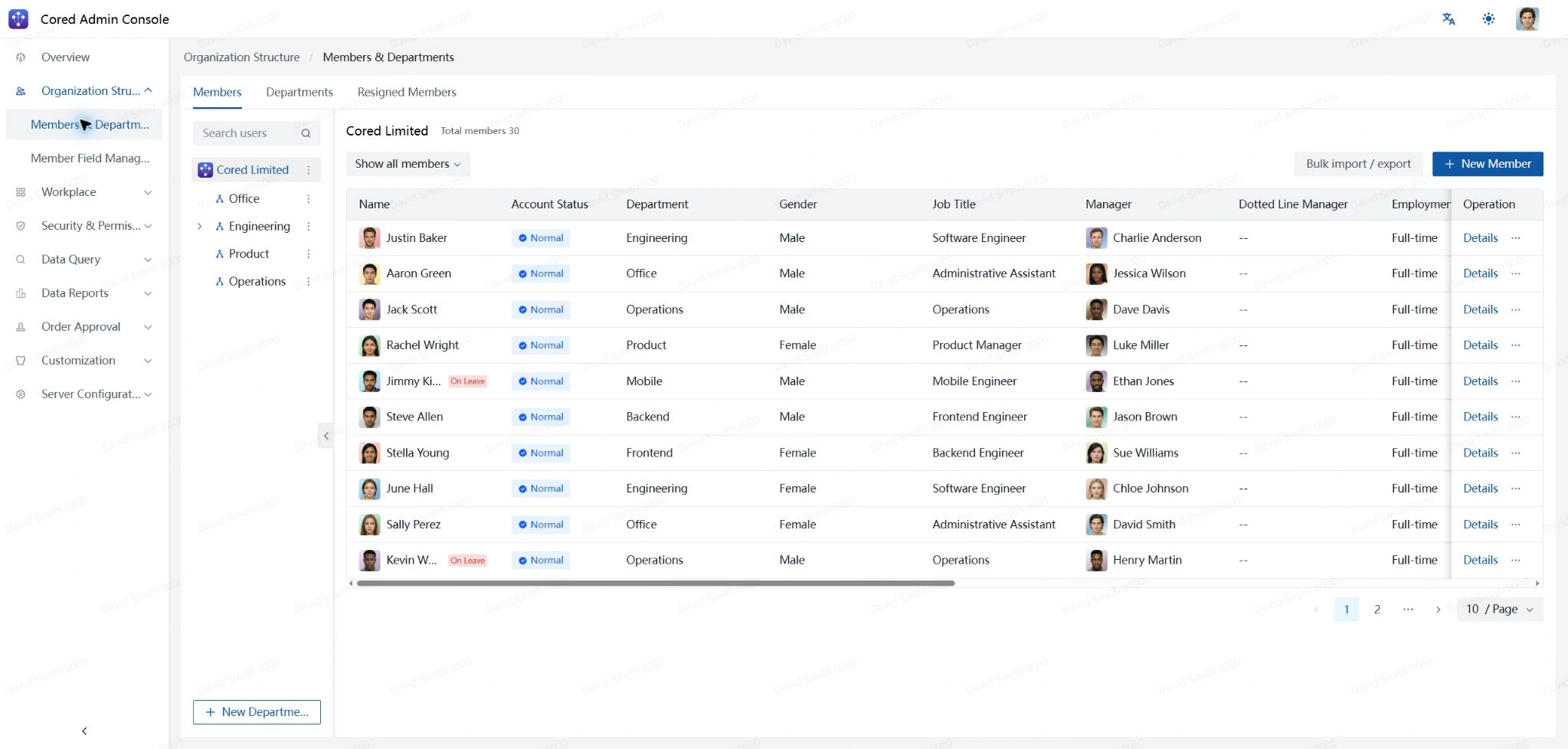
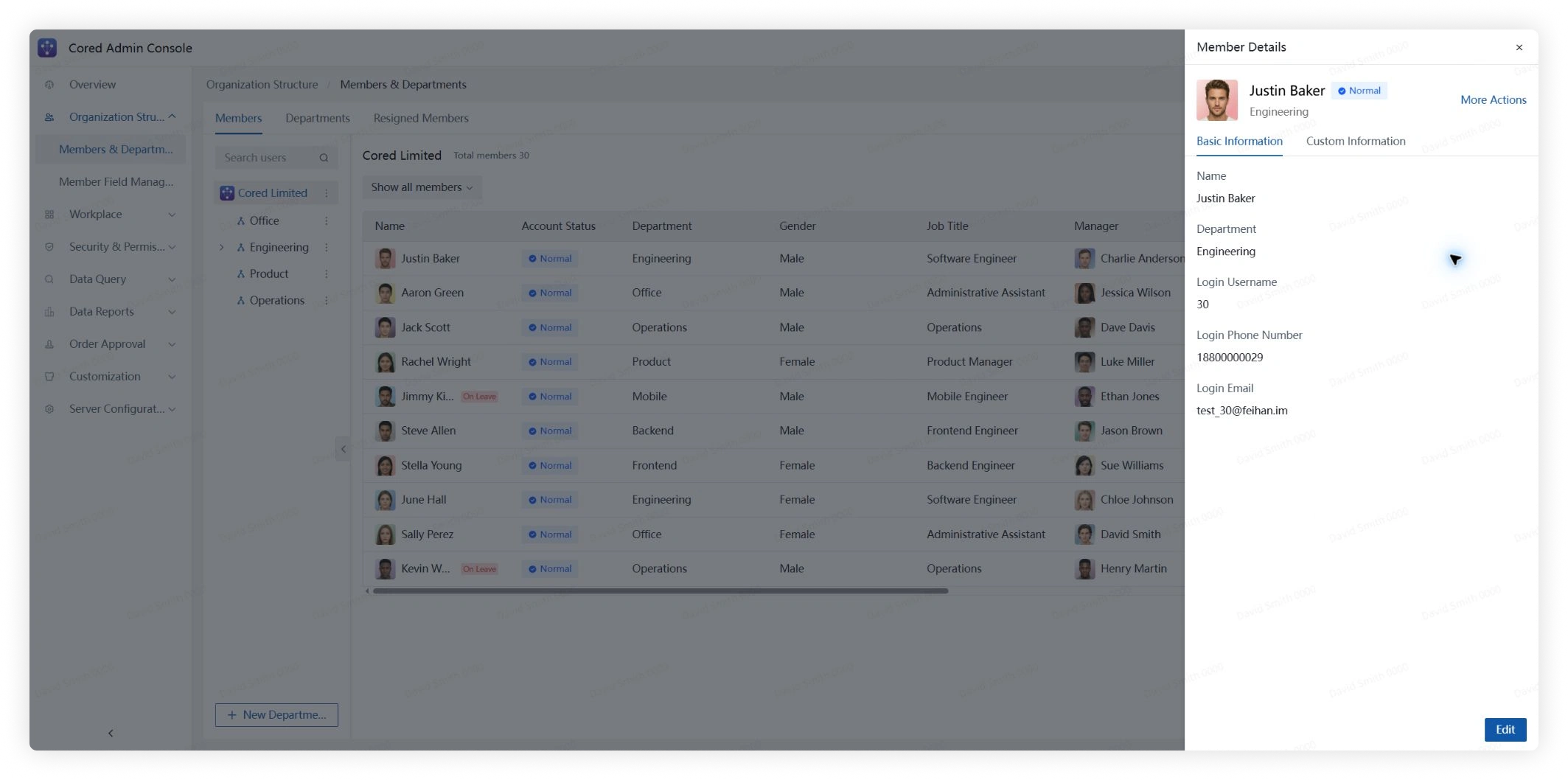
Click Details to review or edit the login ID, phone number, email address, custom profile fields, and account status.
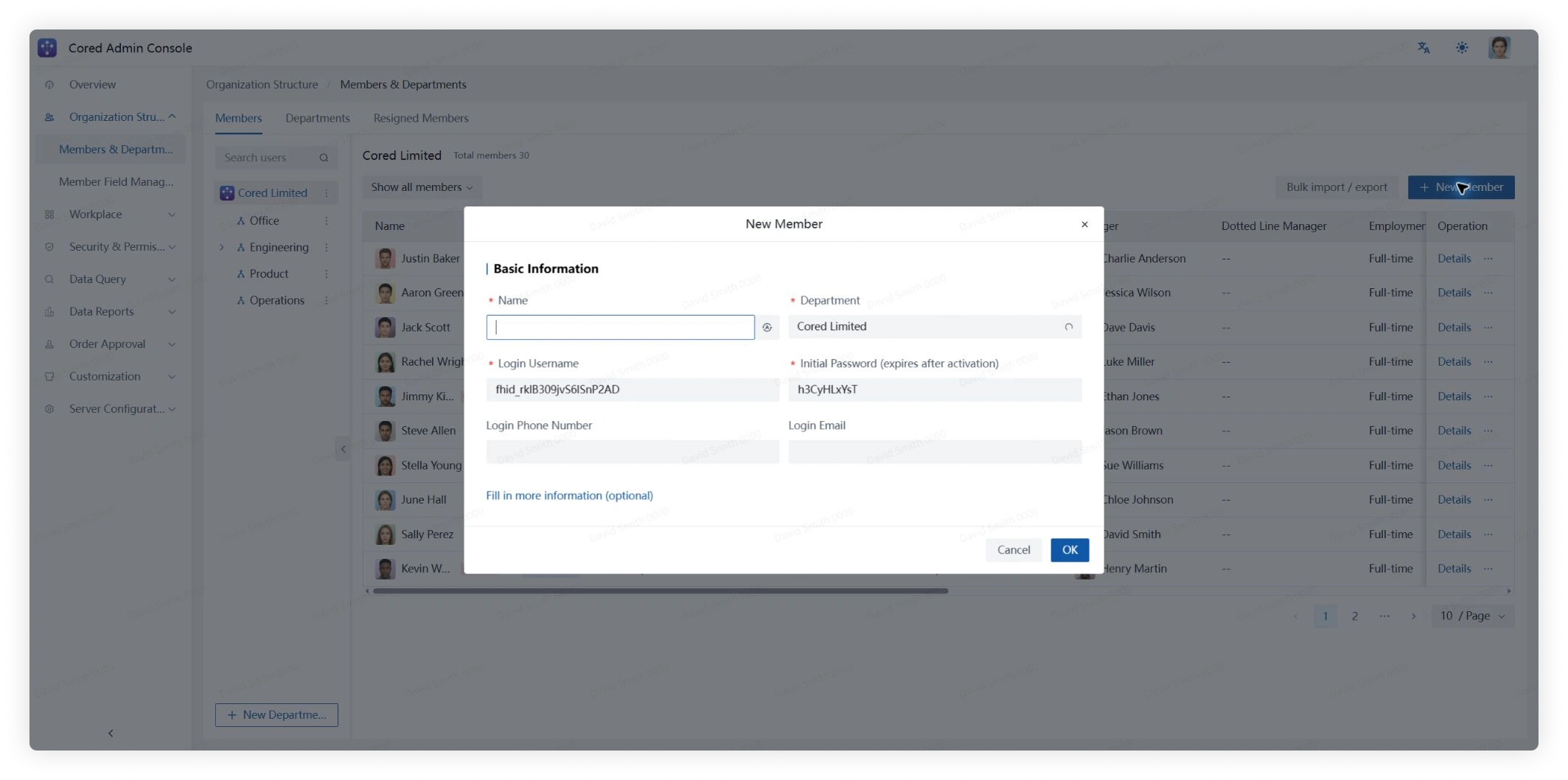
Add, import, or export members
- To add one member, click Add Member, complete the profile fields, and click Confirm.
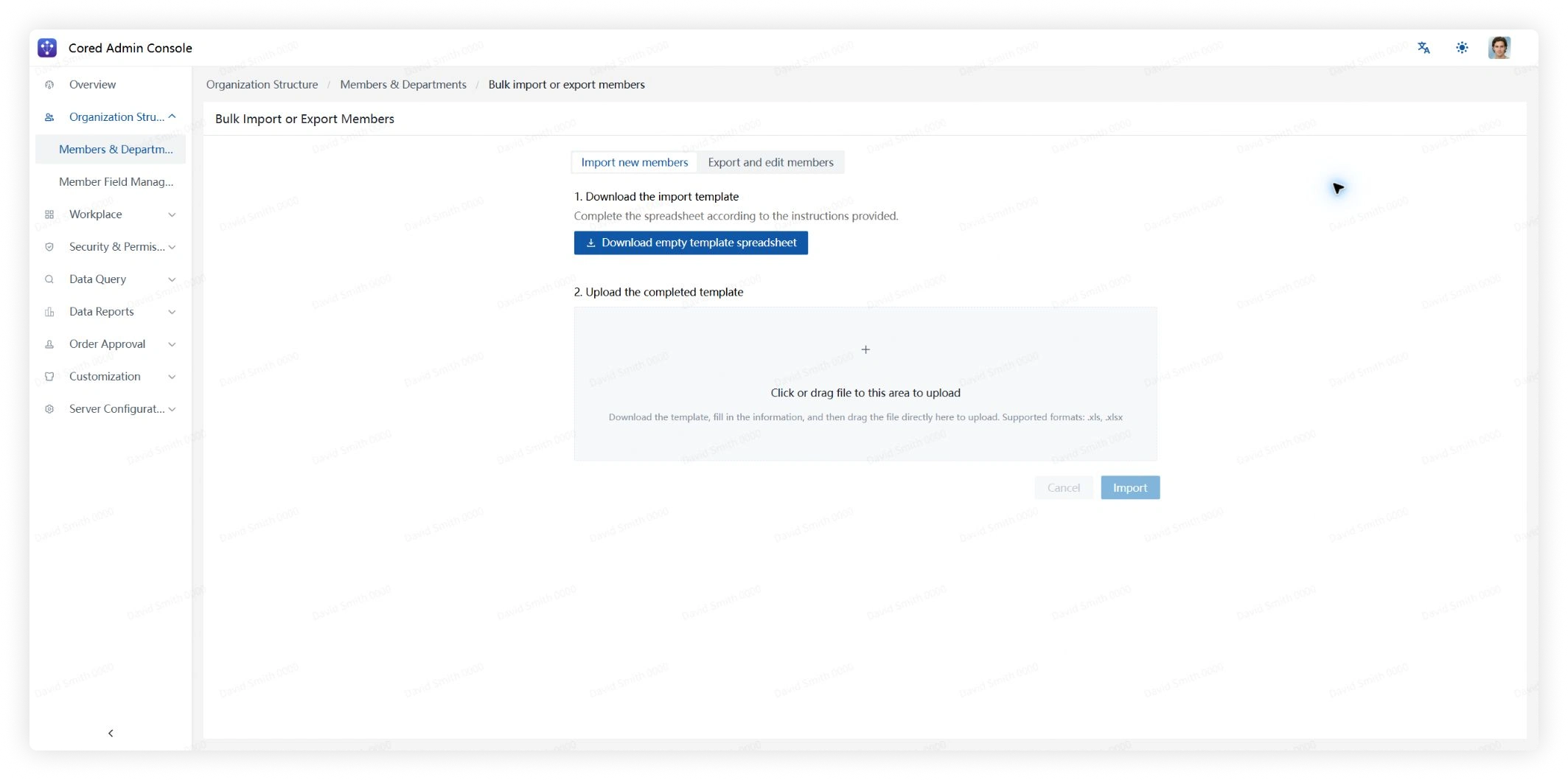
- To update multiple members, click Batch Import/Export. Download a blank template or export existing data, complete the spreadsheet, and upload it.
Departments
Use search and filters to review department headcount, child departments, and linked department groups.
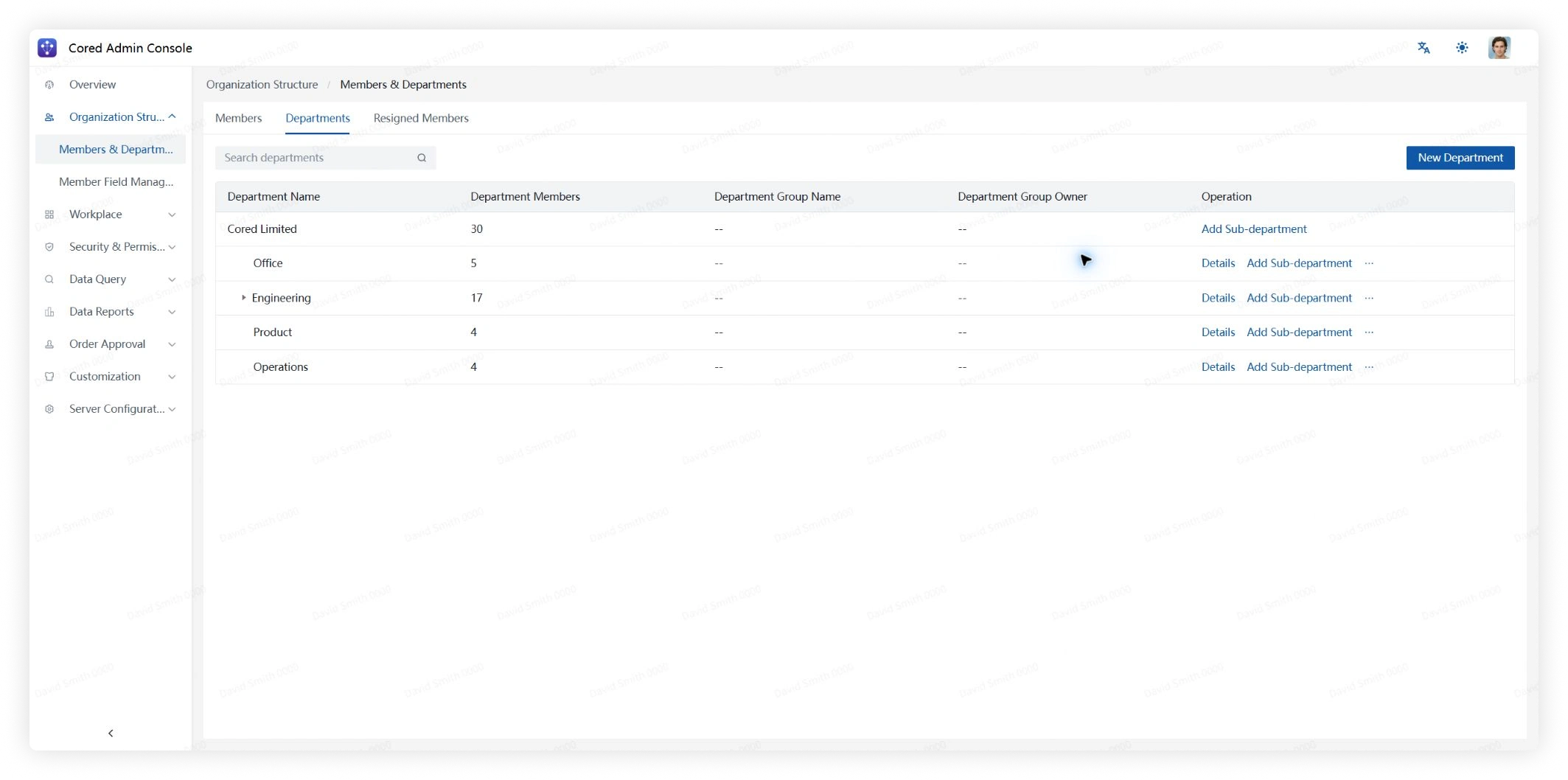
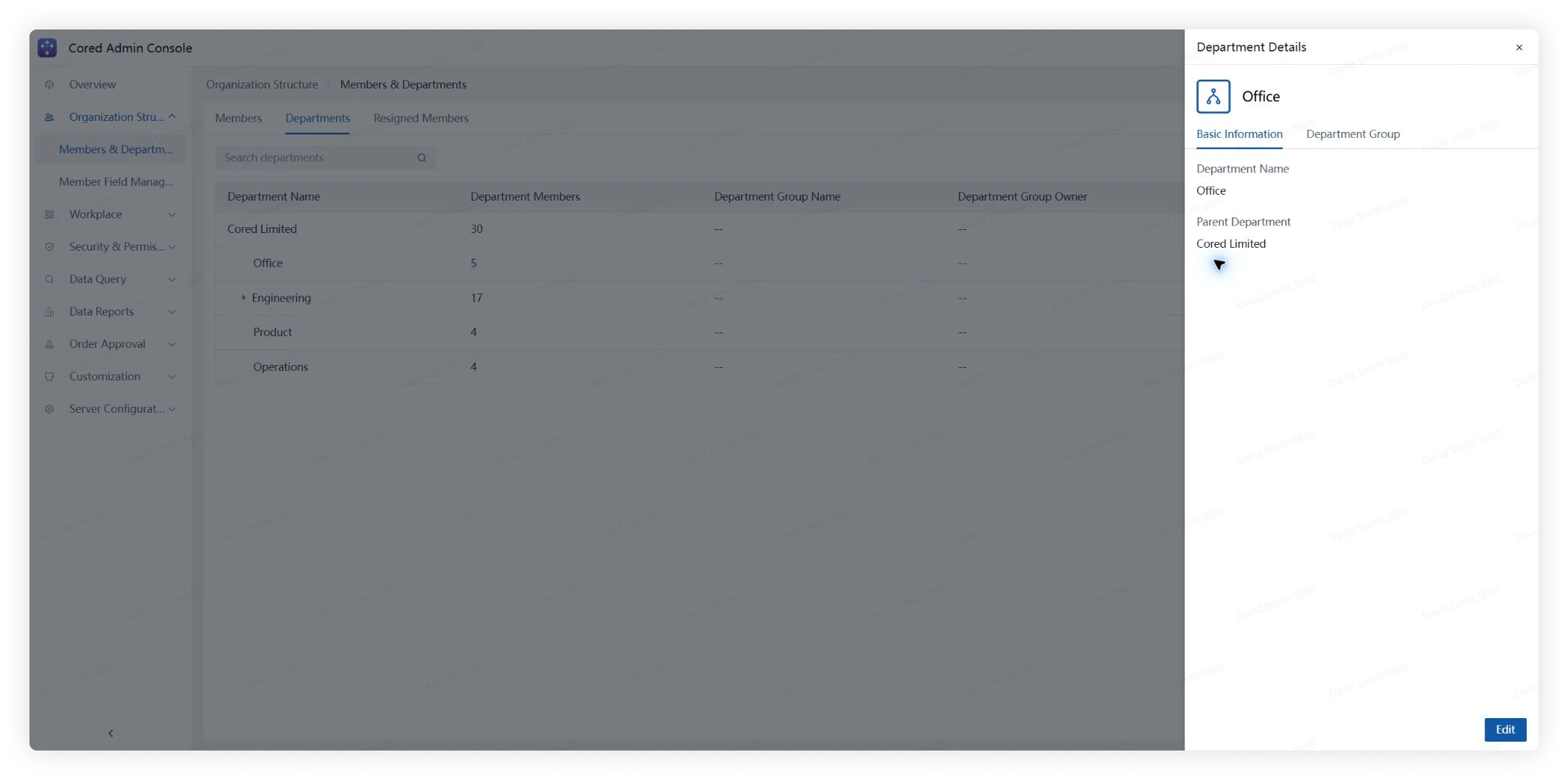
Click Details to change the department name or parent department. You can also configure its department group, including the group name and owner.
Click New Department, enter a name, select the parent department, and choose whether to create a department group.
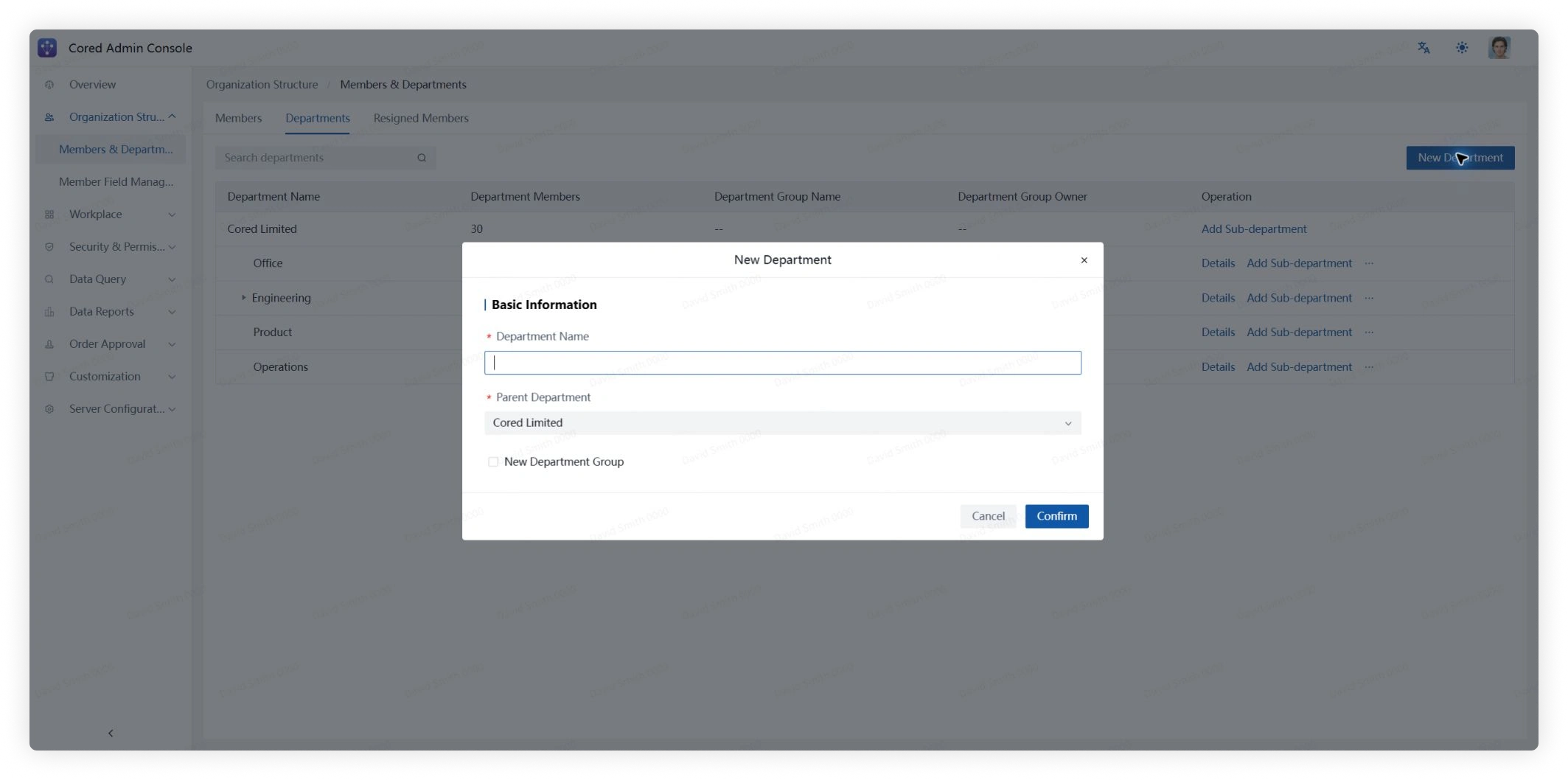
A department group automatically includes the members of that department. Its group owner does not have to belong to the department.
Former Members
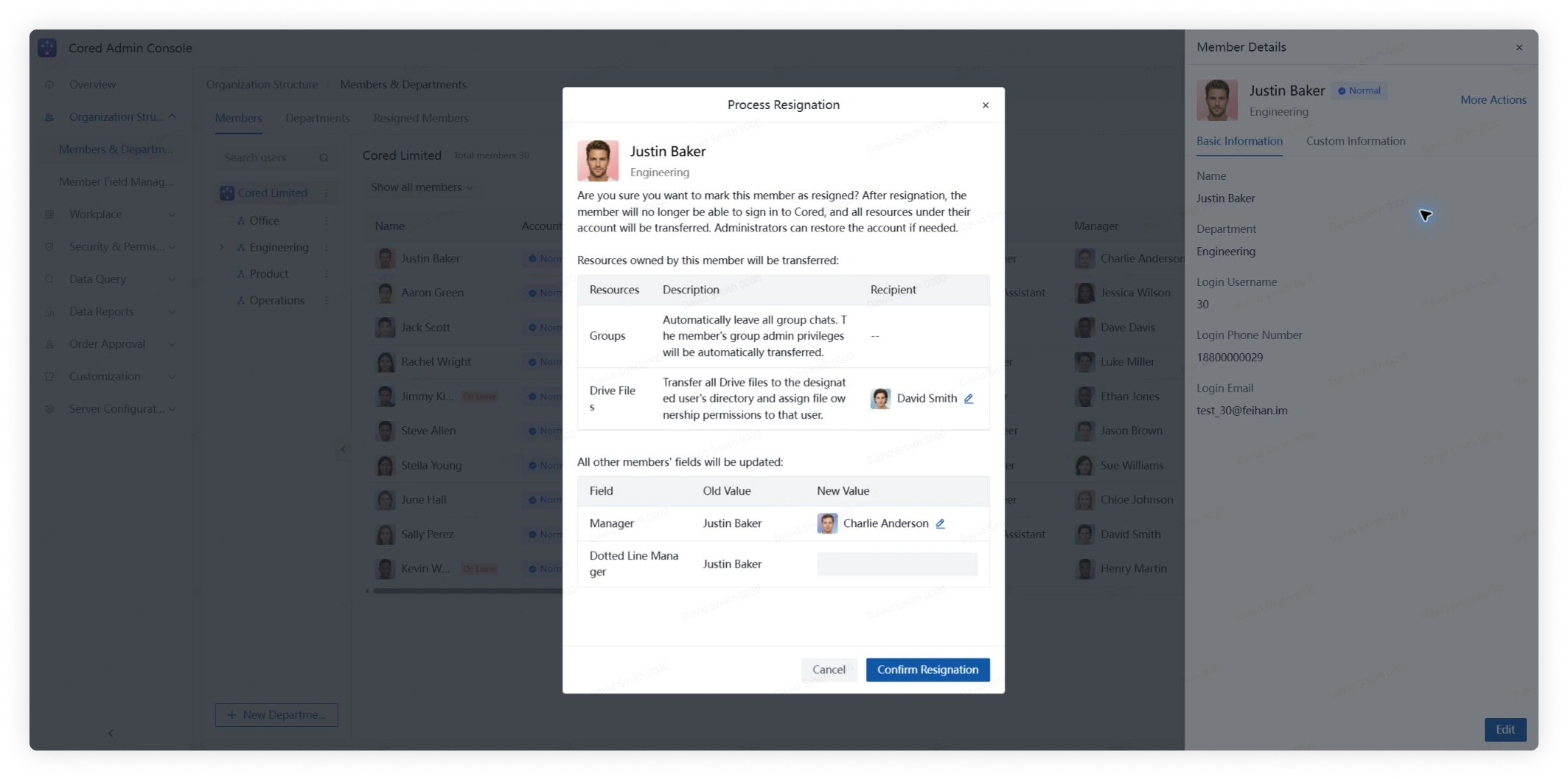
Open a member's details to mark the account as resigned. You can restore the account later from Former Members.
A resigned account is signed out immediately and can no longer sign in. Its resources are transferred and are not automatically returned if the account is restored.
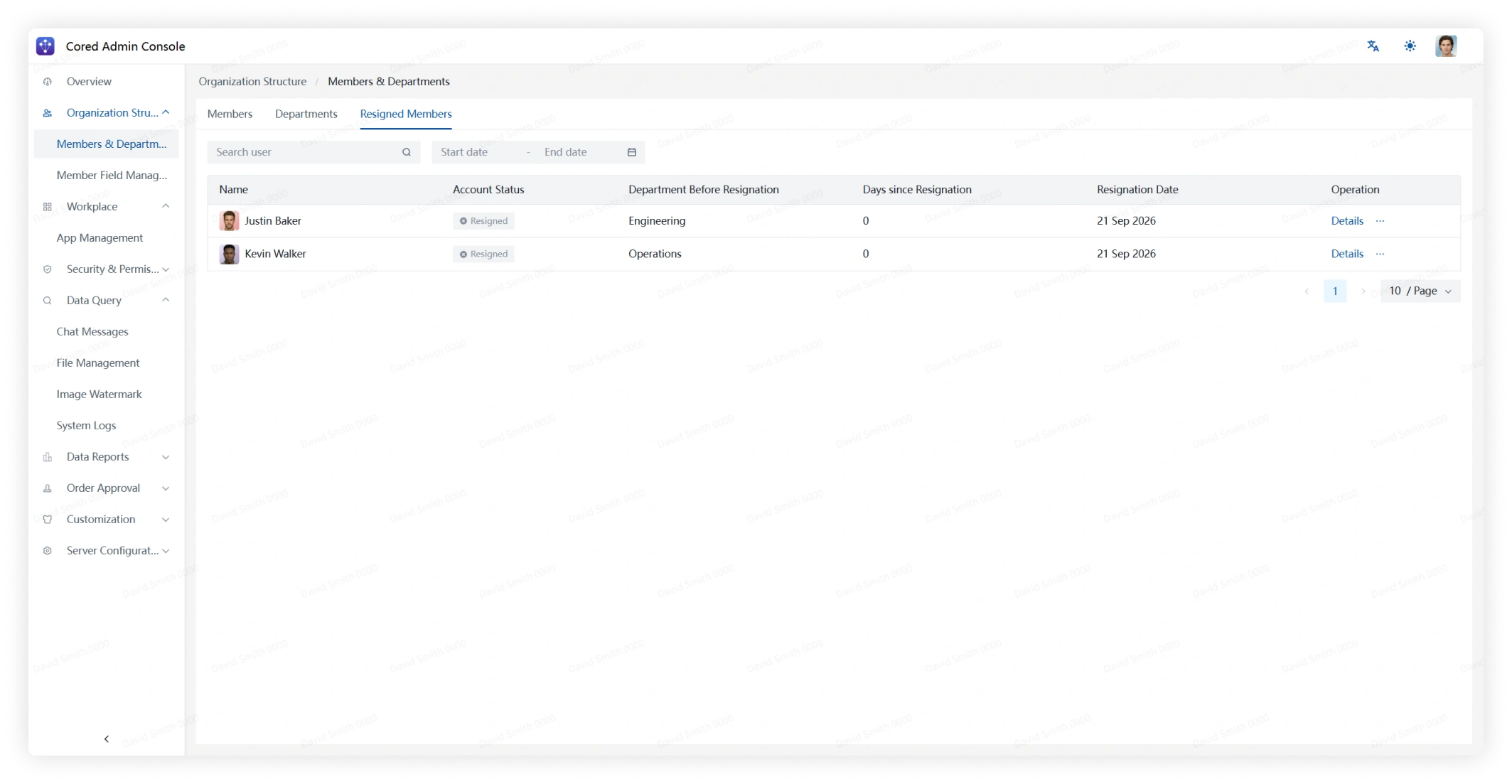
On the Former Members page, search resigned accounts and review their resignation date, time since resignation, and former department.
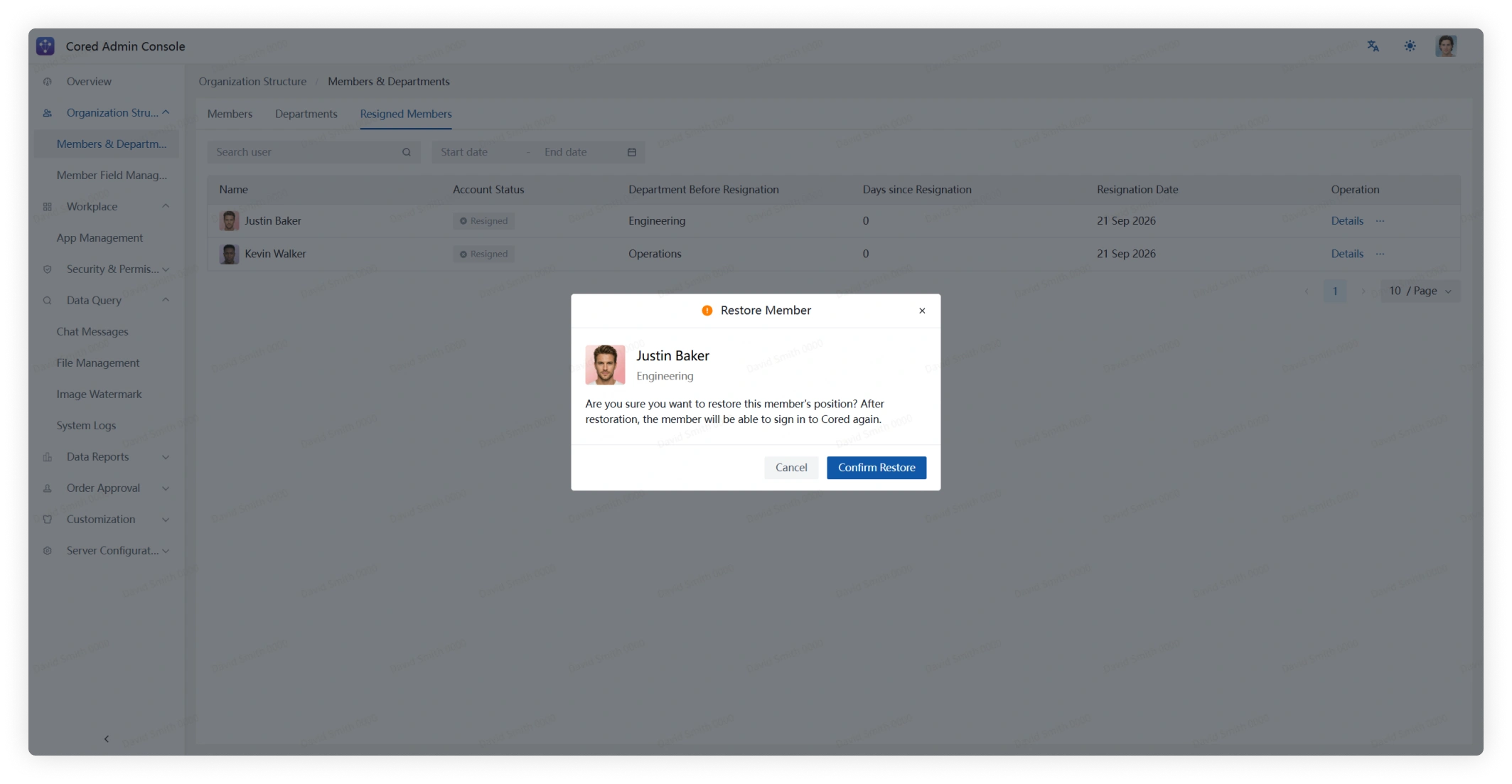
Open More next to a former member and select the restore action when the account should be reactivated.
Member Field Management
Member Field Management controls the preset and custom fields available in member profiles, search, and related views.
Field Management
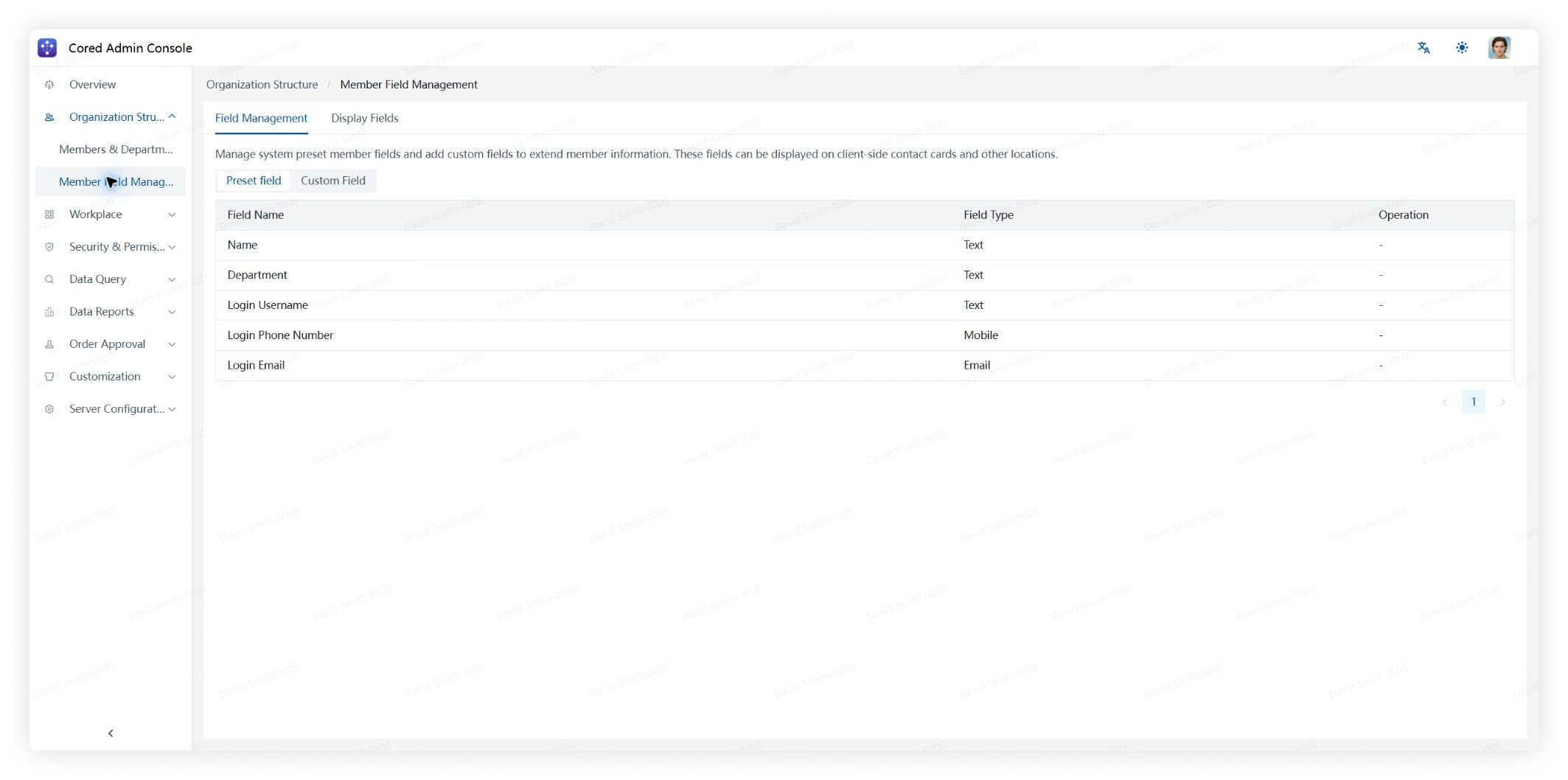
Preset Fields
Review the preset fields provided by Cored.
Custom Fields
Review the custom fields configured for your organization.
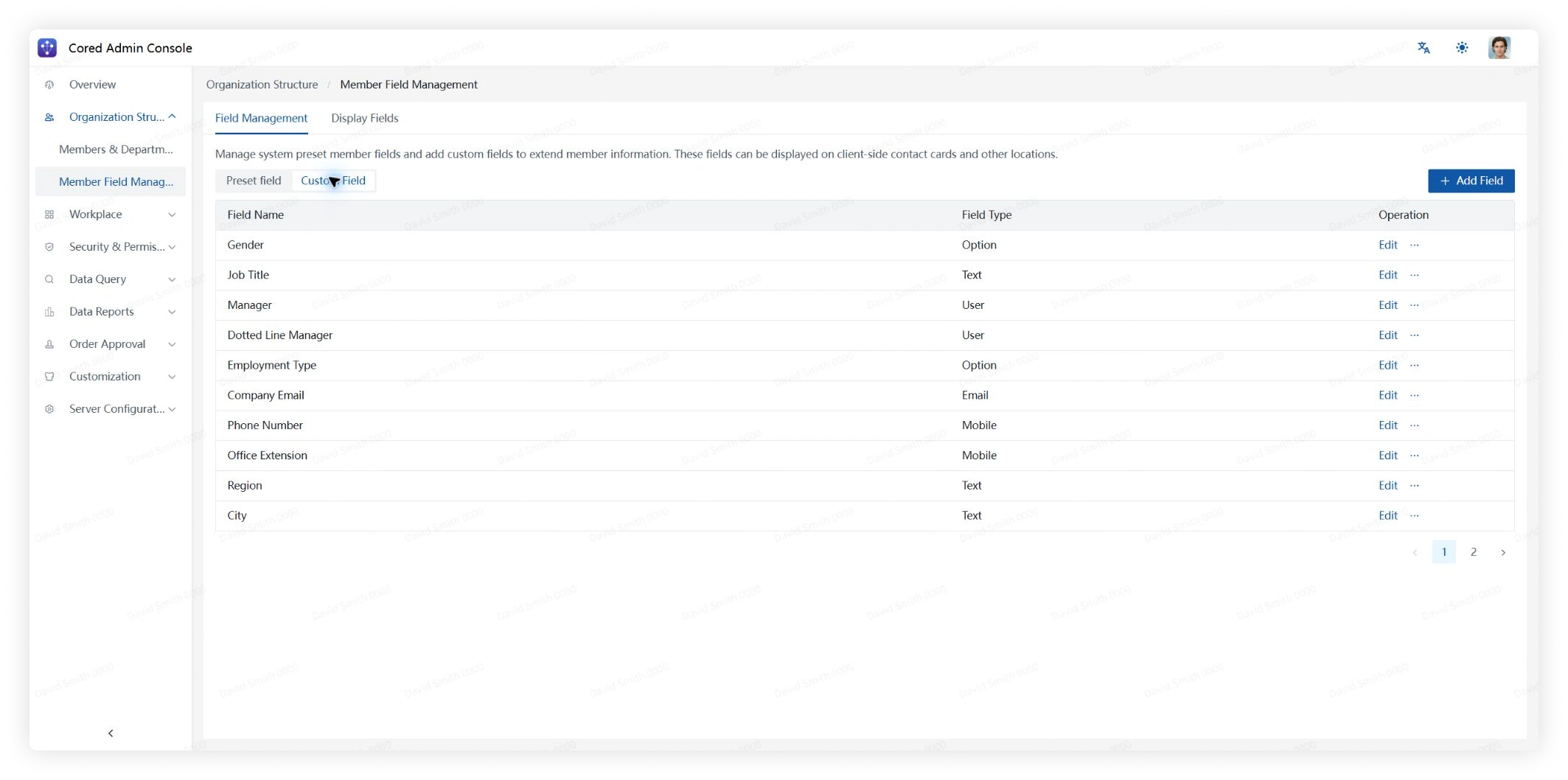
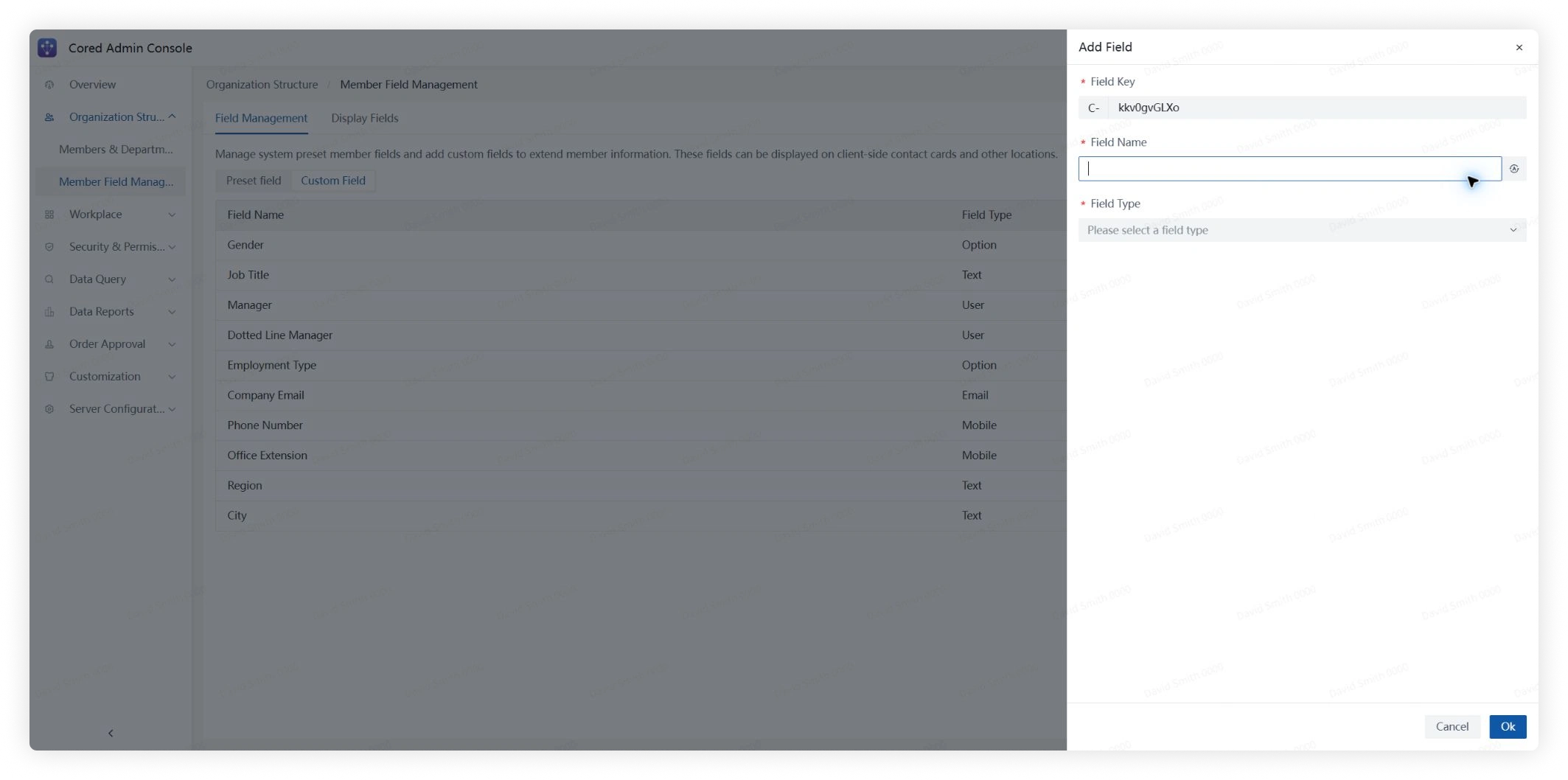
Click Add Field to create a field, or click Edit to update an existing field.
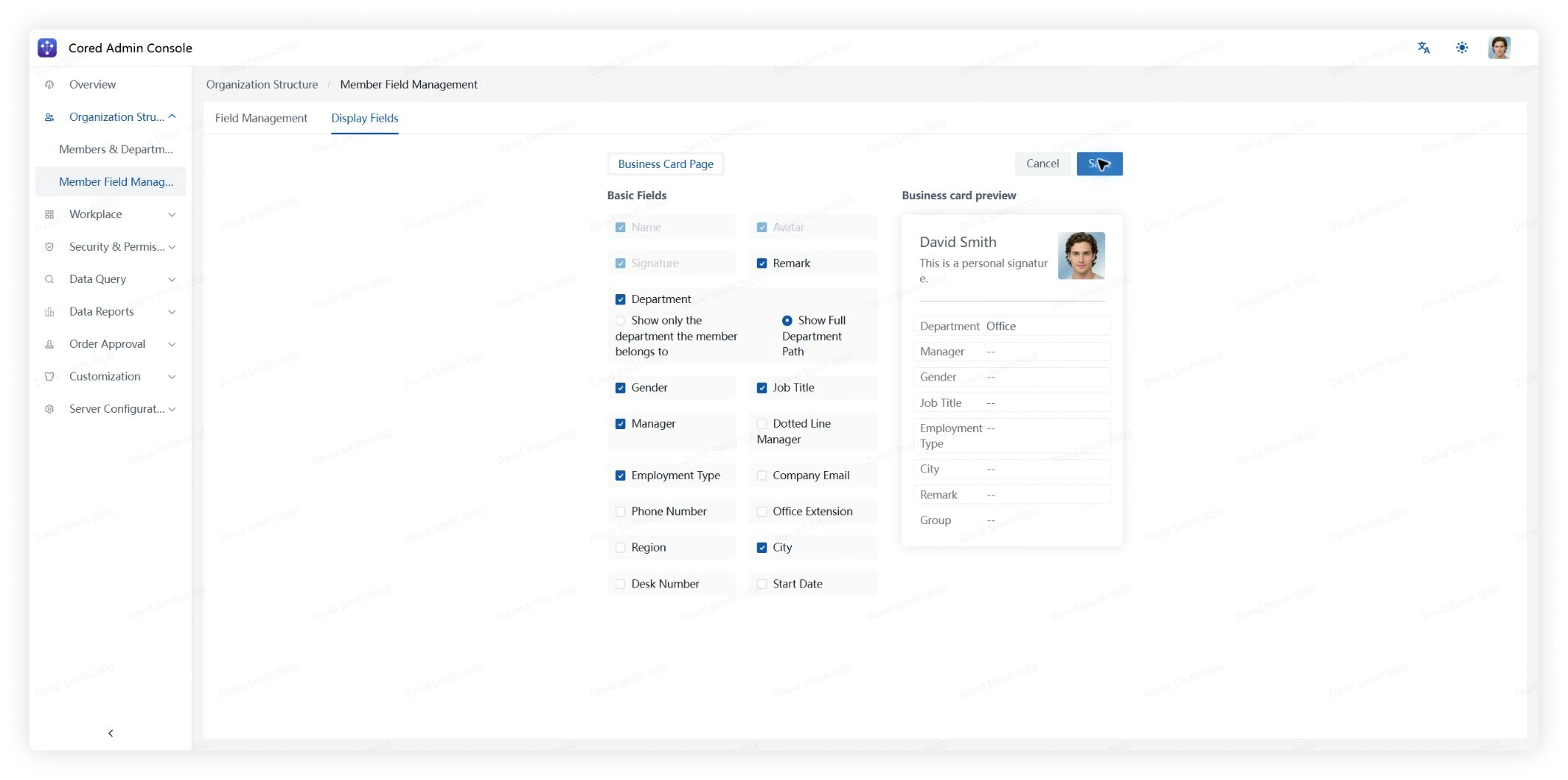
Display Fields
Review which fields currently appear on member profile cards.
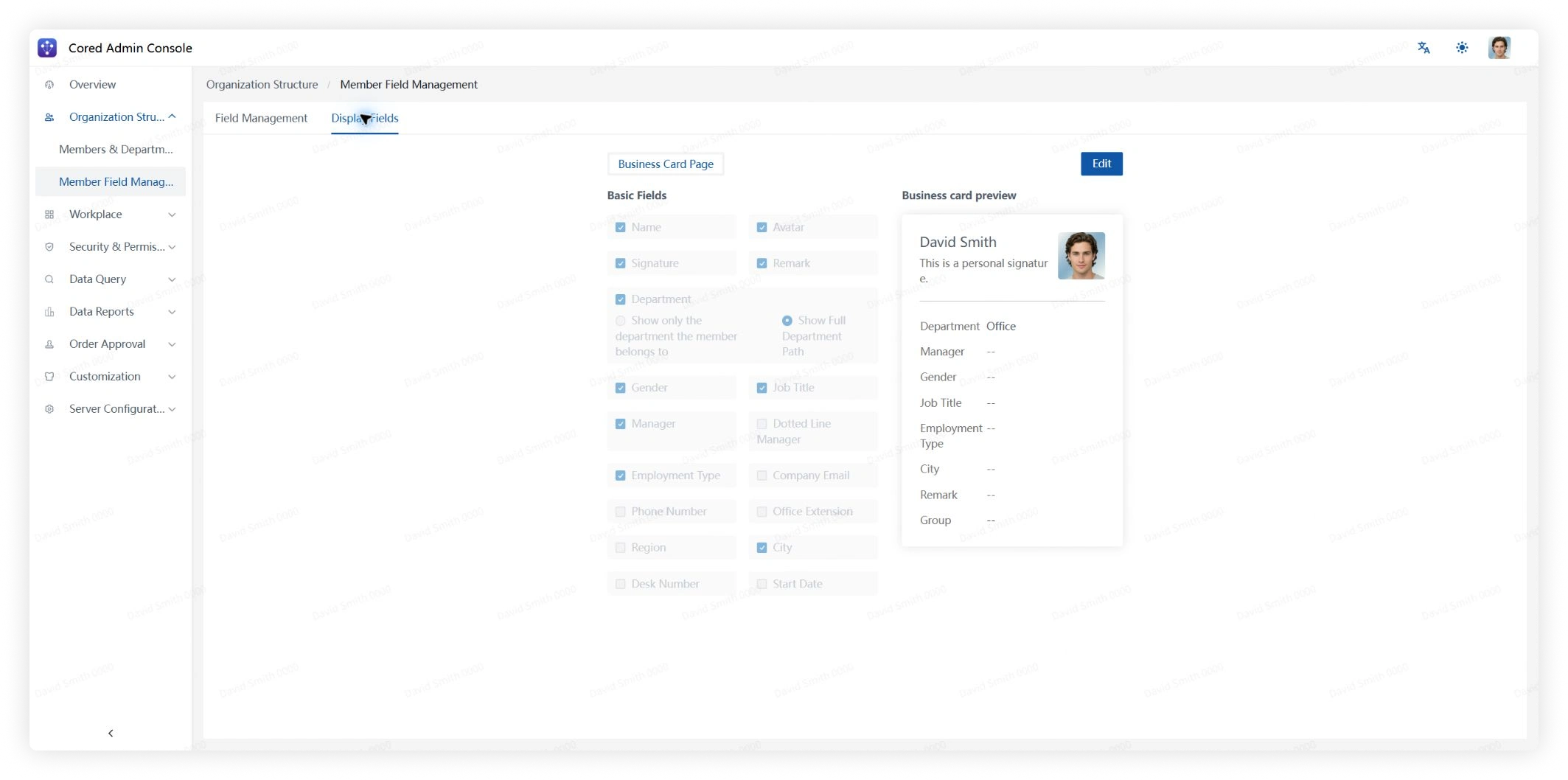
Click Edit, select the fields to show on member profiles, and save the changes.