
Overview
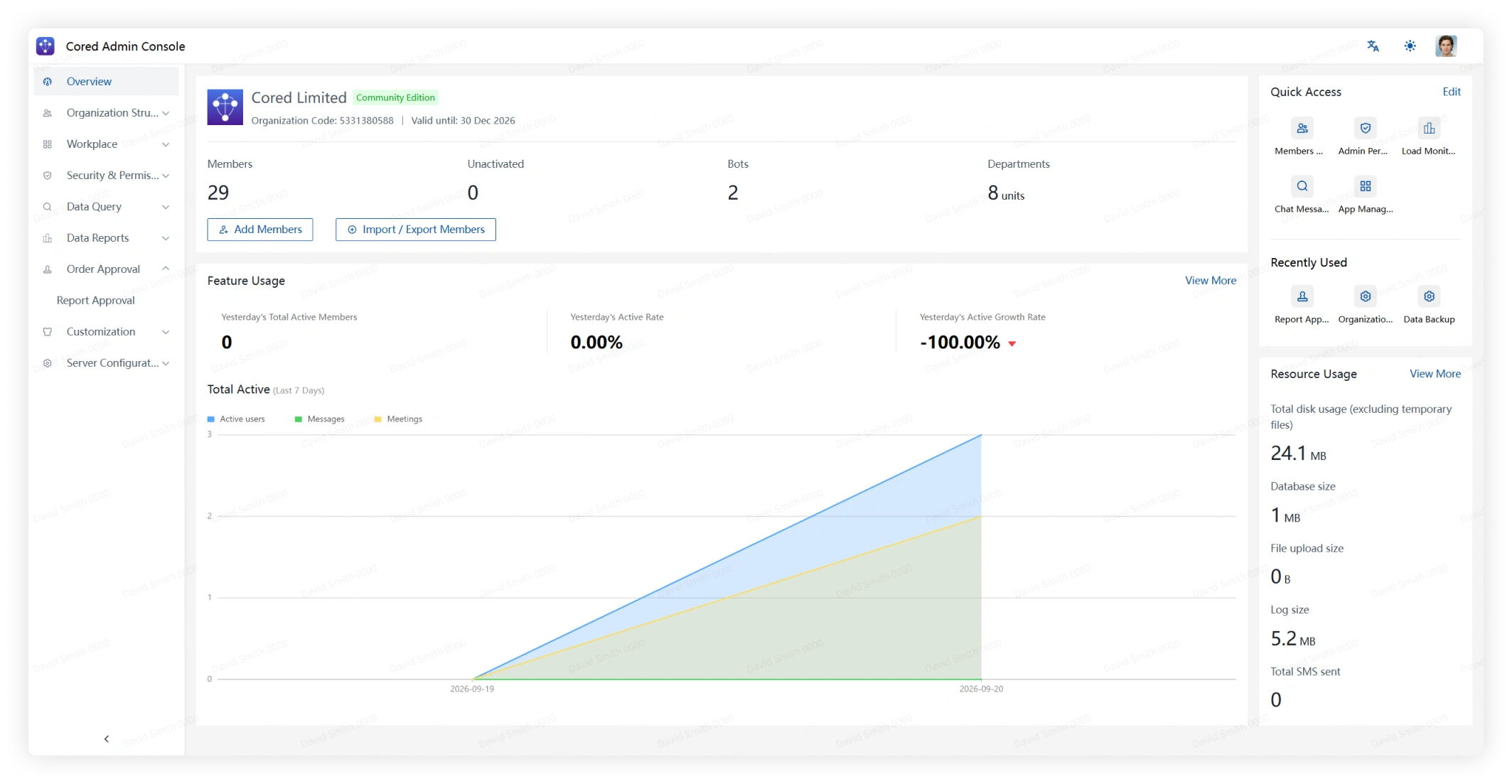
Cored Admin Console is the browser-based workspace for managing your organization, security policies, applications, and server settings.
Open Admin Console
- After server initialization, your browser redirects to Admin Console. To return later, open
http://<server-host>:11000/adminand replace<server-host>with the server host name or IP address.
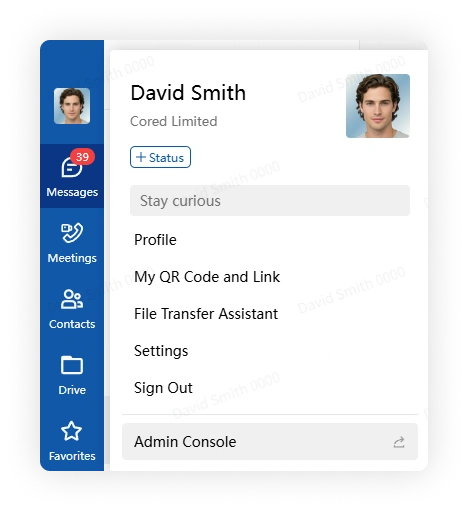
- Alternatively, sign in to a Cored client with the super administrator account, open your profile menu, and select Admin Console.
Navigation
Use the navigation menu to move between administrative modules.
Overview dashboard
The dashboard summarizes key organization metrics, including total members, departments, and active users. Use its shortcuts to open the corresponding admin modules.
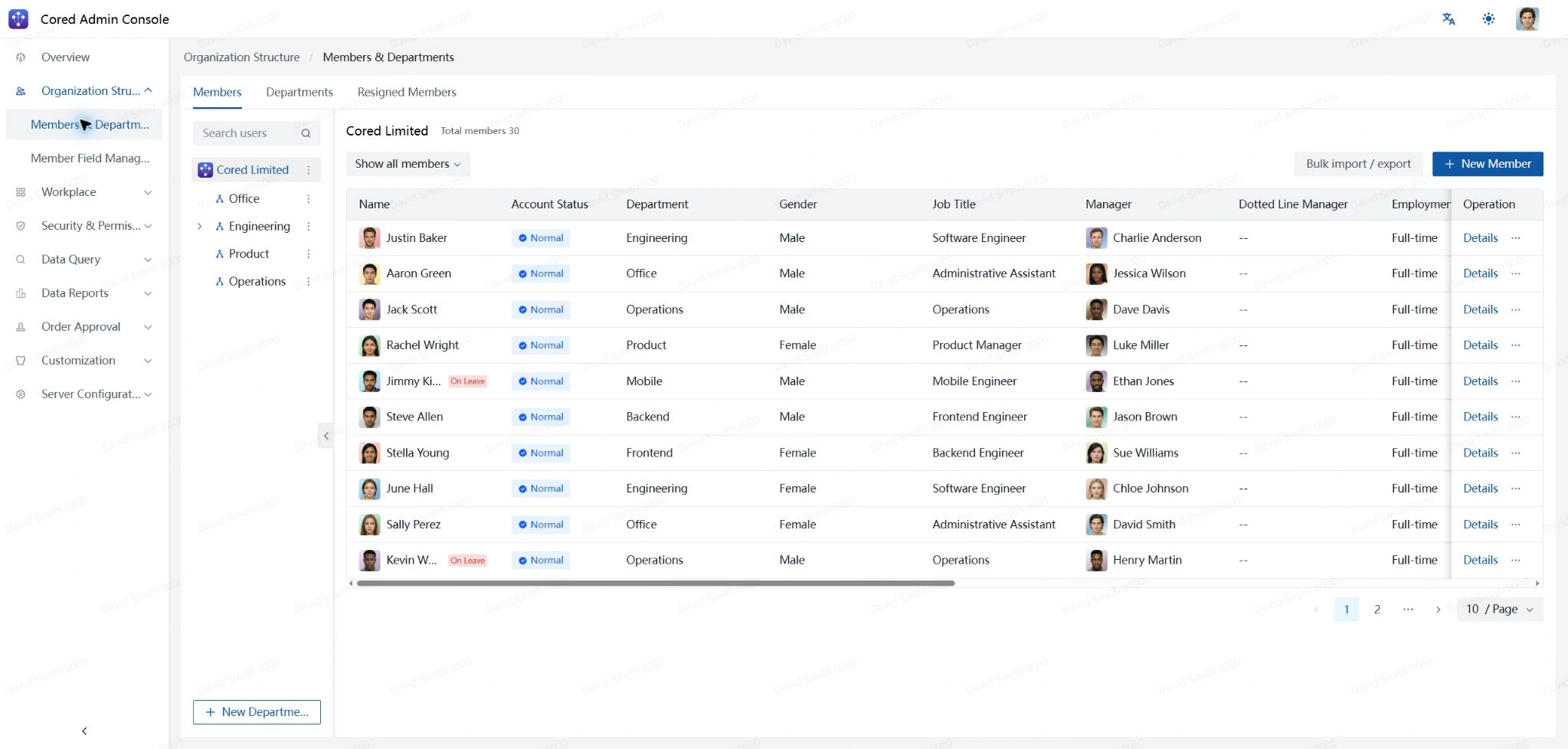
Organization
Manage member accounts, profile information, departments, and department groups.
Workplace
Manage workplace applications, visibility, and organization-level workplace settings.
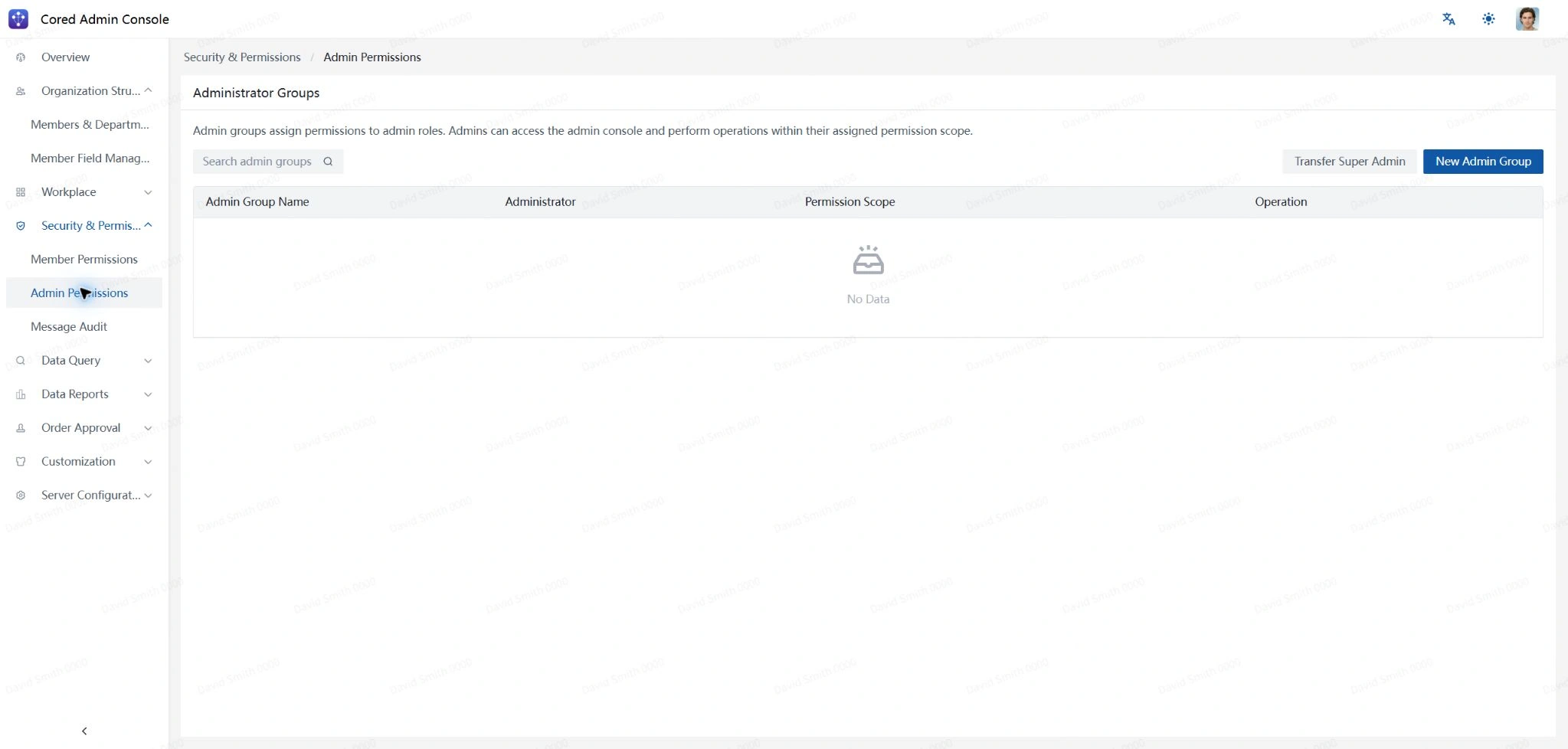
Security and Permission
Manage member permissions, administrator roles and scopes, and message audit controls.
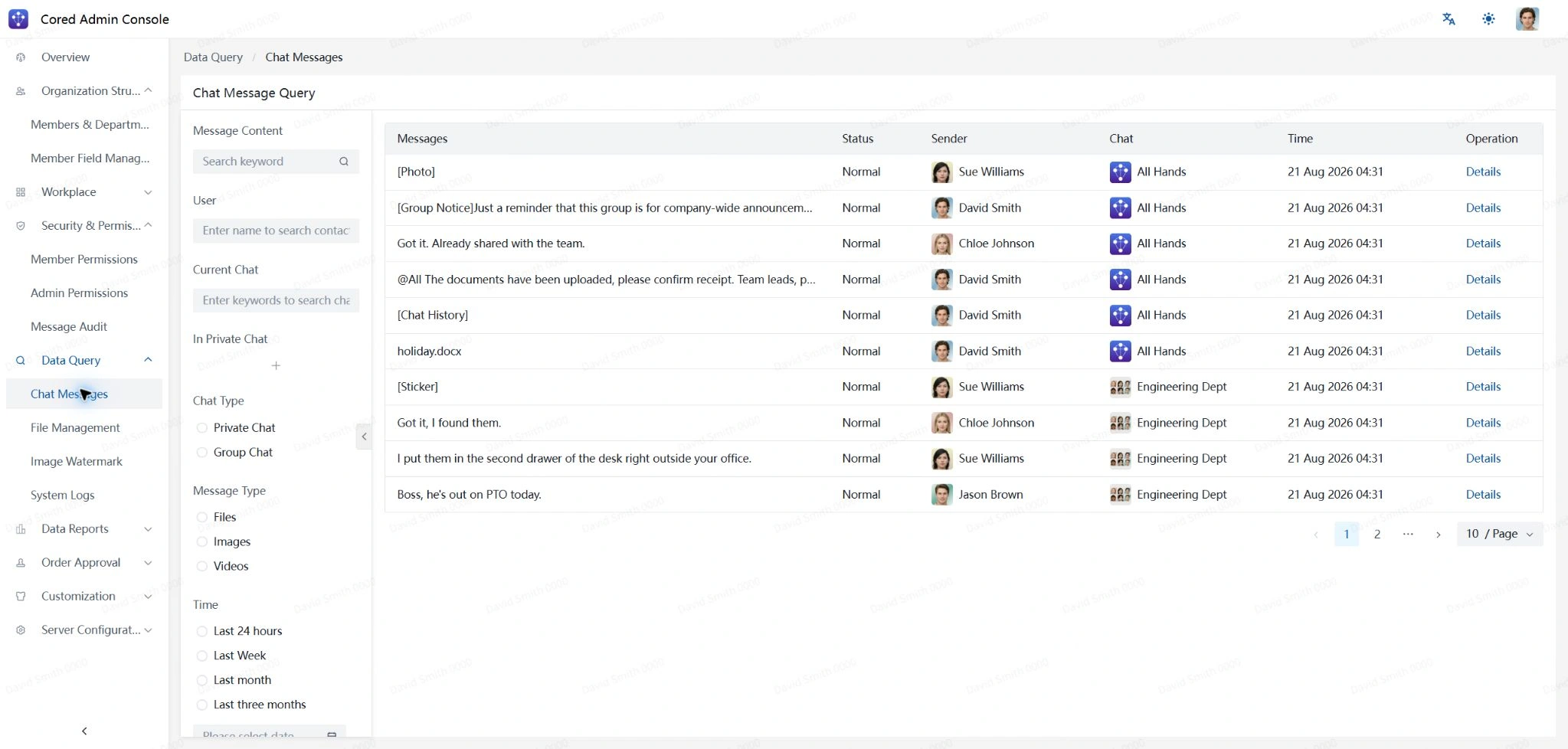
Data Query
Search private and group messages, uploaded files, watermark records, and system logs.
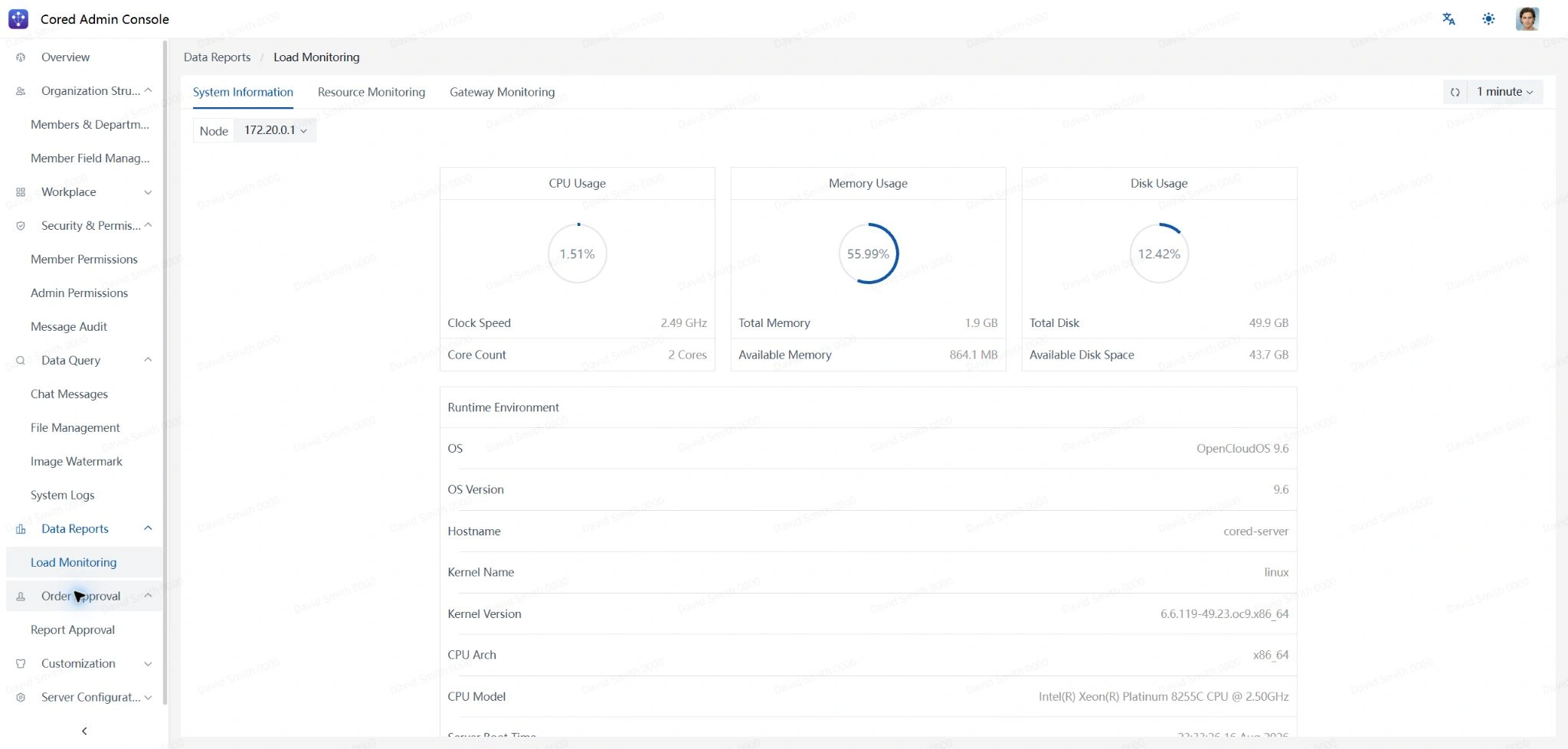
Data Report
Review feature usage and infrastructure load trends.
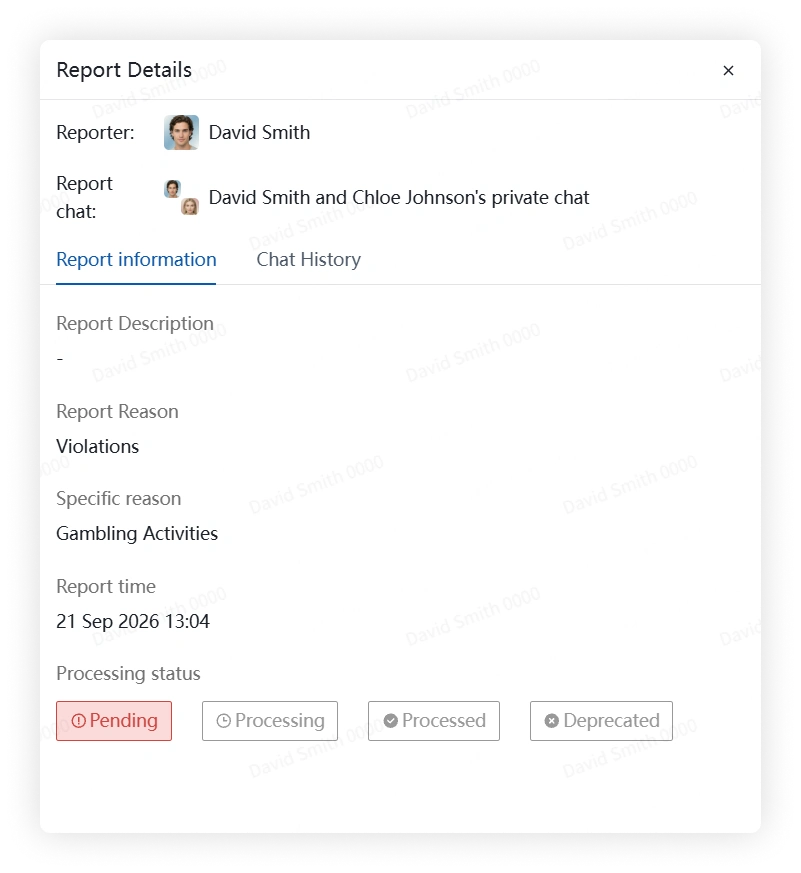
Work Order Approval
Review submitted reports and update their approval status.
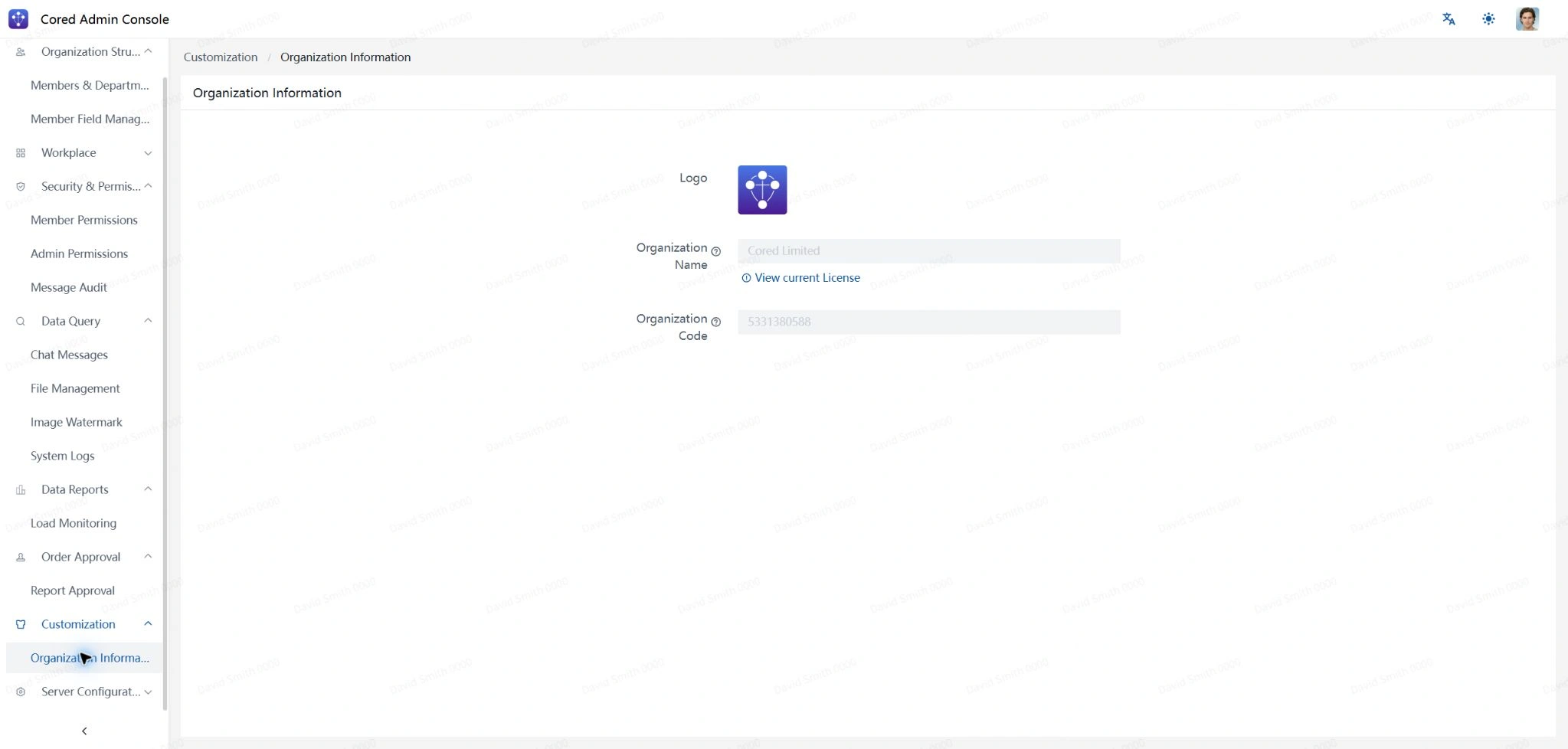
Personalization
Review organization information and configure available personalization settings.
Server Settings
Review deployment settings, create or restore backups, and inspect license entitlements.