
Security and Permissions
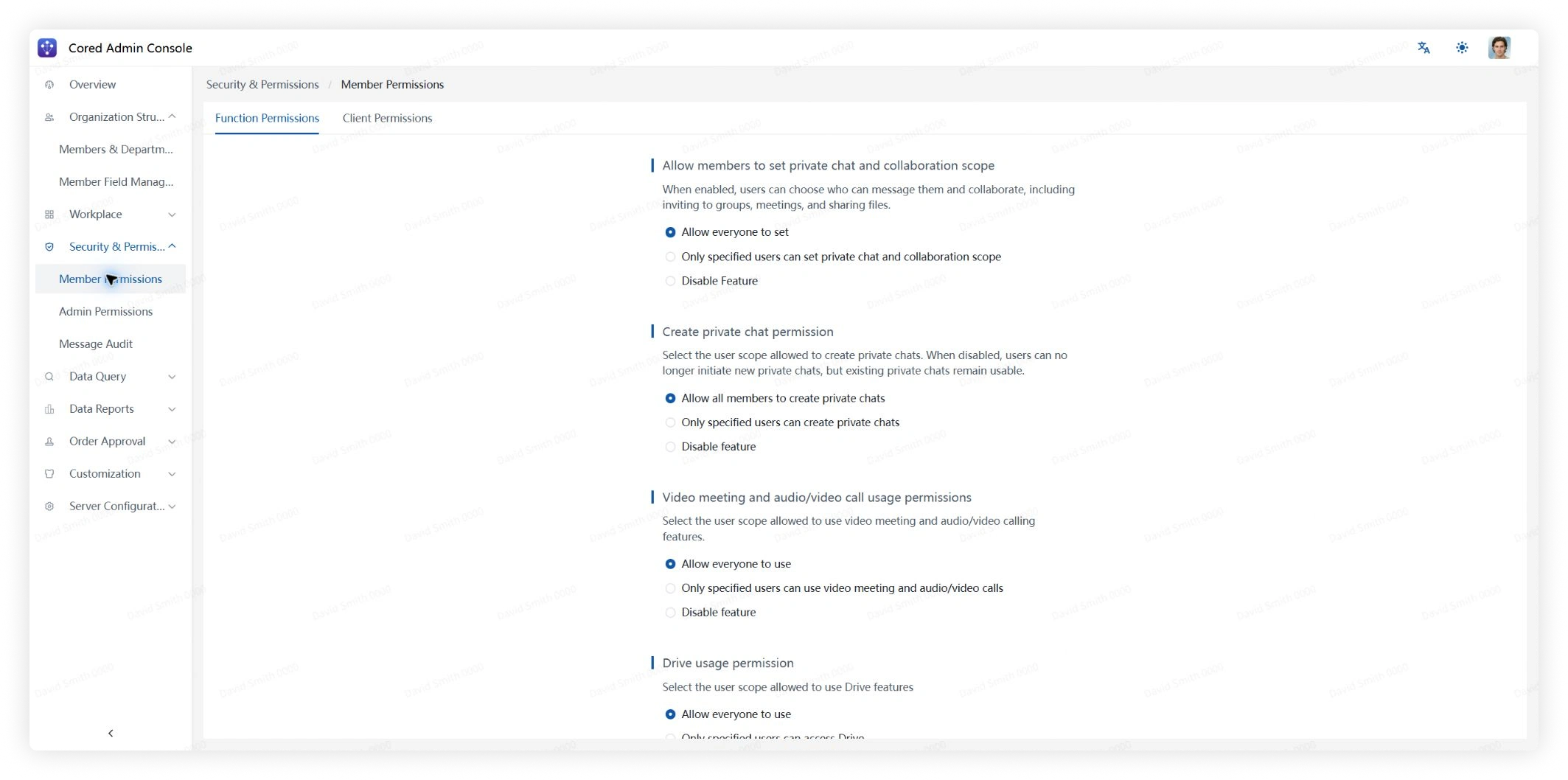
Member Permissions
Enable or disable member capabilities such as organization-directory access, meetings, and Drive.
Admin Permissions
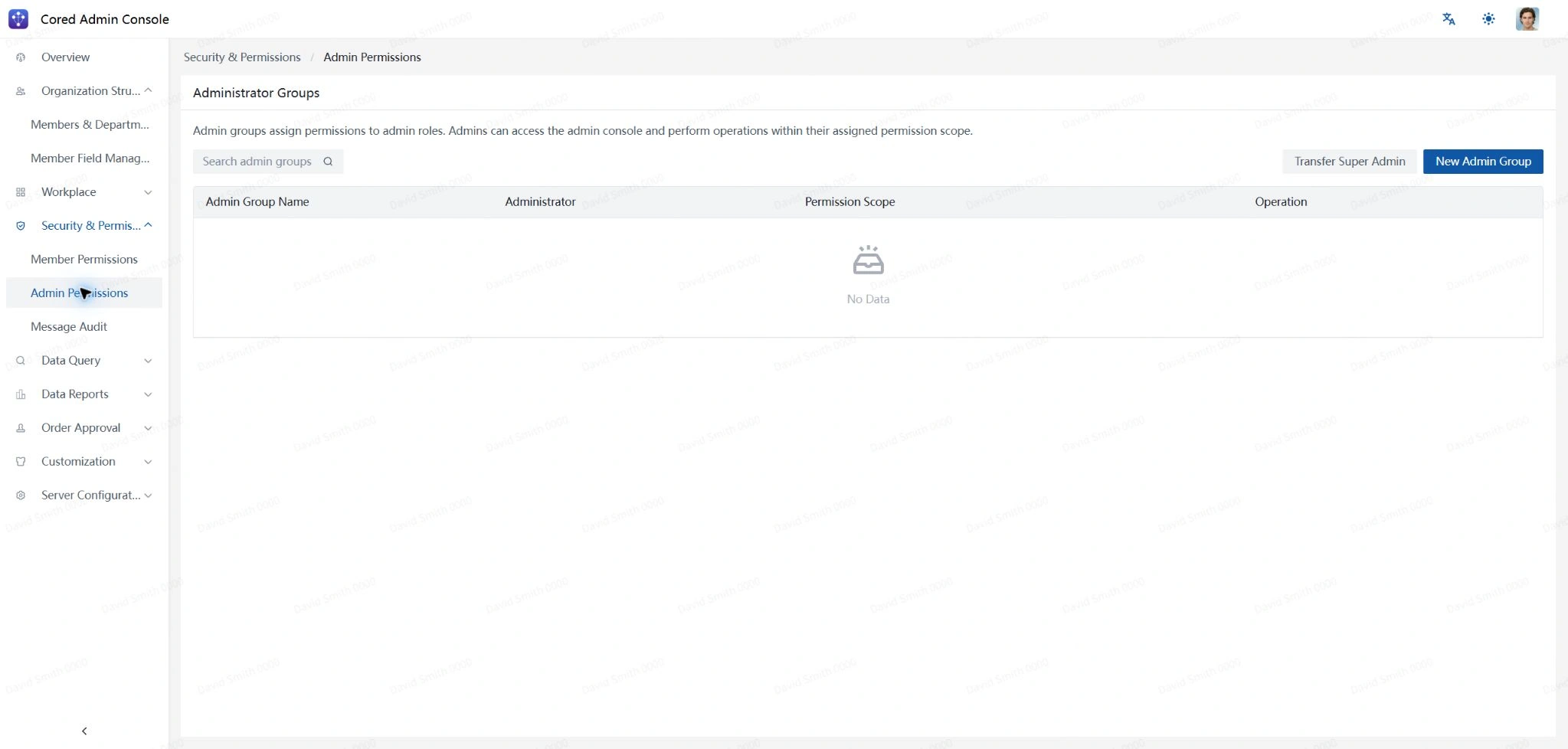
Admin Groups
Admin groups define which Admin Console modules and data scopes an administrator can access.
Search existing admin groups, transfer the super administrator role, or create a new admin group.
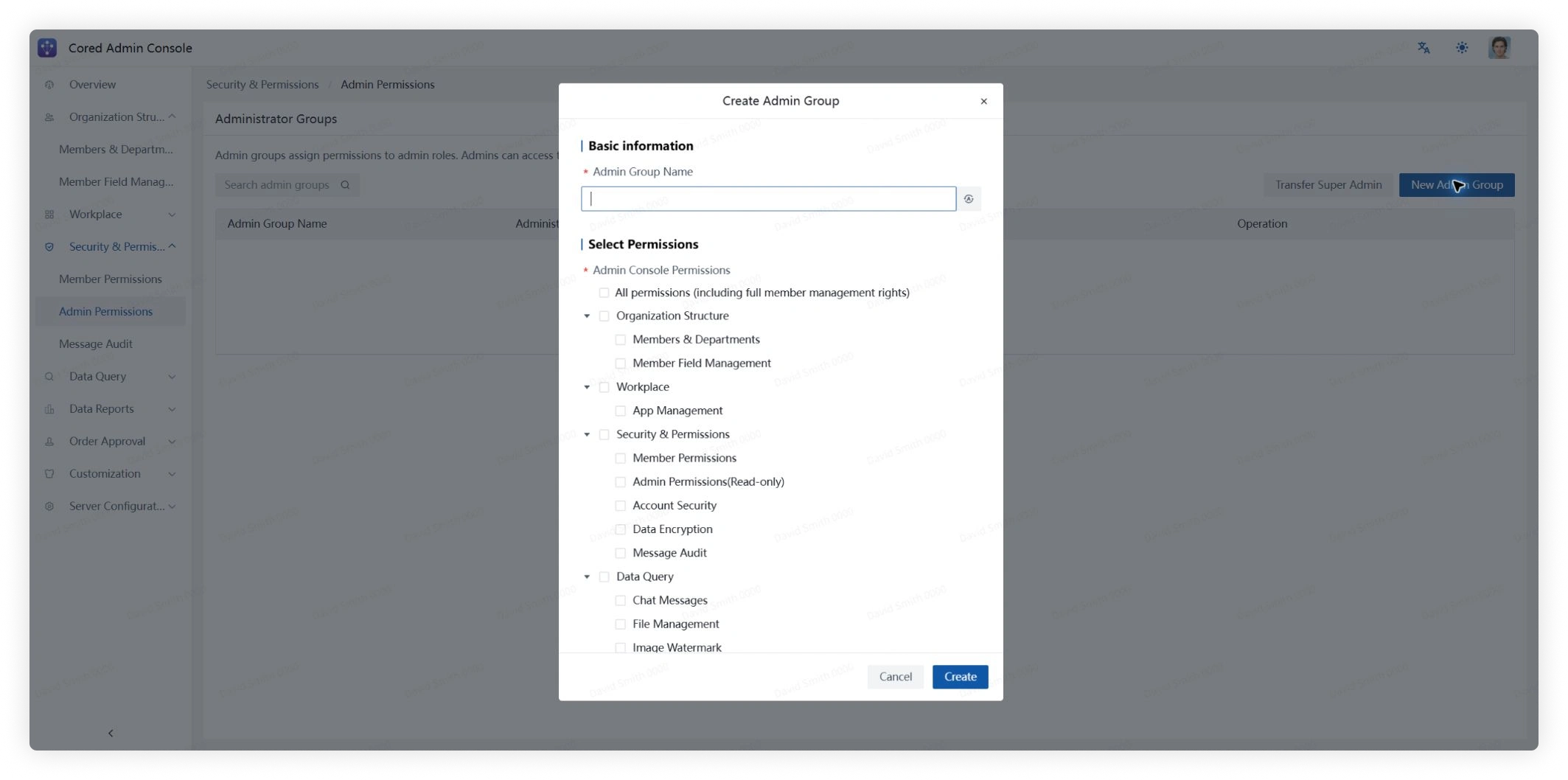
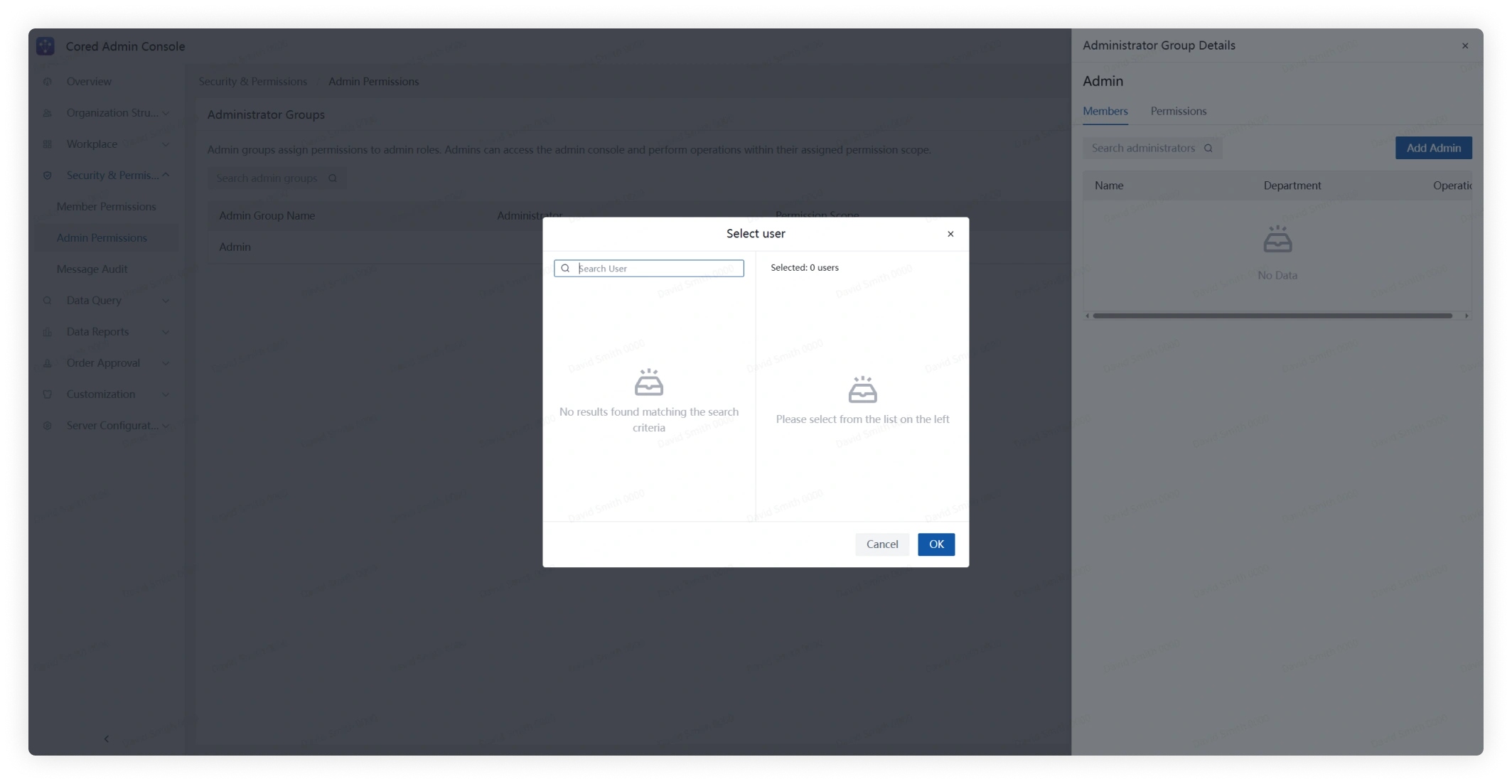
- Click New Admin Group, enter a name, select its permissions, and save.
- Open Details to review the group's administrators and granted permissions.
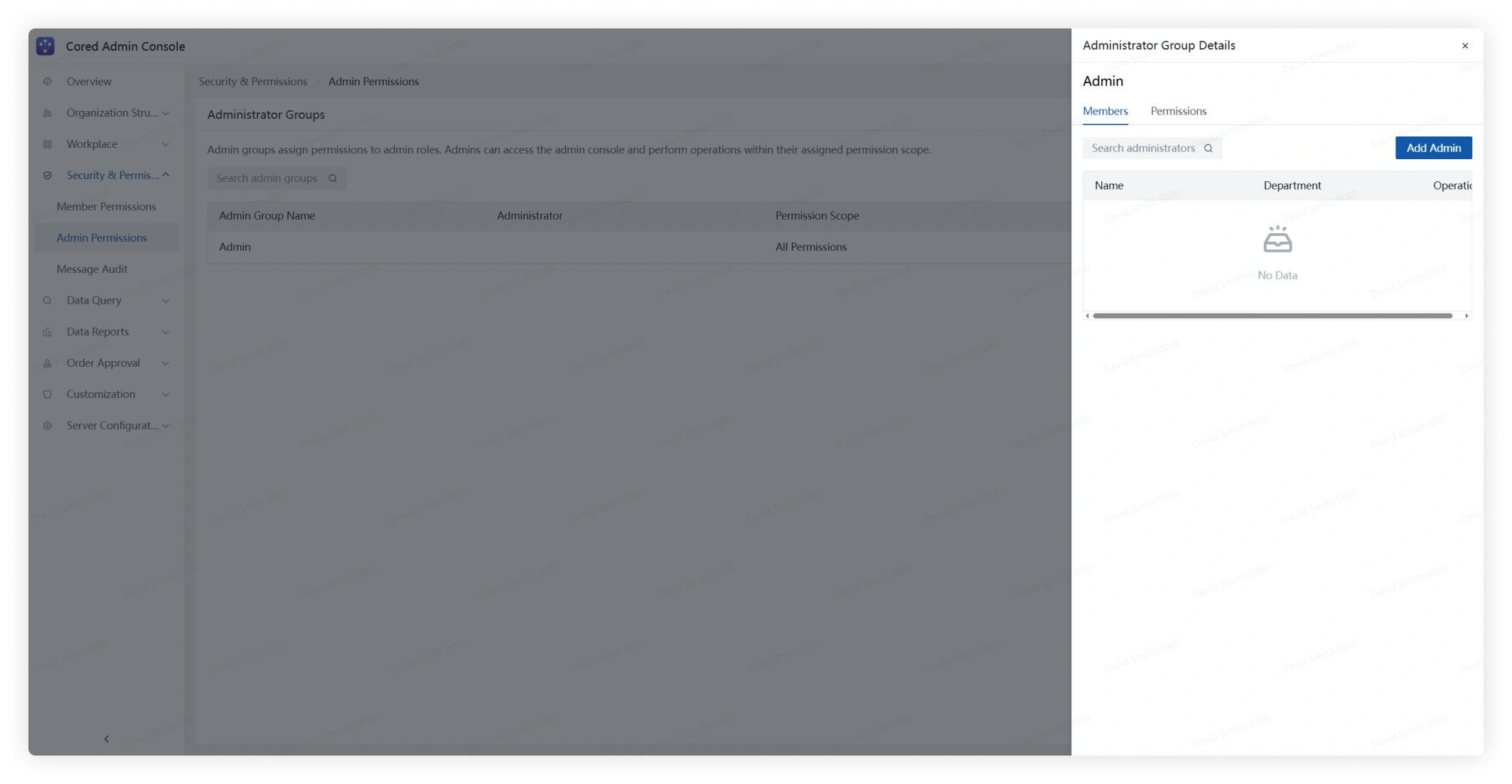
- Click Add Admin, find and select the members to add, and confirm.
Account Security
Configure account security policies to match your organization's access and compliance requirements.
Data Encryption
Review and configure the data-protection and encryption options available in your deployment.
Message Audit
Sensitive Word Management
Review existing sensitive-word groups and whether each group is enabled.
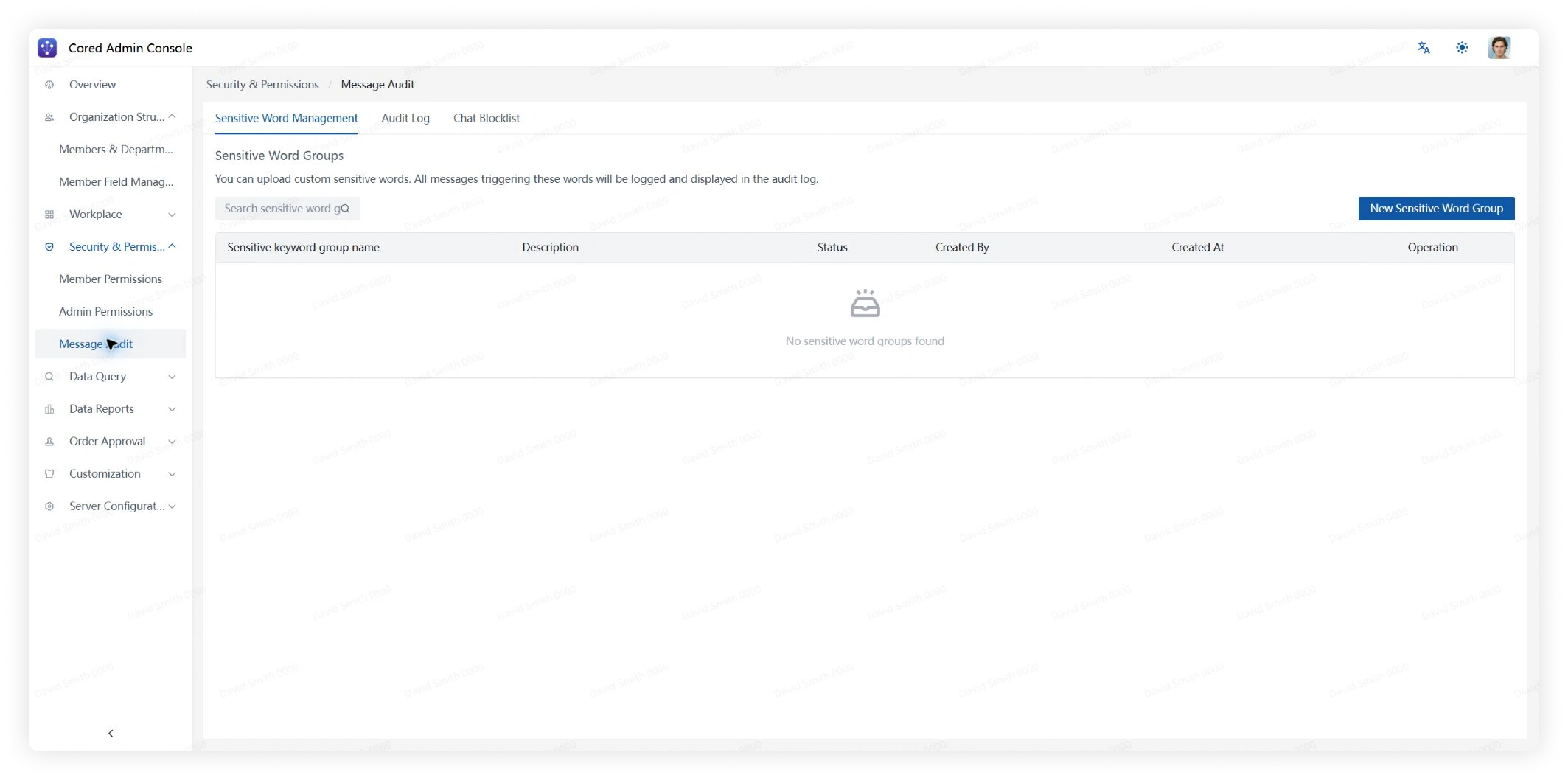
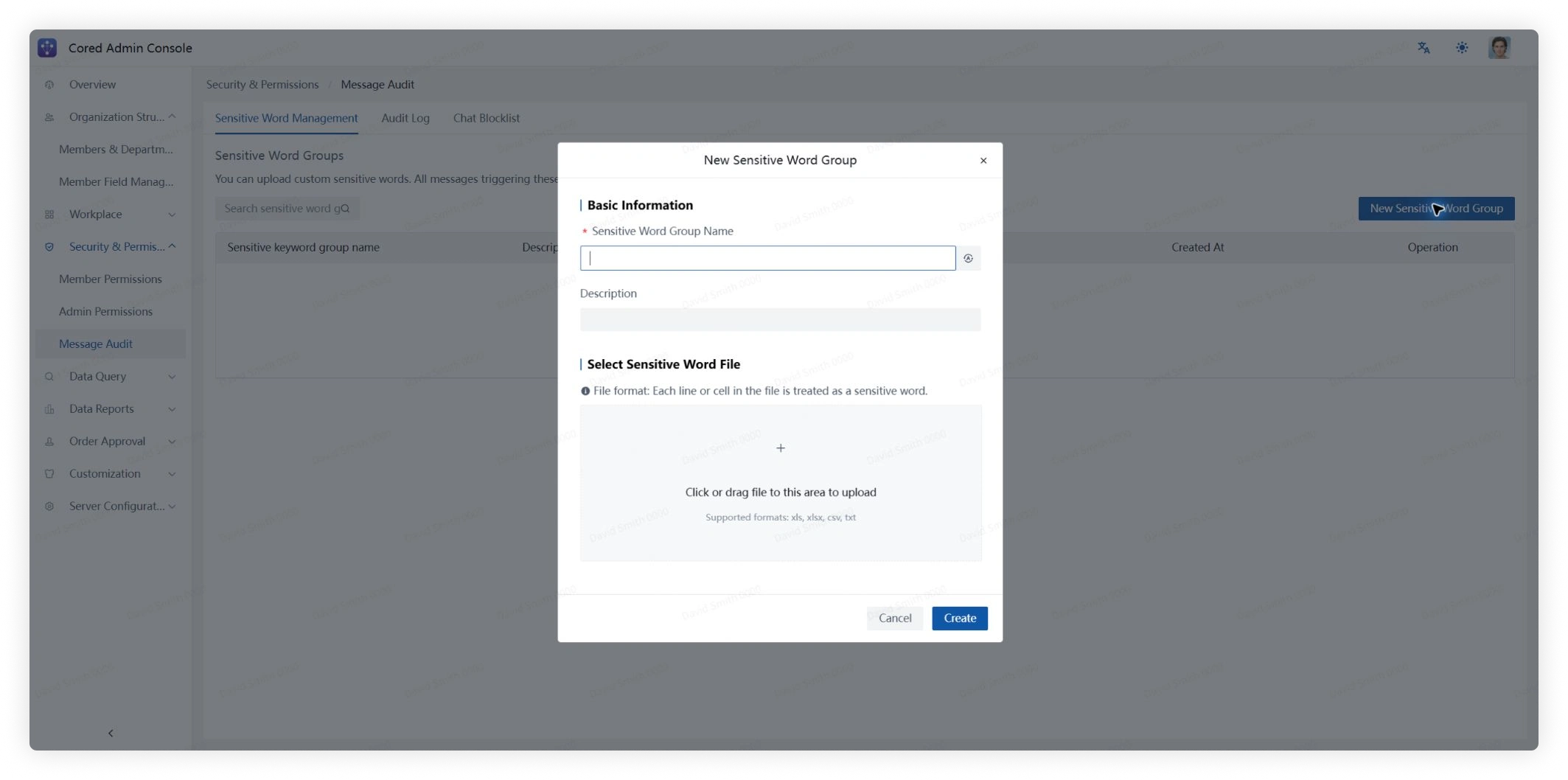
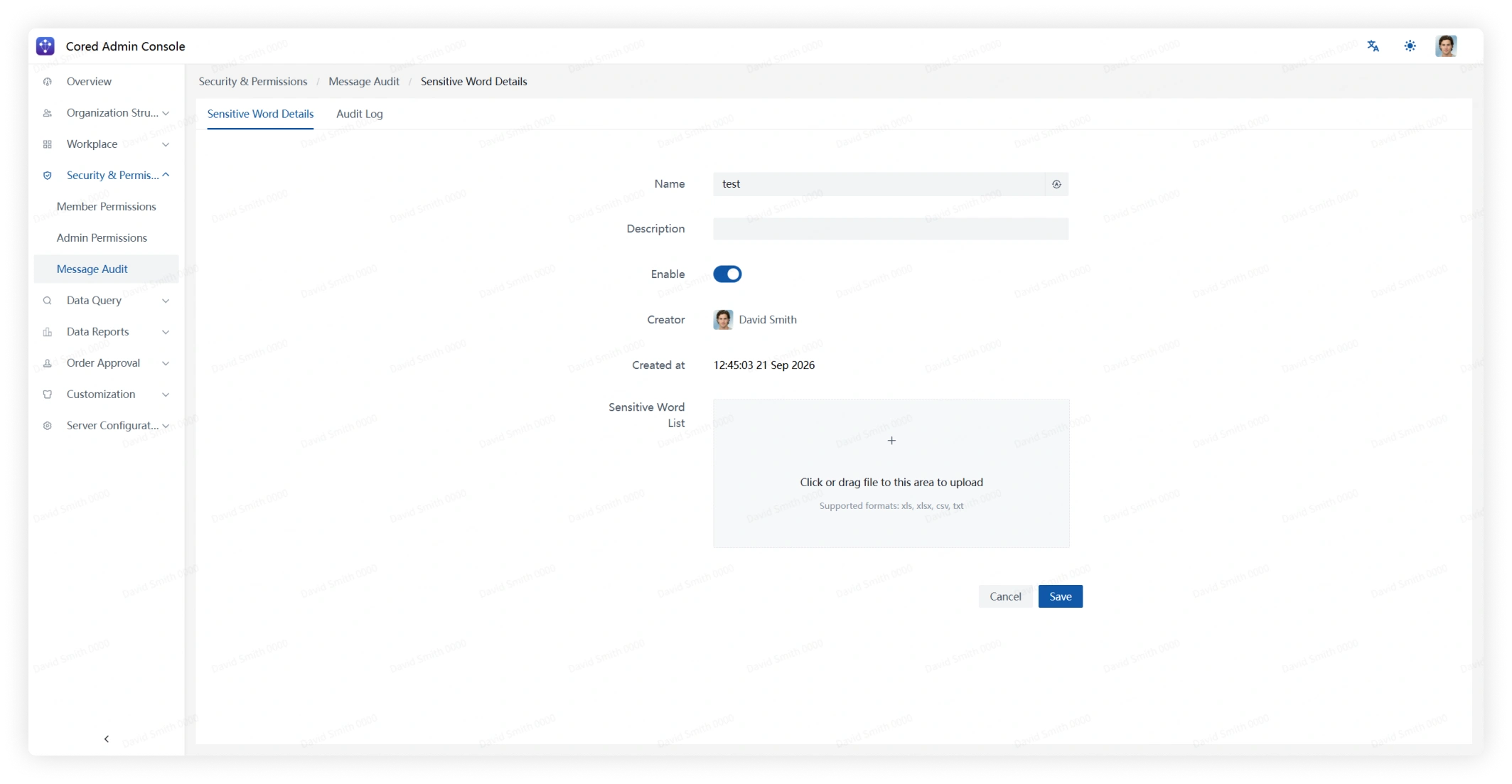
Click Create Sensitive Word Group, enter the group details, and upload a word-list file.
Each row or cell is imported as one sensitive word. Supported formats are xls, xlsx, csv, and txt.
Open Details to review the group name, description, status, creator, creation time, and word list.
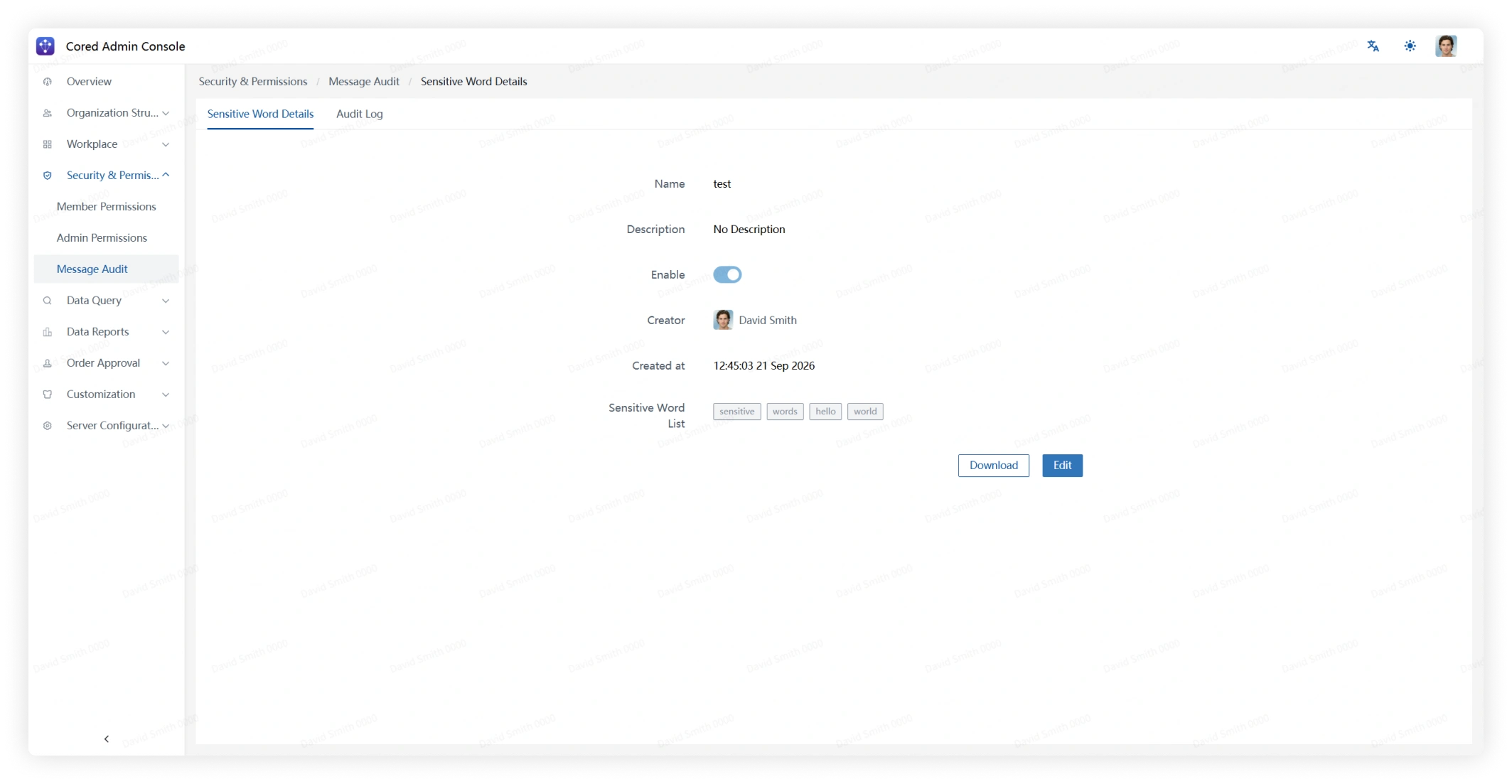
From the details page, download the current list or click Edit to change the group settings and uploaded file.
Audit Logs
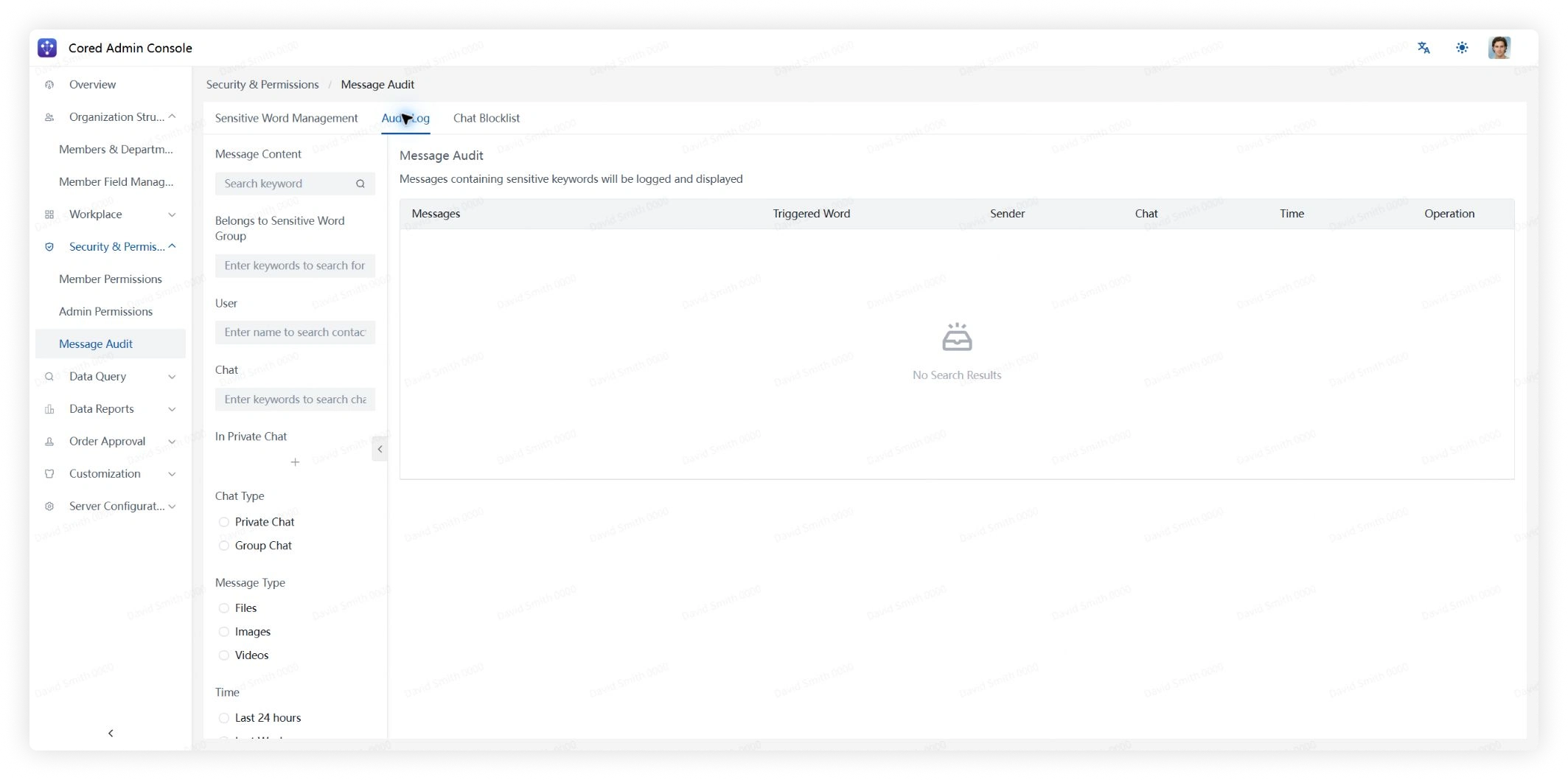
Use filters and search to find messages that matched a sensitive word.
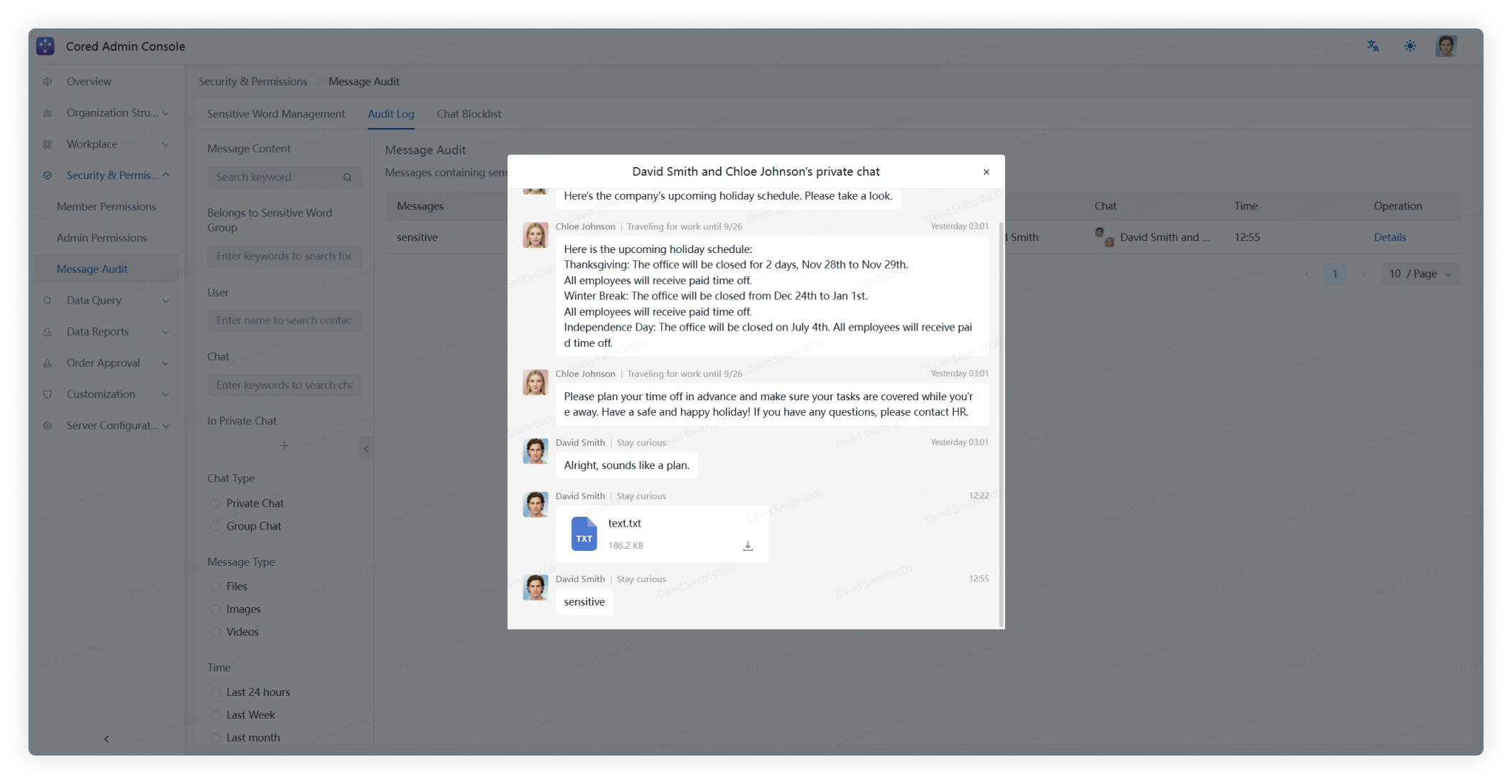
Open Details to view the surrounding chat context.
Chat Blacklist
Review chats that have been added to the blacklist.
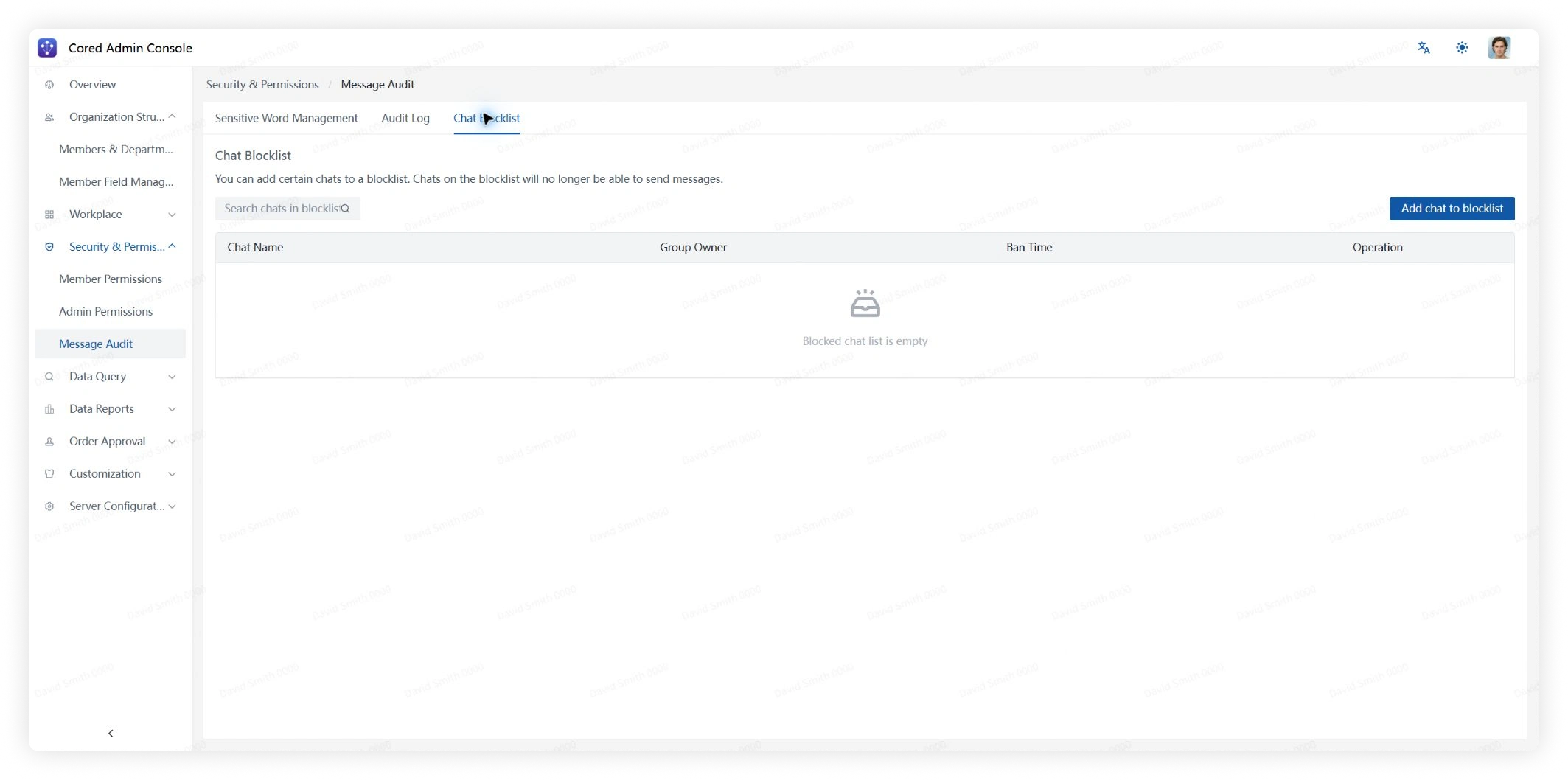
Open Details to review chat history. To allow the chat again, open the action menu next to Details and remove it from the blacklist.