
Edit Group Information
Overview
Members with permission can update the group avatar, name, and announcement.
Steps
Desktop
Open More Group Info.
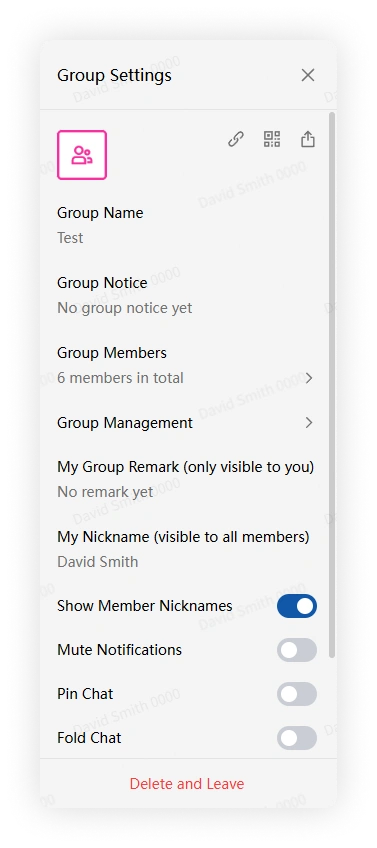
If you have permission, use these settings:
- Group Avatar: choose a custom image, member avatar, or text avatar.
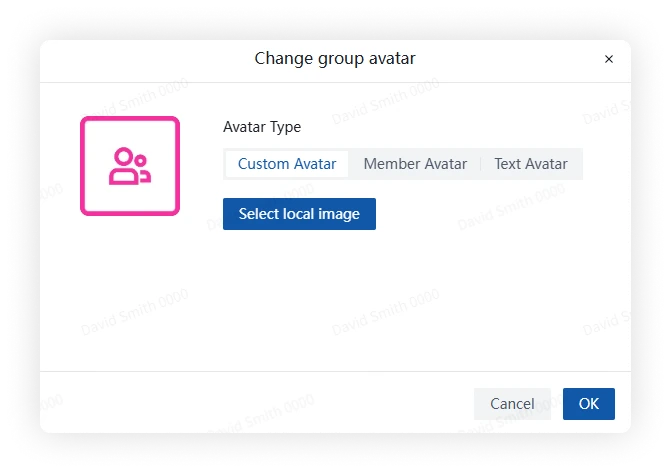
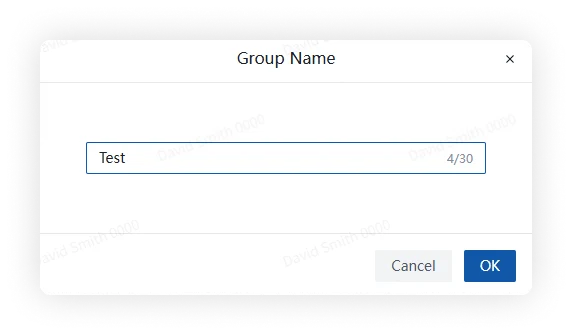
- Group Name: enter a new name and save it.
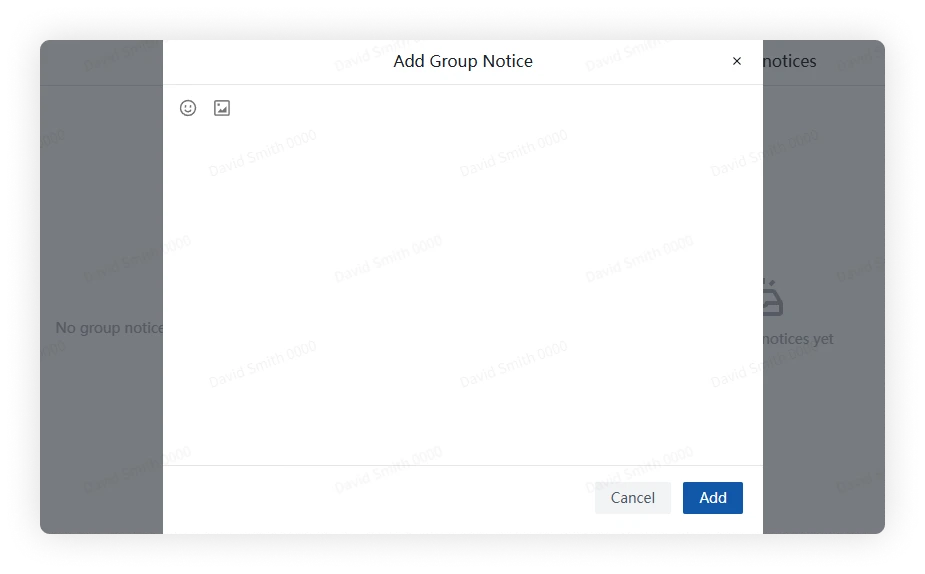
- Group Notice: click Add Group Notice, add text or an image, and publish it.
Mobile
Open More Group Info.
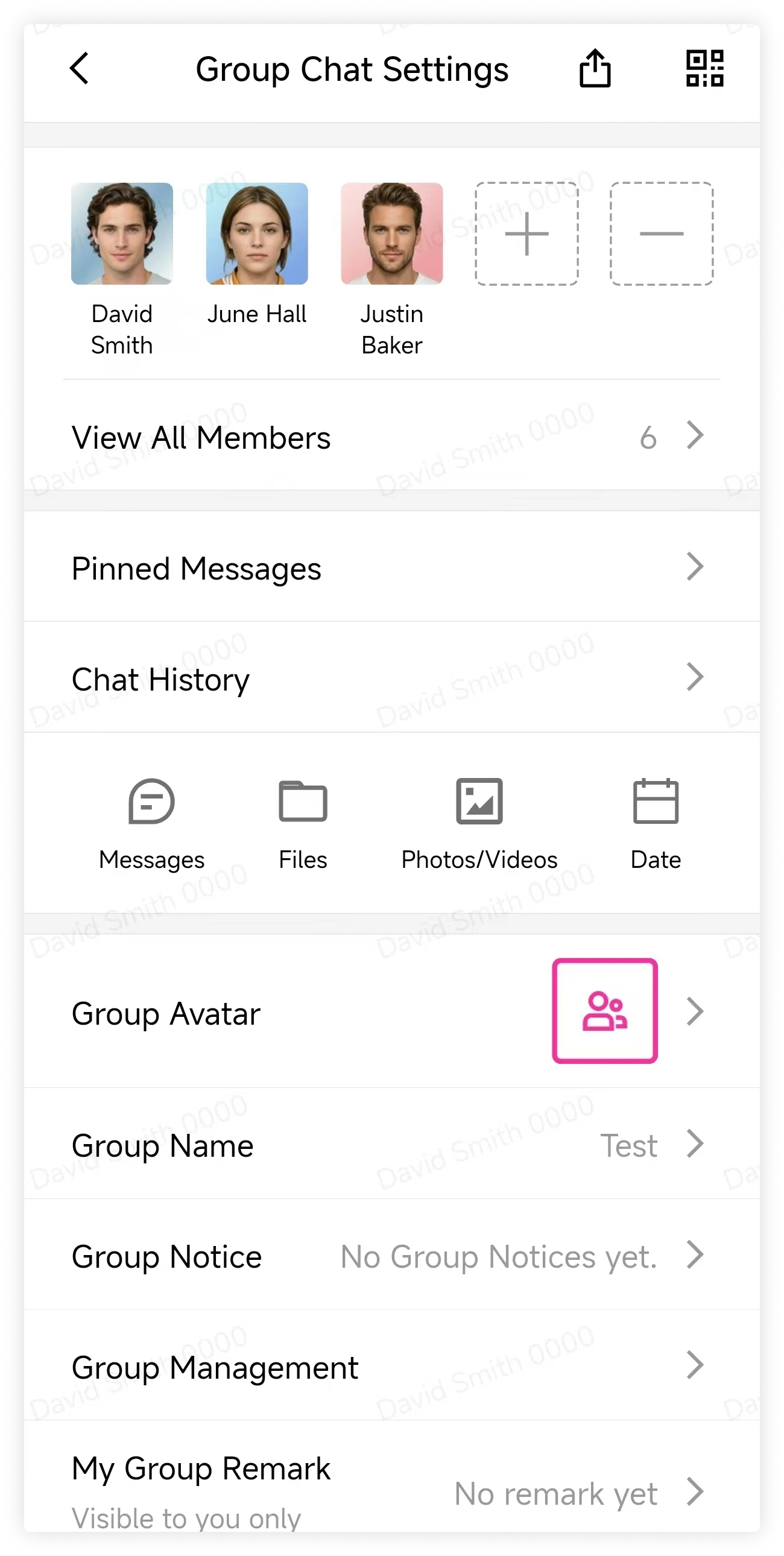
If you have permission, use these settings:
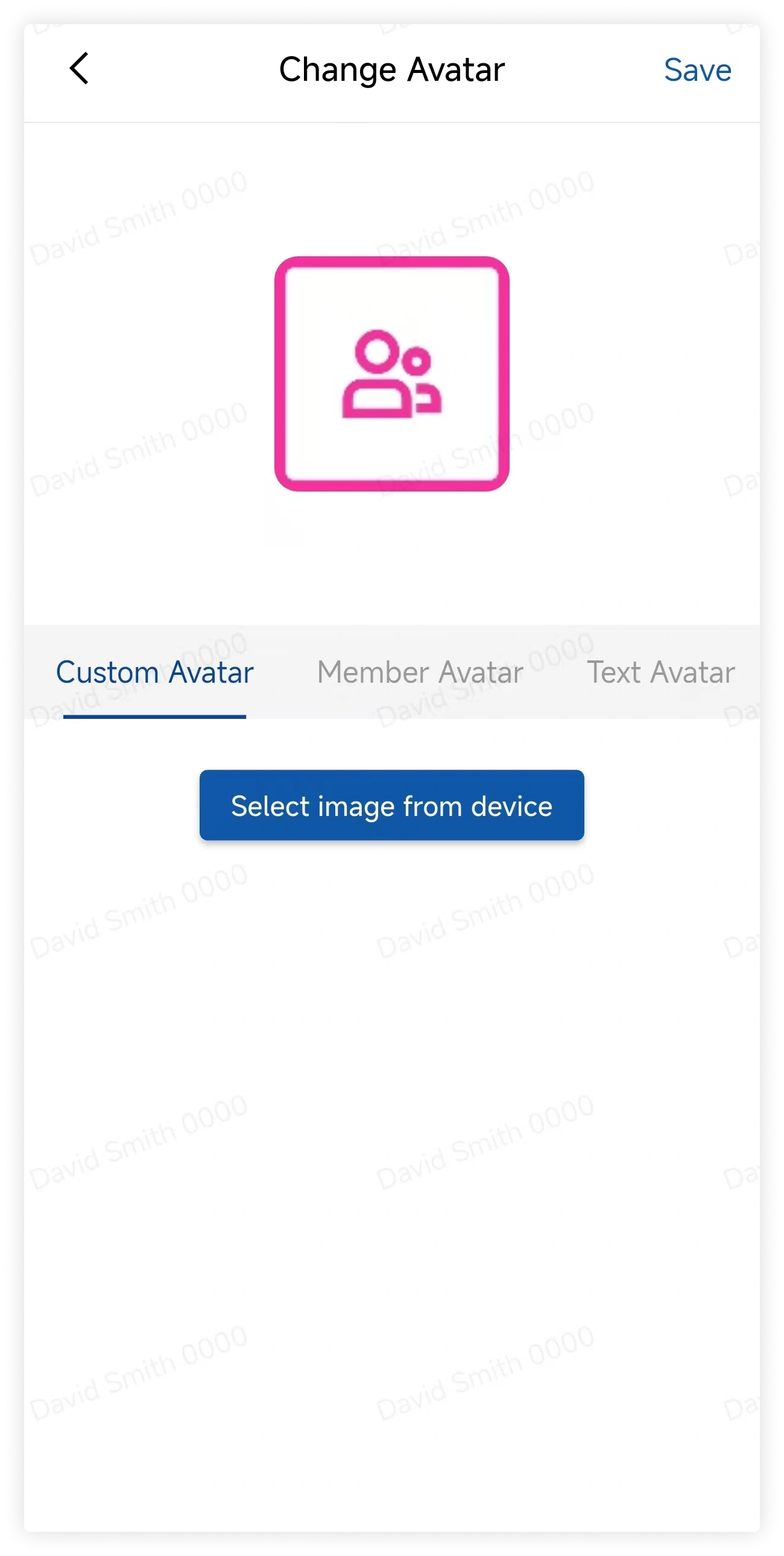
- Group Avatar: choose a custom image, member avatar, or text avatar.
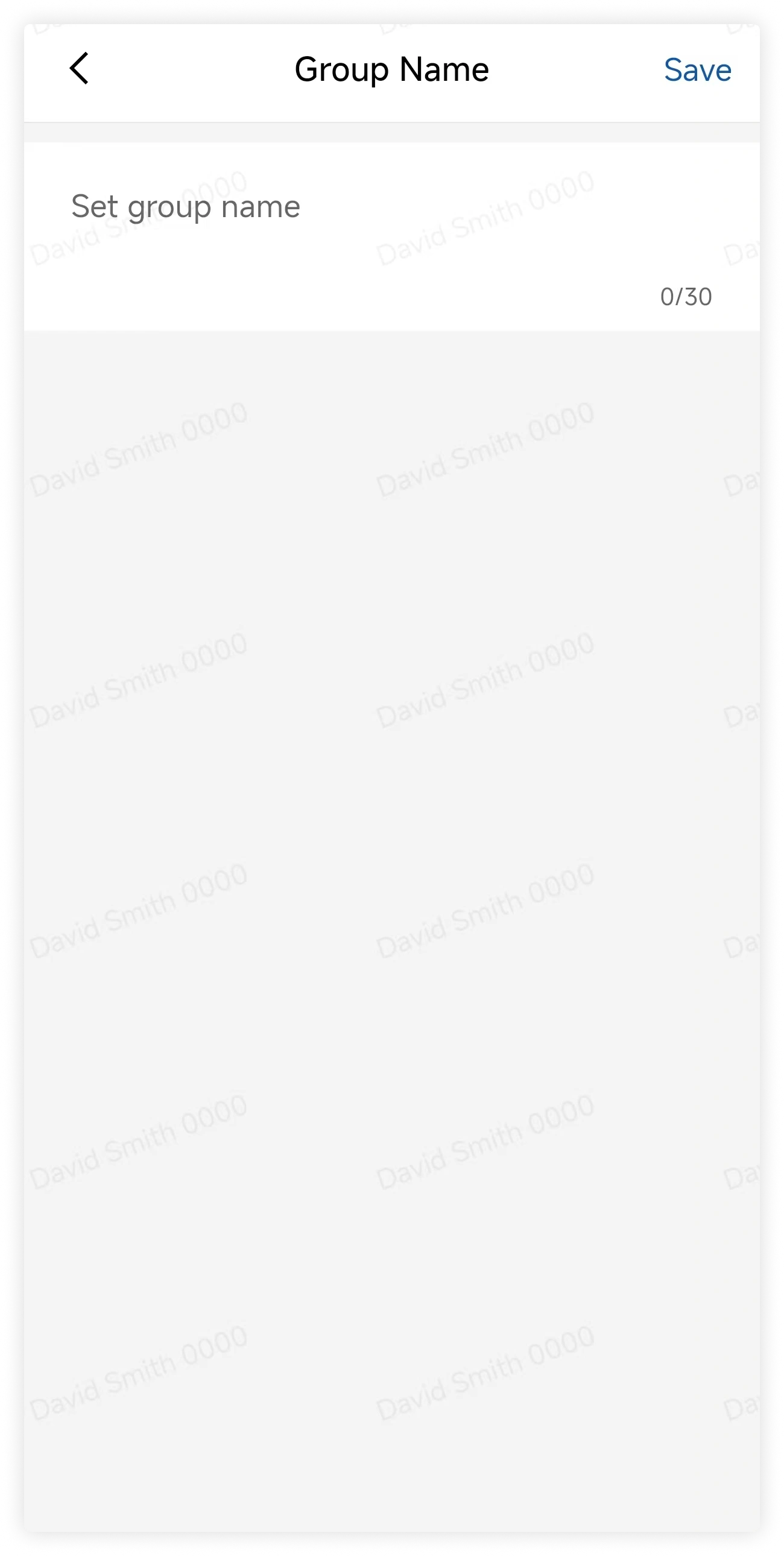
- Group Name: enter a new name and save it.
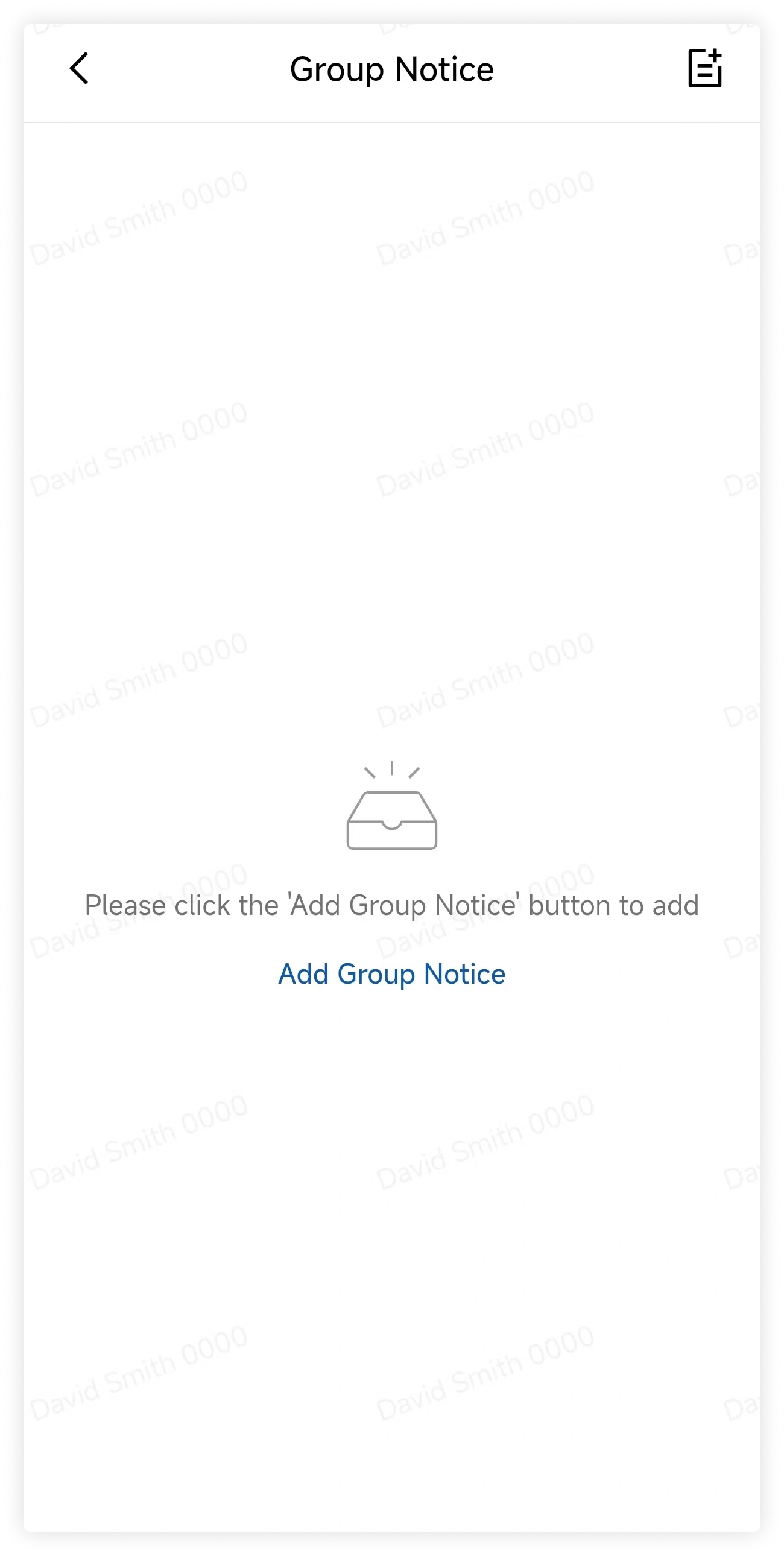
- Group Notice: tap Add Group Notice, add text or an image, and publish it.
FAQ
Why can't I edit group information?
The group owner or an administrator may have limited this action to group management roles.