
Add Stickers
Overview
Add images from your device or a conversation to your sticker favorites, then reuse them in other chats.
Steps
Desktop
- Add a sticker in either way:
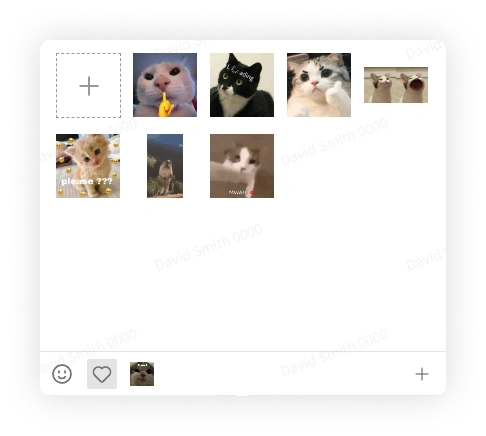
- Open a sticker pack and click the plus button to select an image from your device.
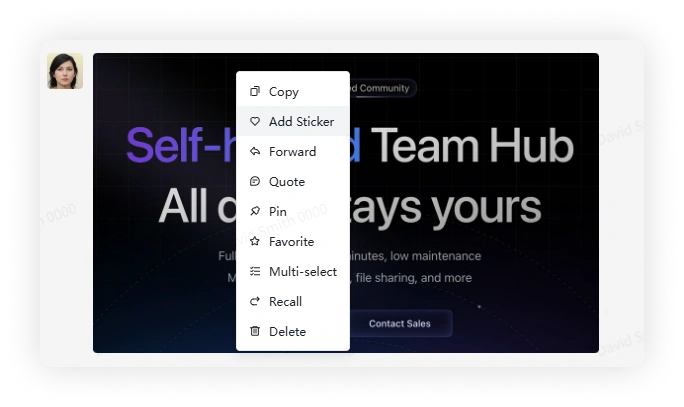
- Right-click an image message and select Add Sticker to save it to Favorites.
- Click the sticker button and select a sticker to send it.
Mobile
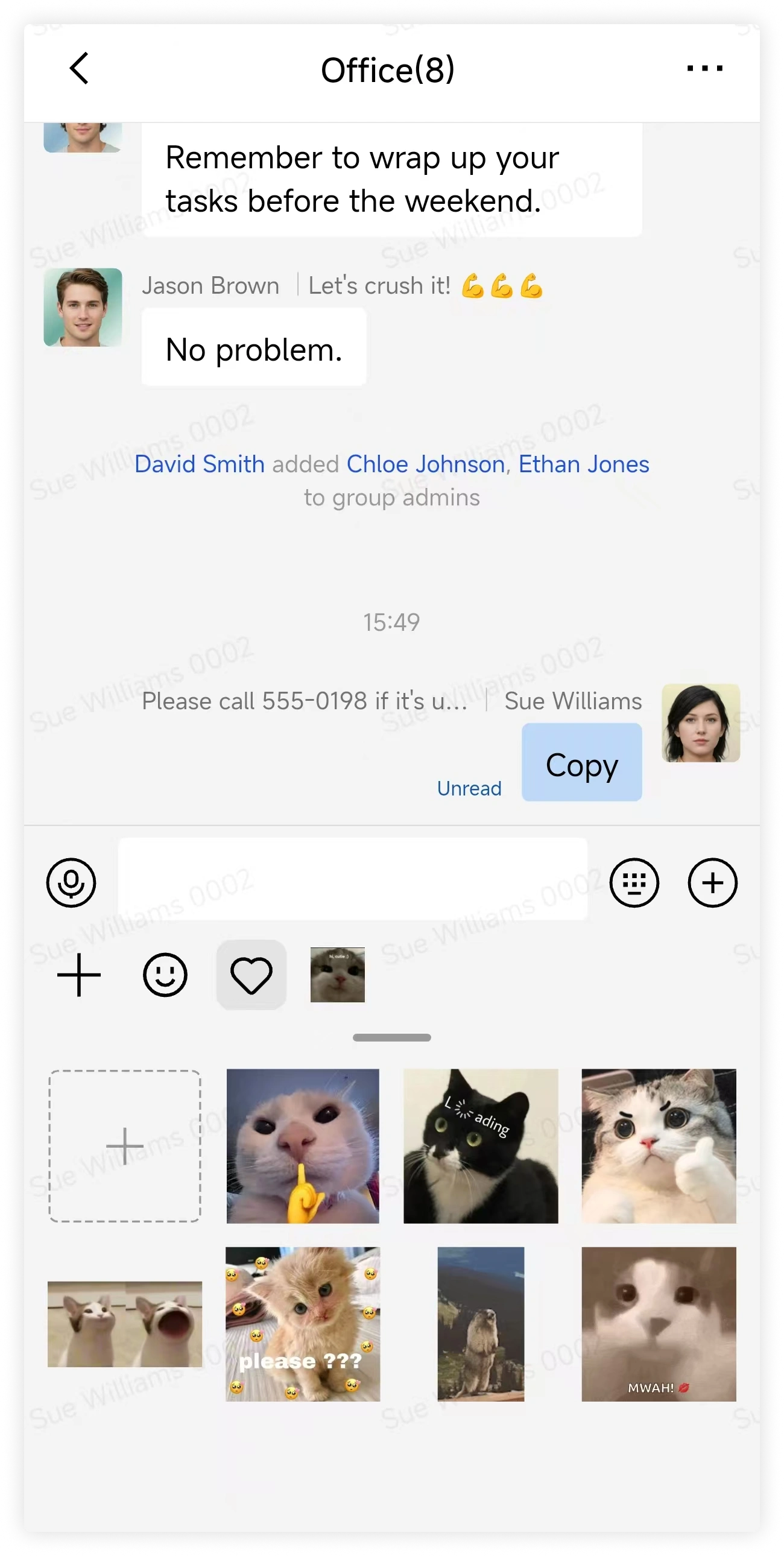
- Add a sticker in either way:
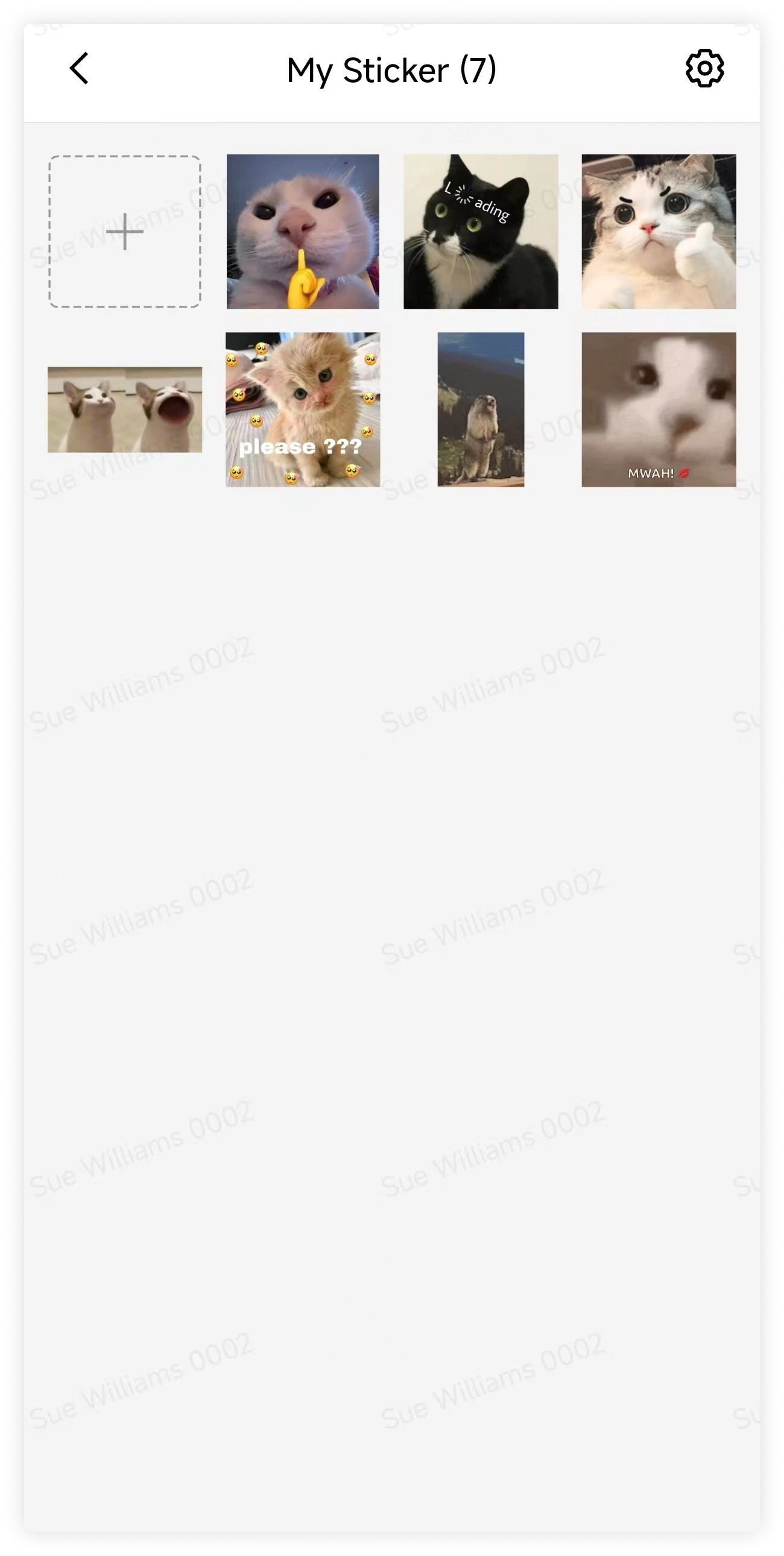
- Open a sticker pack and tap the plus button to select an image from your device.
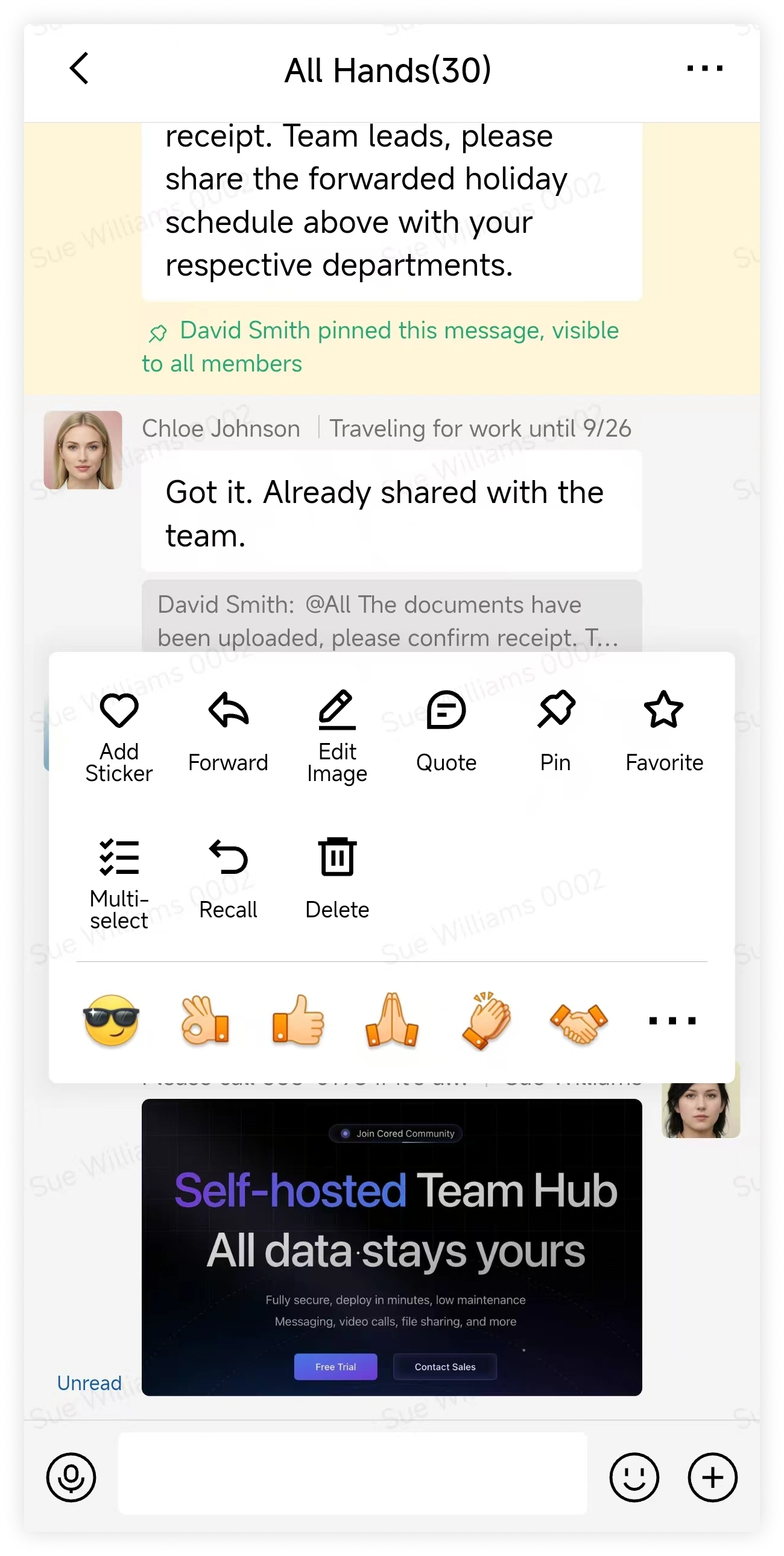
- Long-press an image message and select Add Sticker to save it to Favorites.
- Tap the sticker button and select a sticker to send it.
FAQ
Will newly added stickers appear first?
Yes. Newly added stickers appear first. Use sticker settings to reorder or remove them.