Mobile Meeting Guide
1. Create or join a meeting
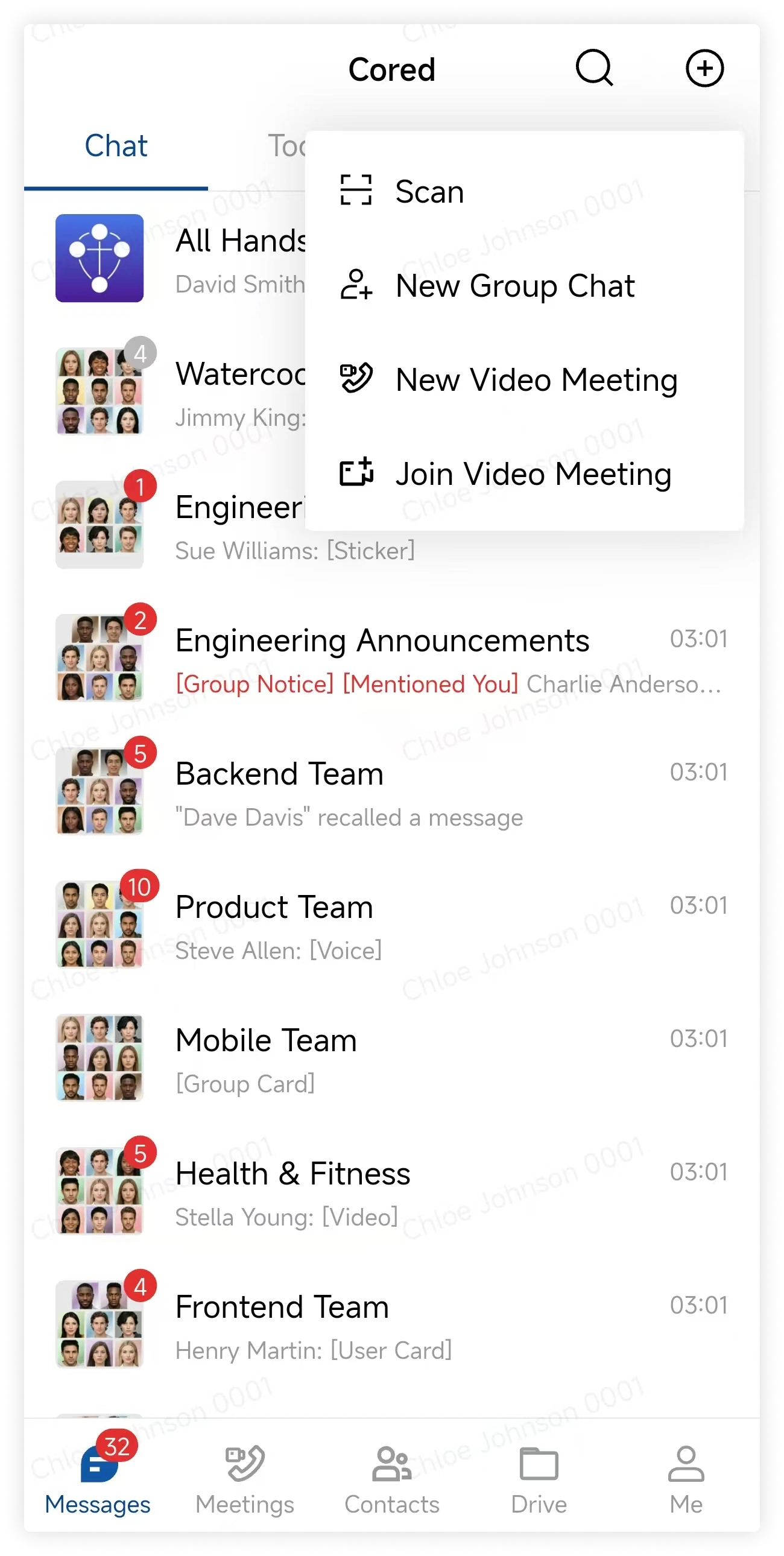
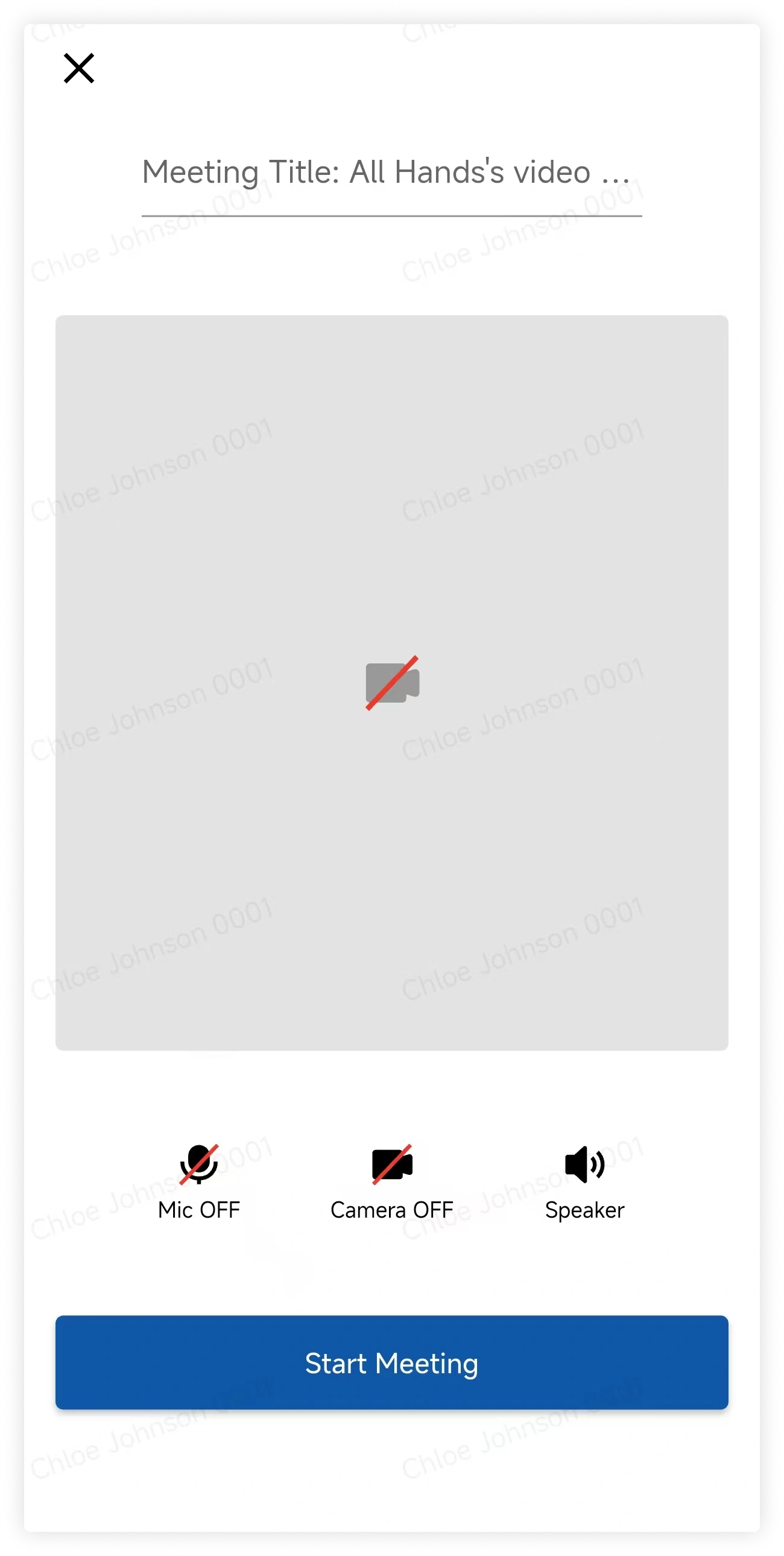
On the Messages page, tap the plus button and select Video Meeting. Choose the camera, microphone, and speaker settings, enter a title, and tap Start.
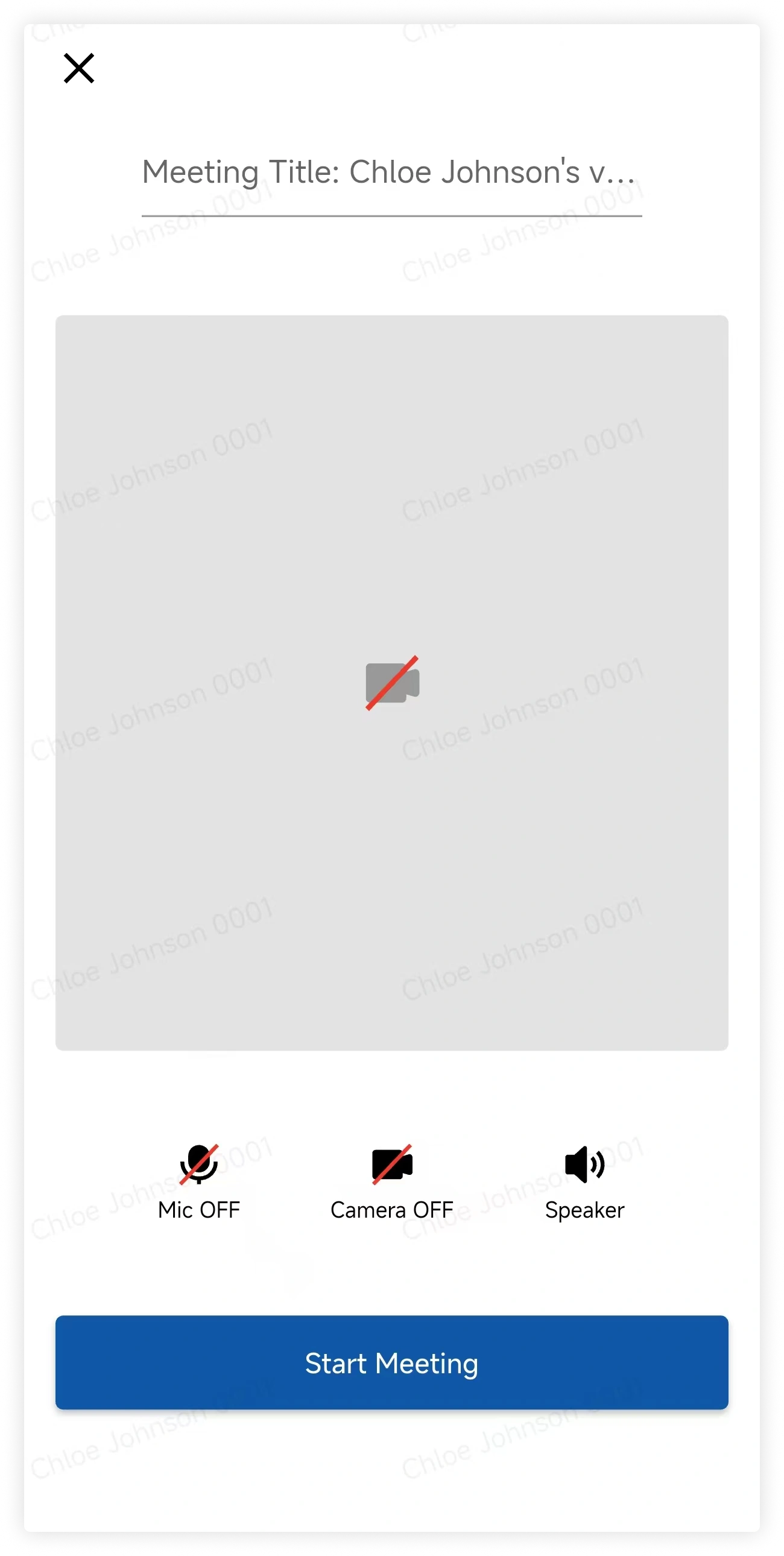
In a group conversation, tap the plus button beside the message box, select Video Meeting, configure the meeting, and tap Start.
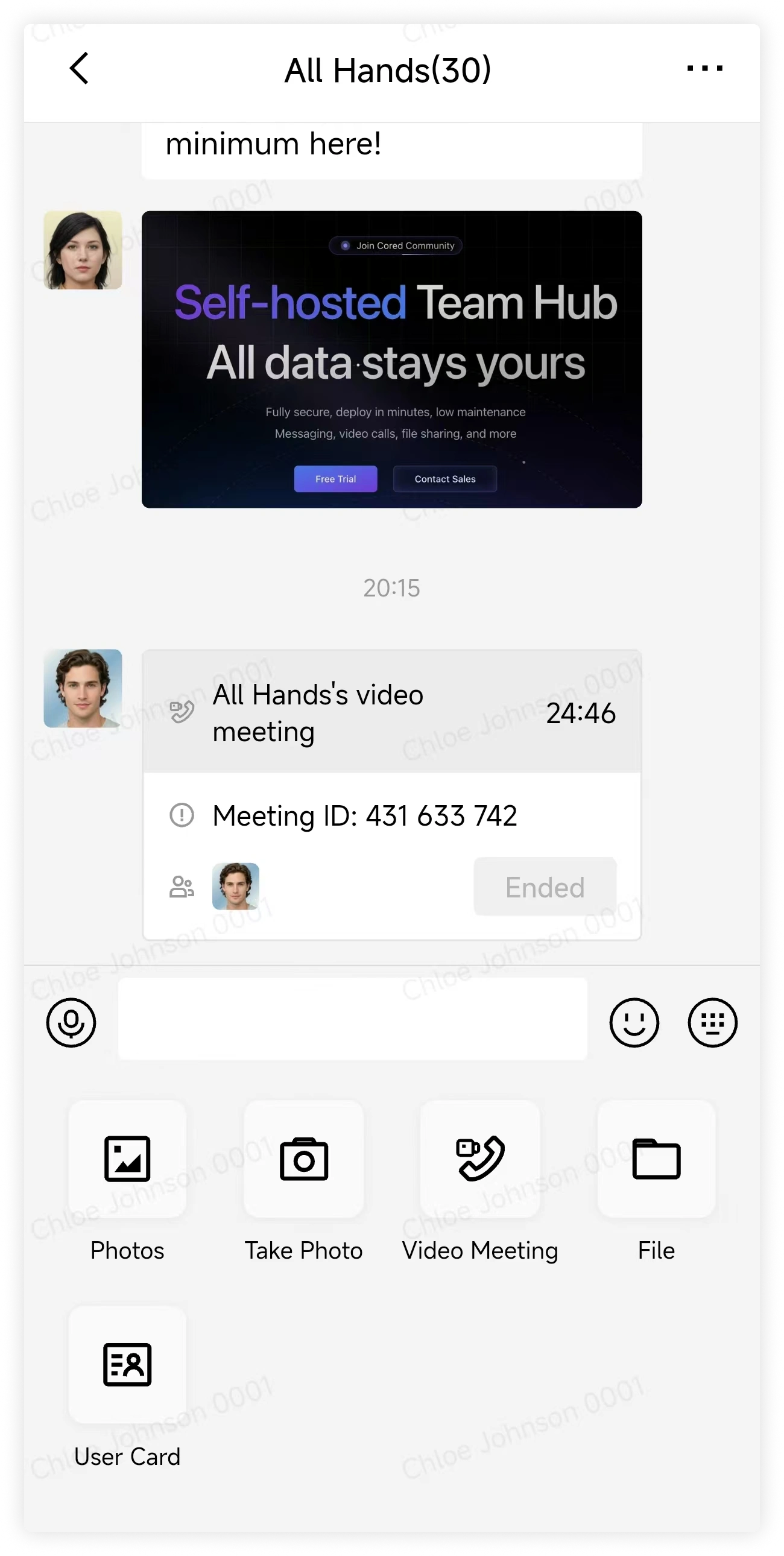
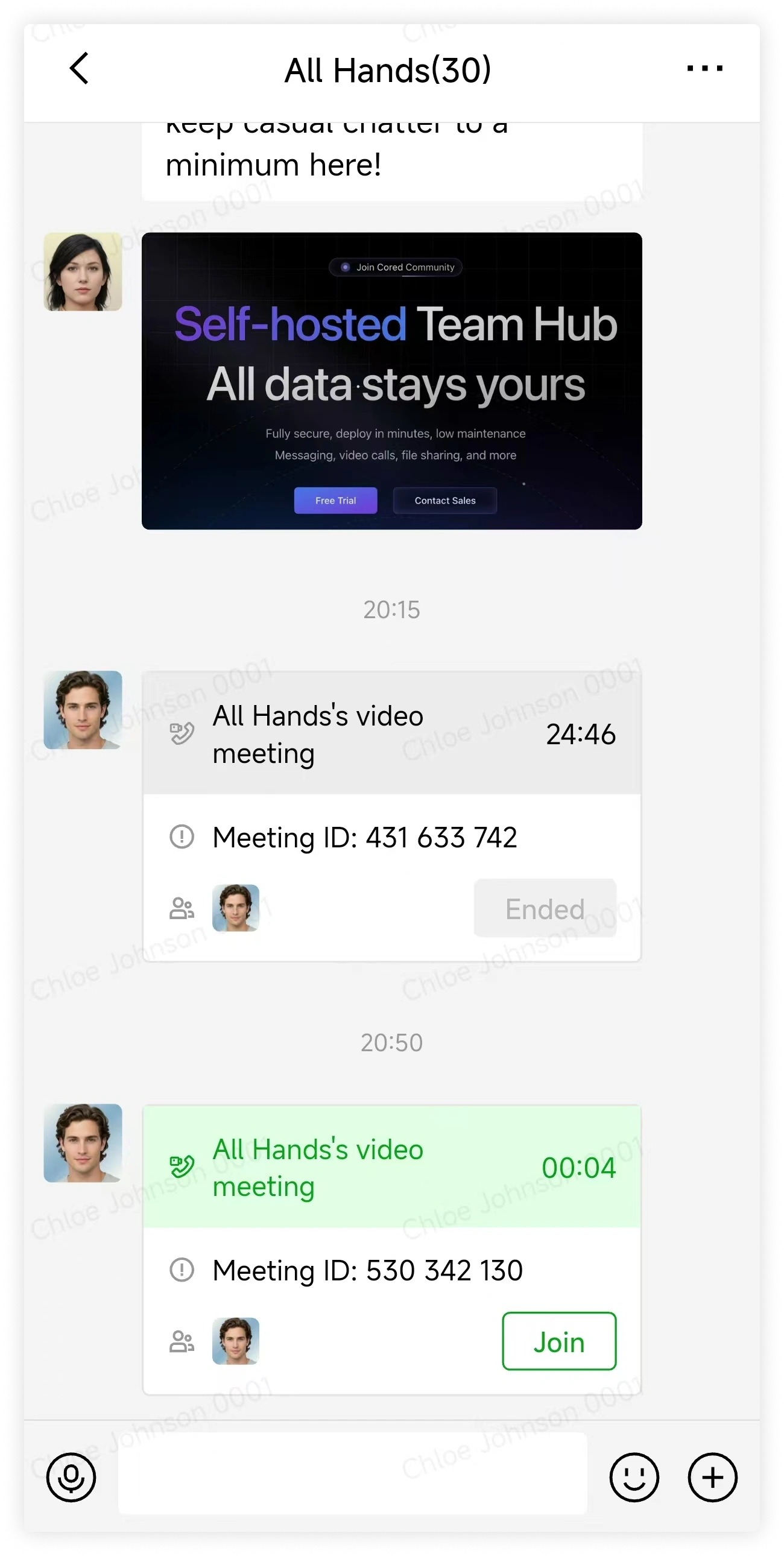
When another member starts a meeting, tap Join in the conversation.
2. Turn microphone and camera on or off
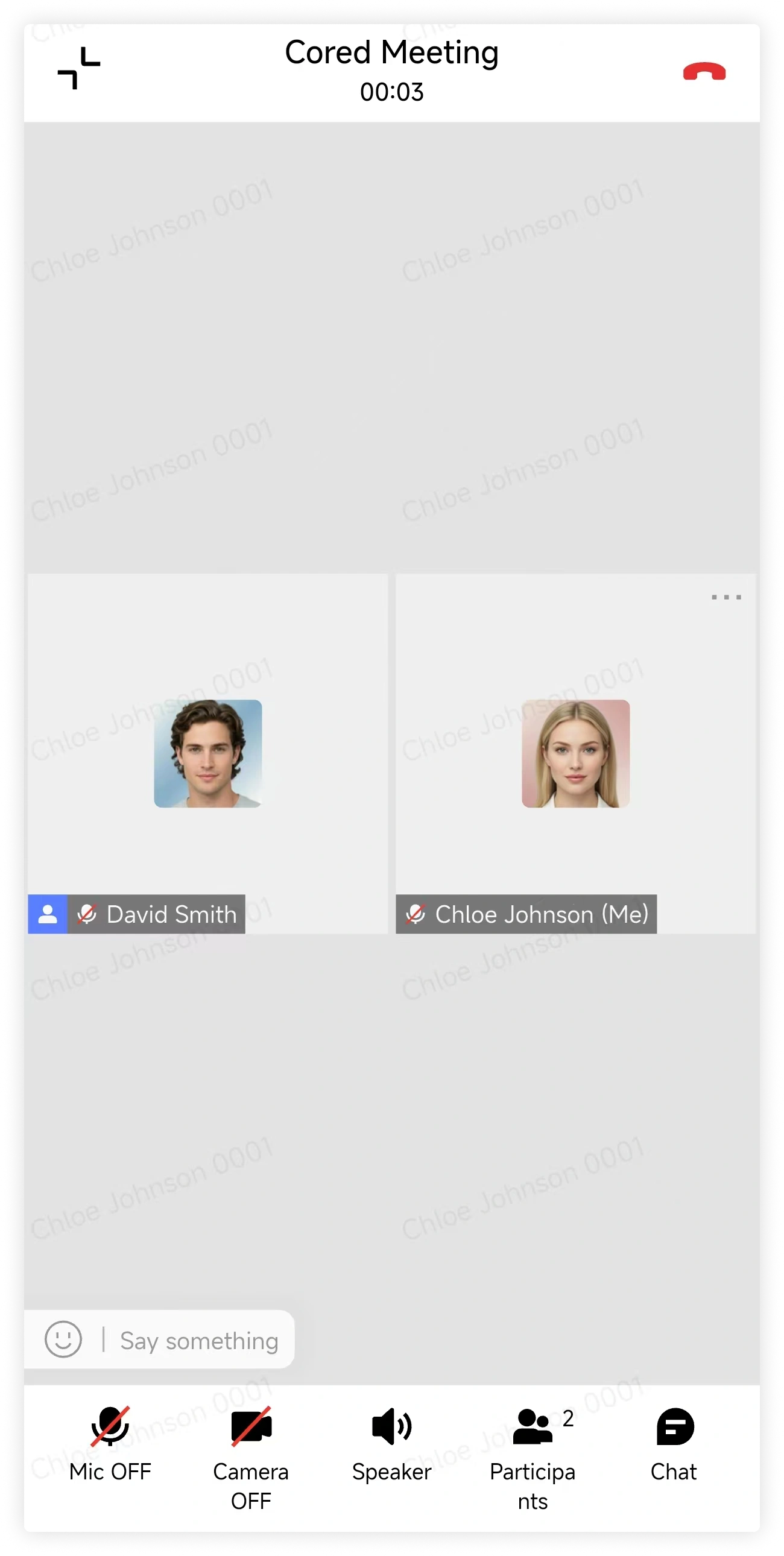
Use the meeting controls to turn your microphone, camera, and speaker on or off.
3. Invite participants
Tap Manage Participants, tap Invite, select participants, and confirm.
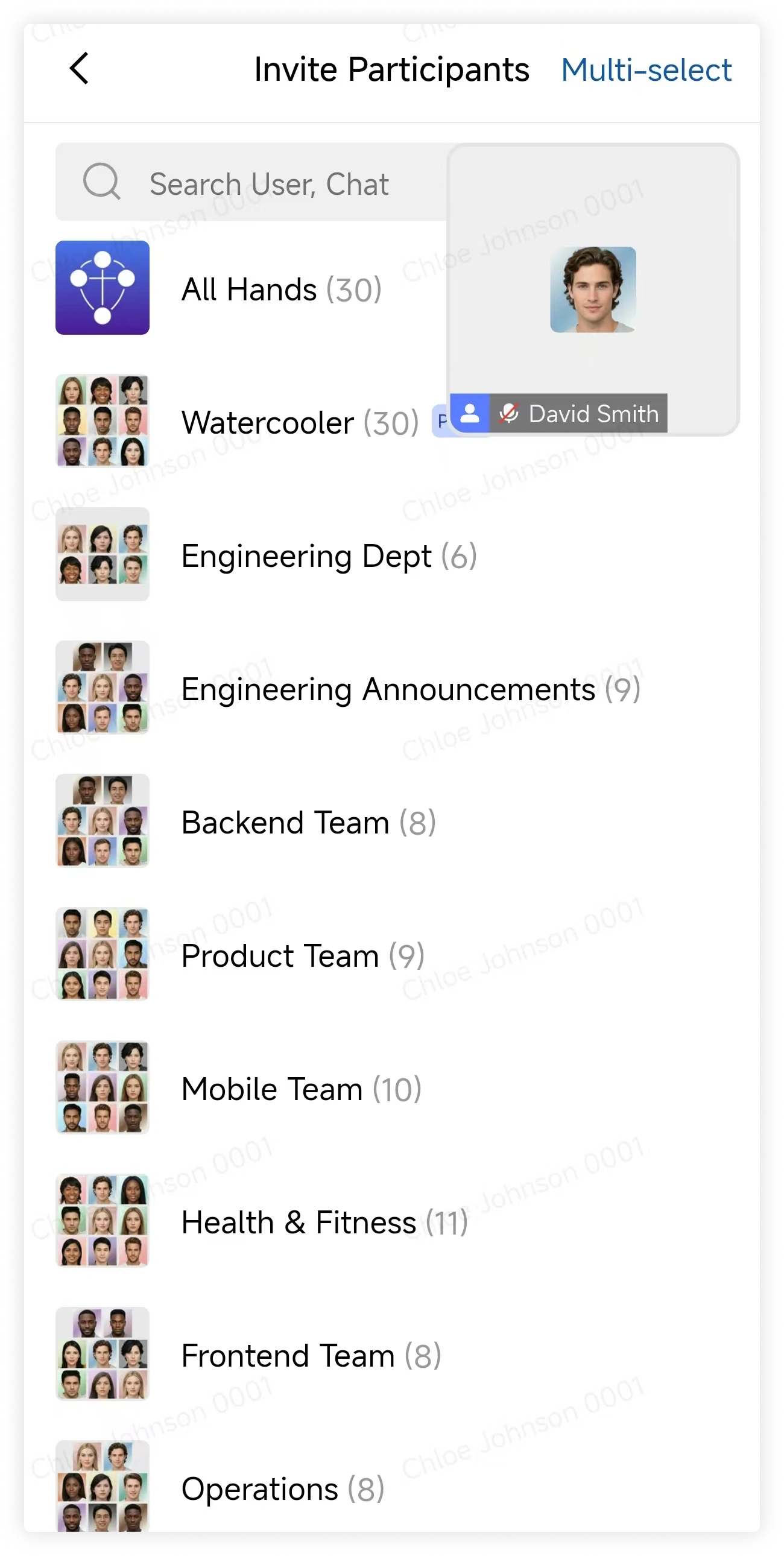
4. Manage participants
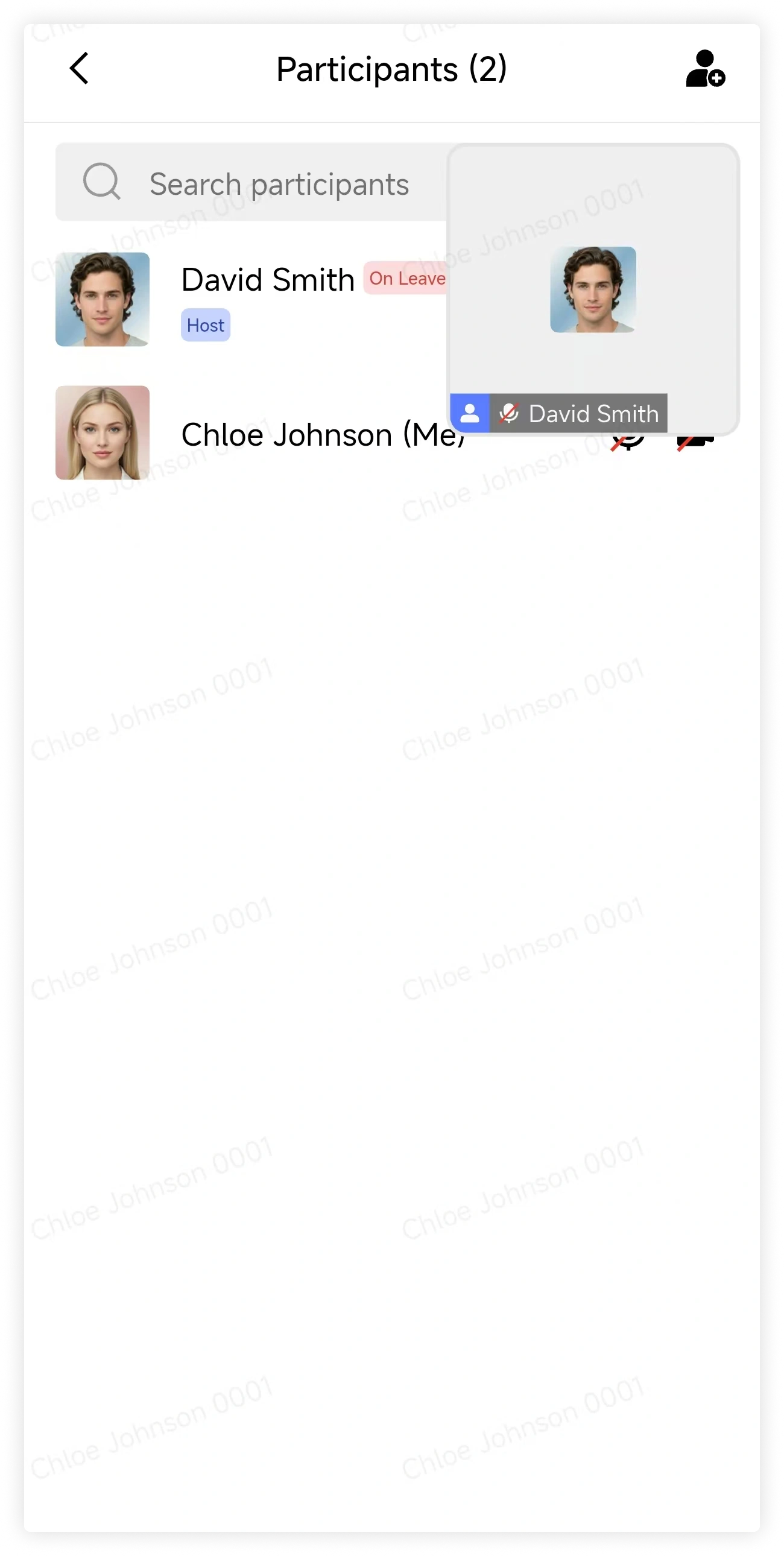
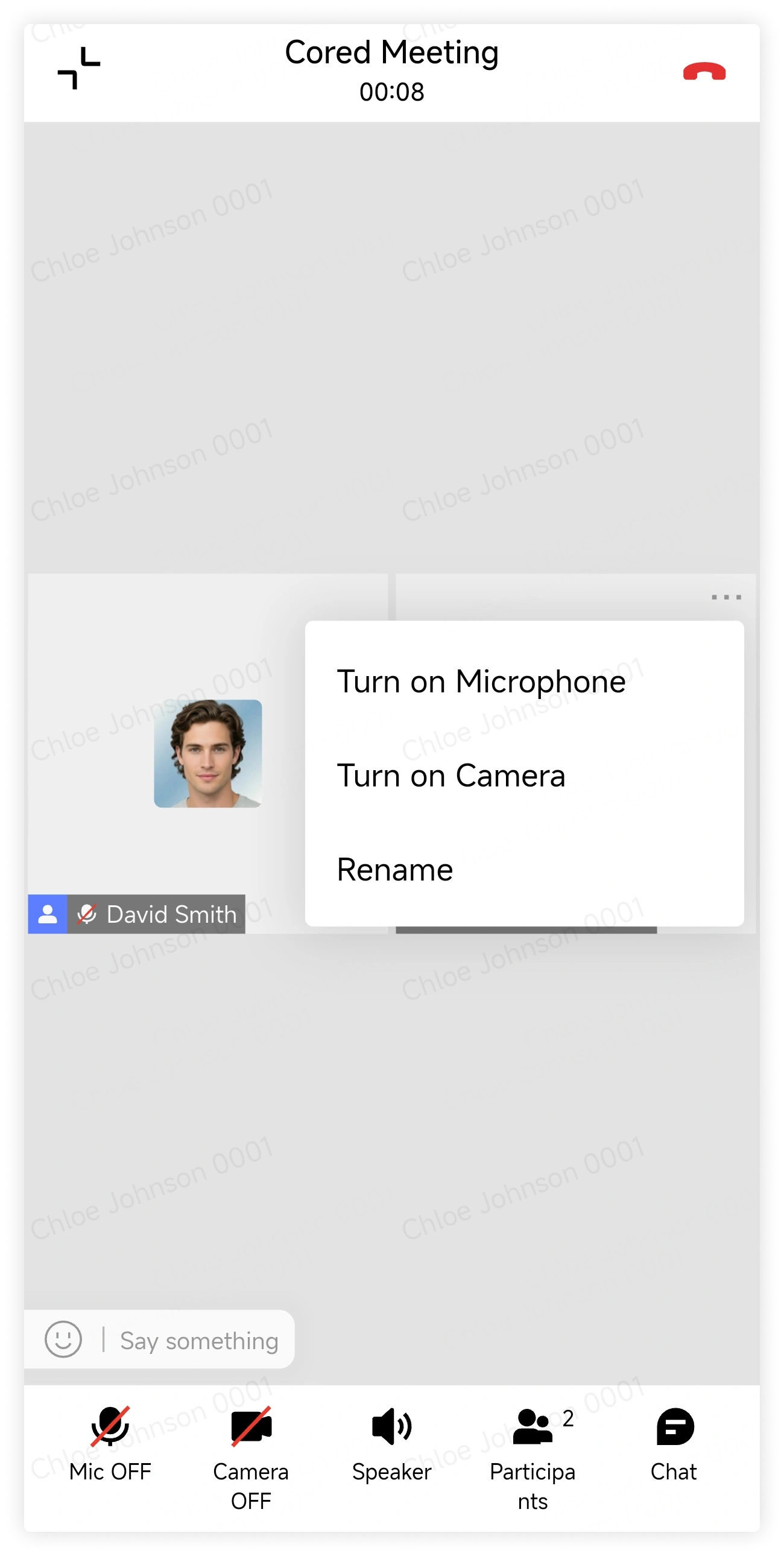
On the meeting screen, tap the action button beside a participant to view the available management actions.
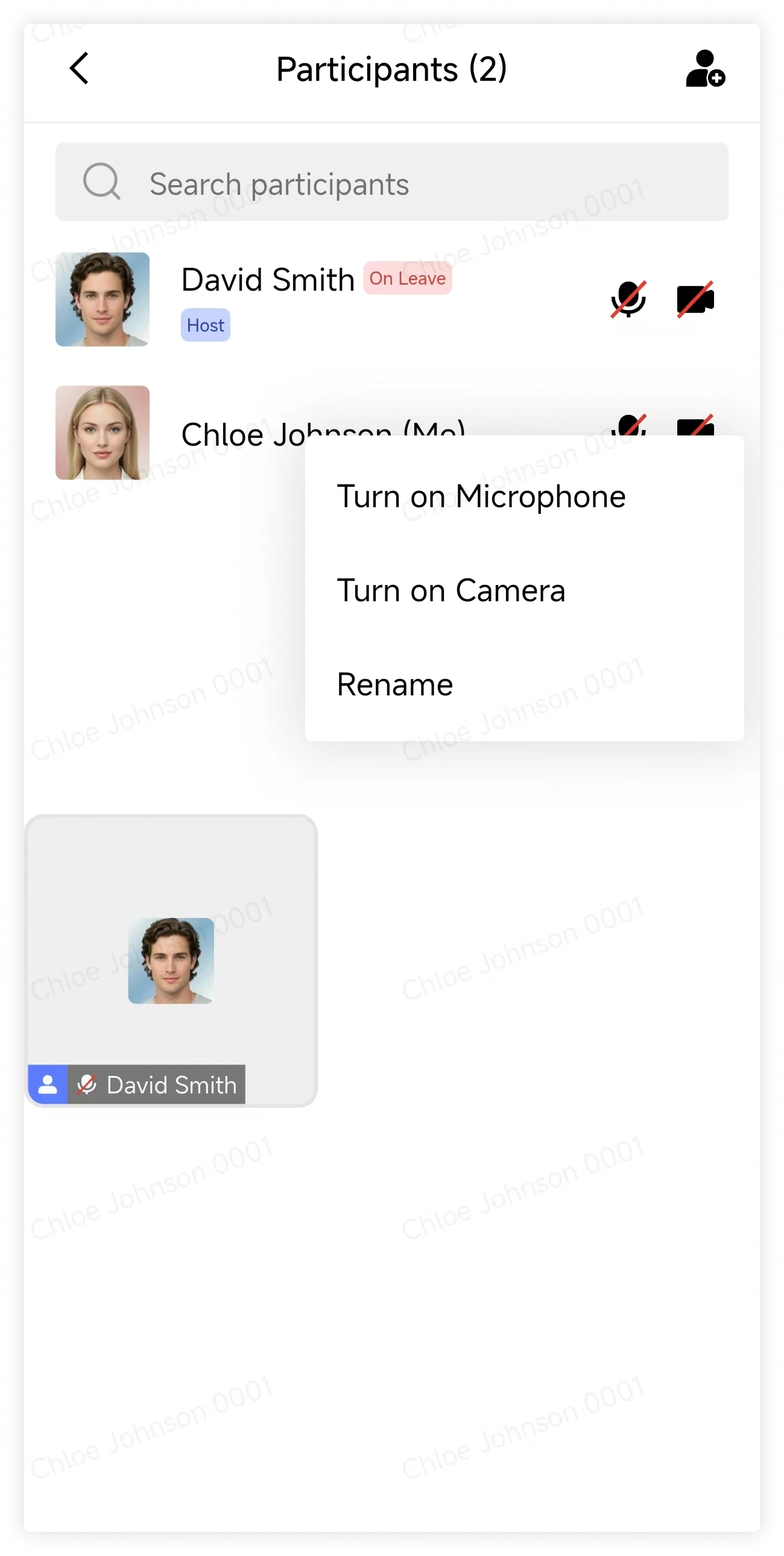
In the participant panel, tap a participant to view the available actions.
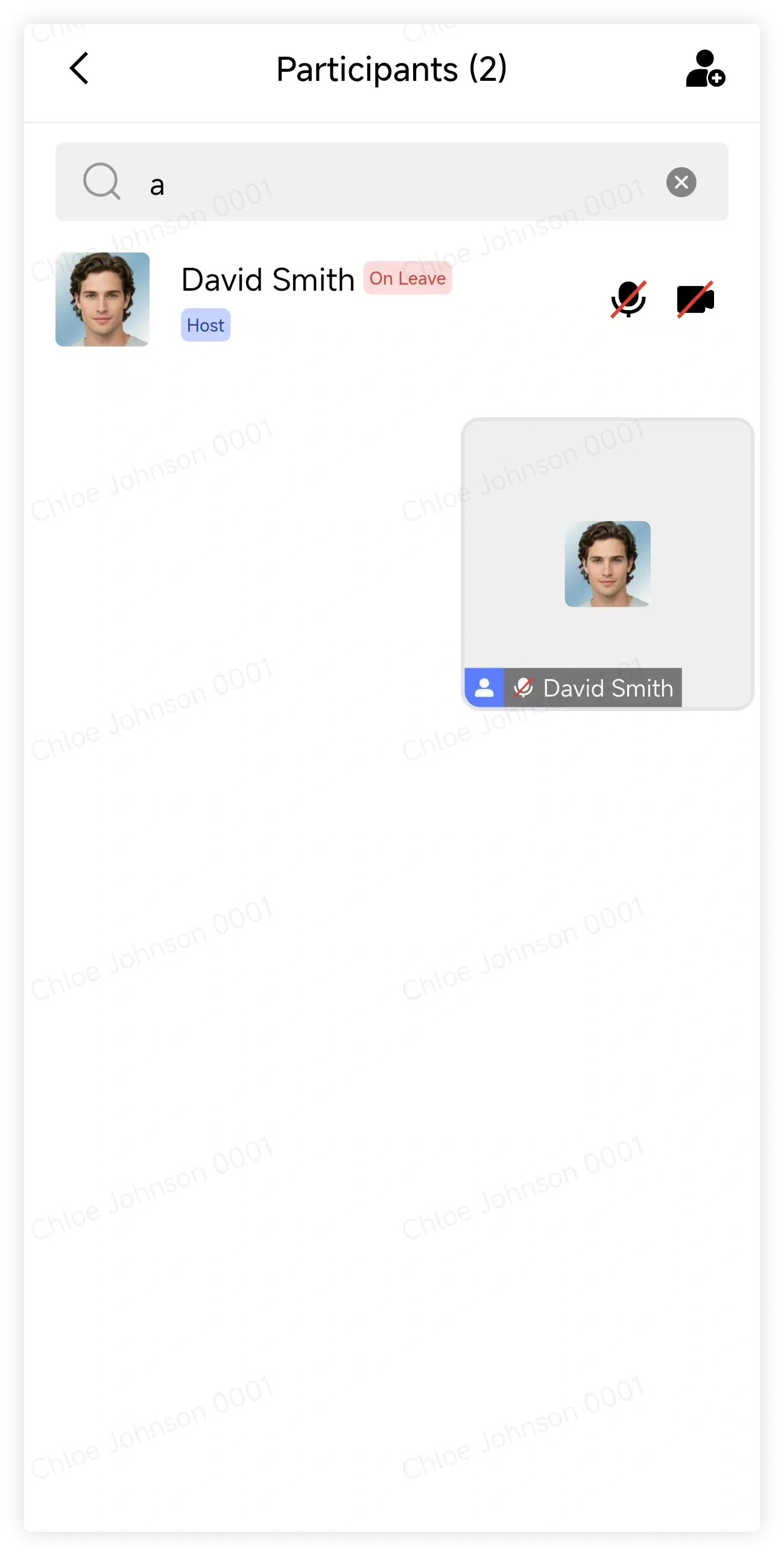
Use the search box to find a participant by name or abbreviation.
5. Leave or end meeting
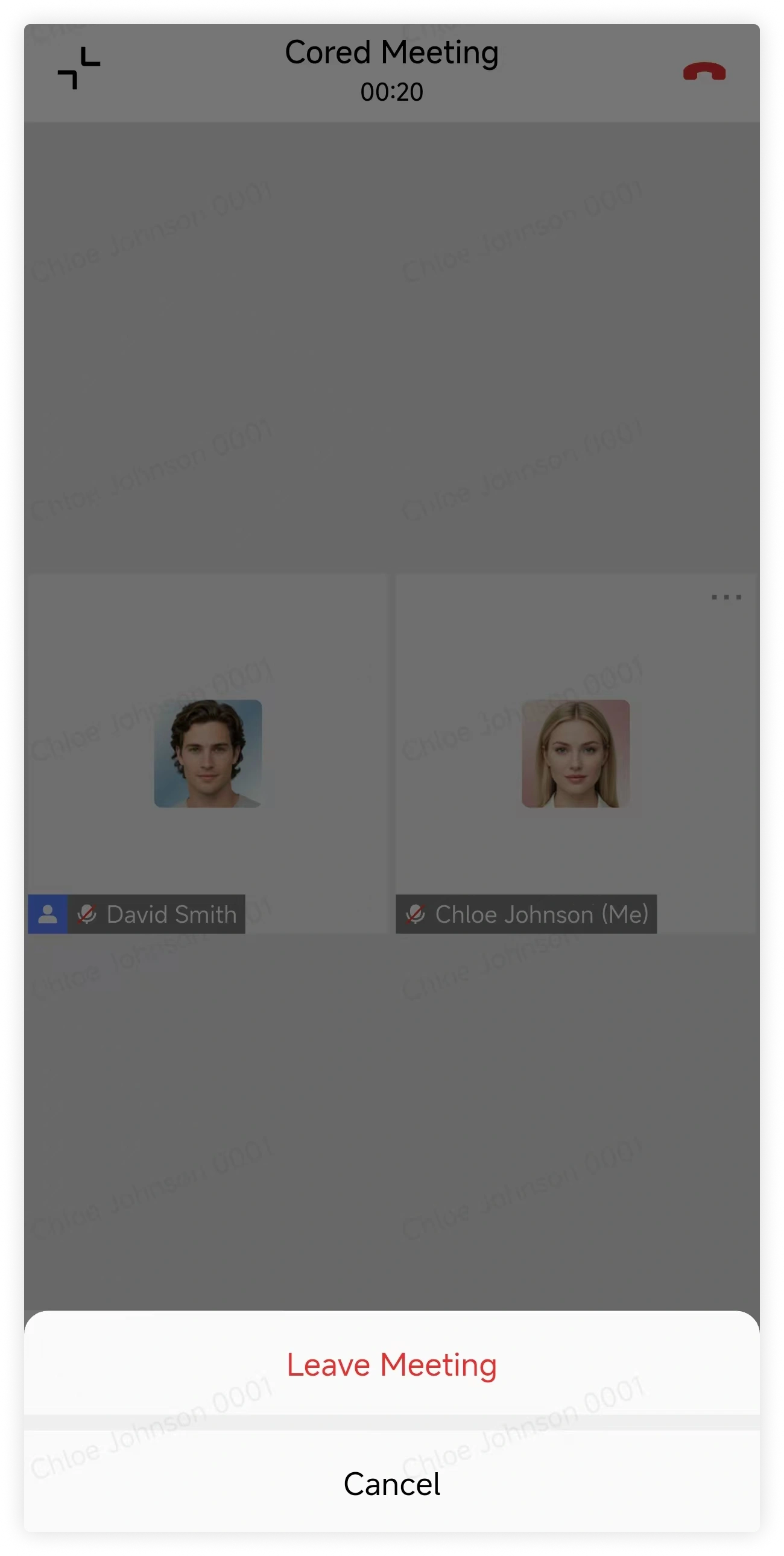
Tap Leave in the upper-right corner, then choose:
- Leave Meeting to leave without ending the meeting for others.
- End Meeting to end the meeting for every participant.