Fold a Chat
Overview
Fold a conversation to move it out of the main chat list and reduce its message notifications. New messages remain available in the folded-chat list.
Steps
Desktop
-
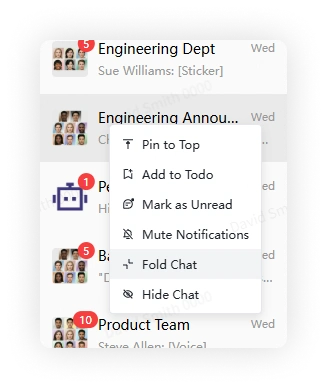
Right-click a conversation in the chat list and select Fold Chat.
-
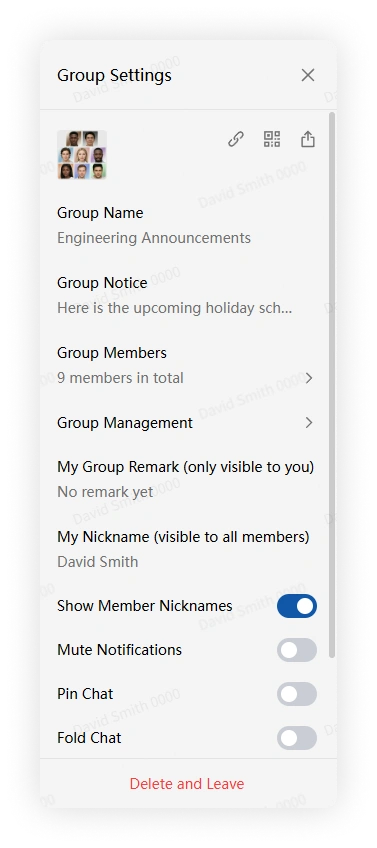
Alternatively, open the conversation, click More Group Info, and select Fold Chat.
Mobile
-
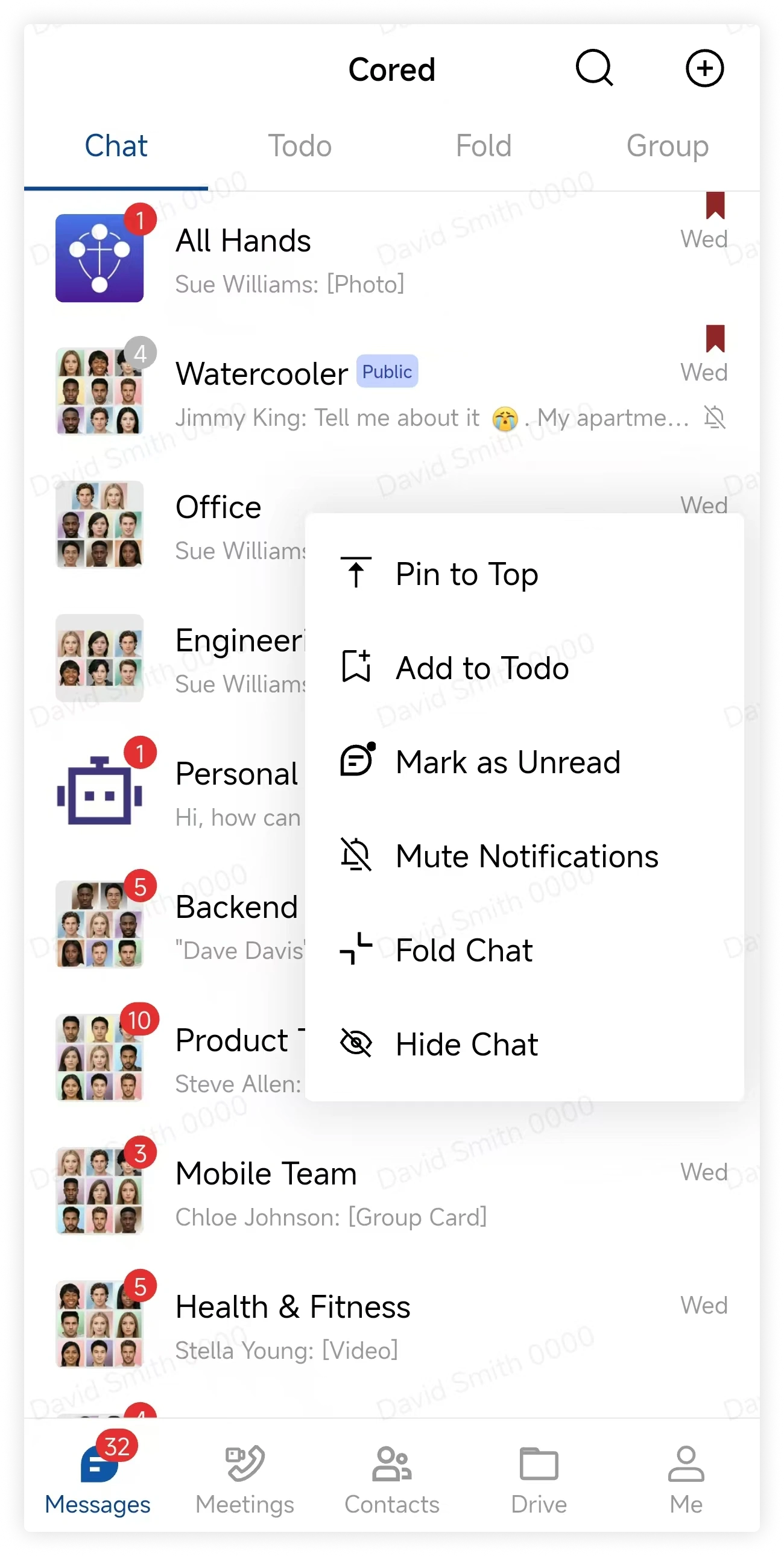
Long-press a conversation in the chat list and select Fold Chat.
-
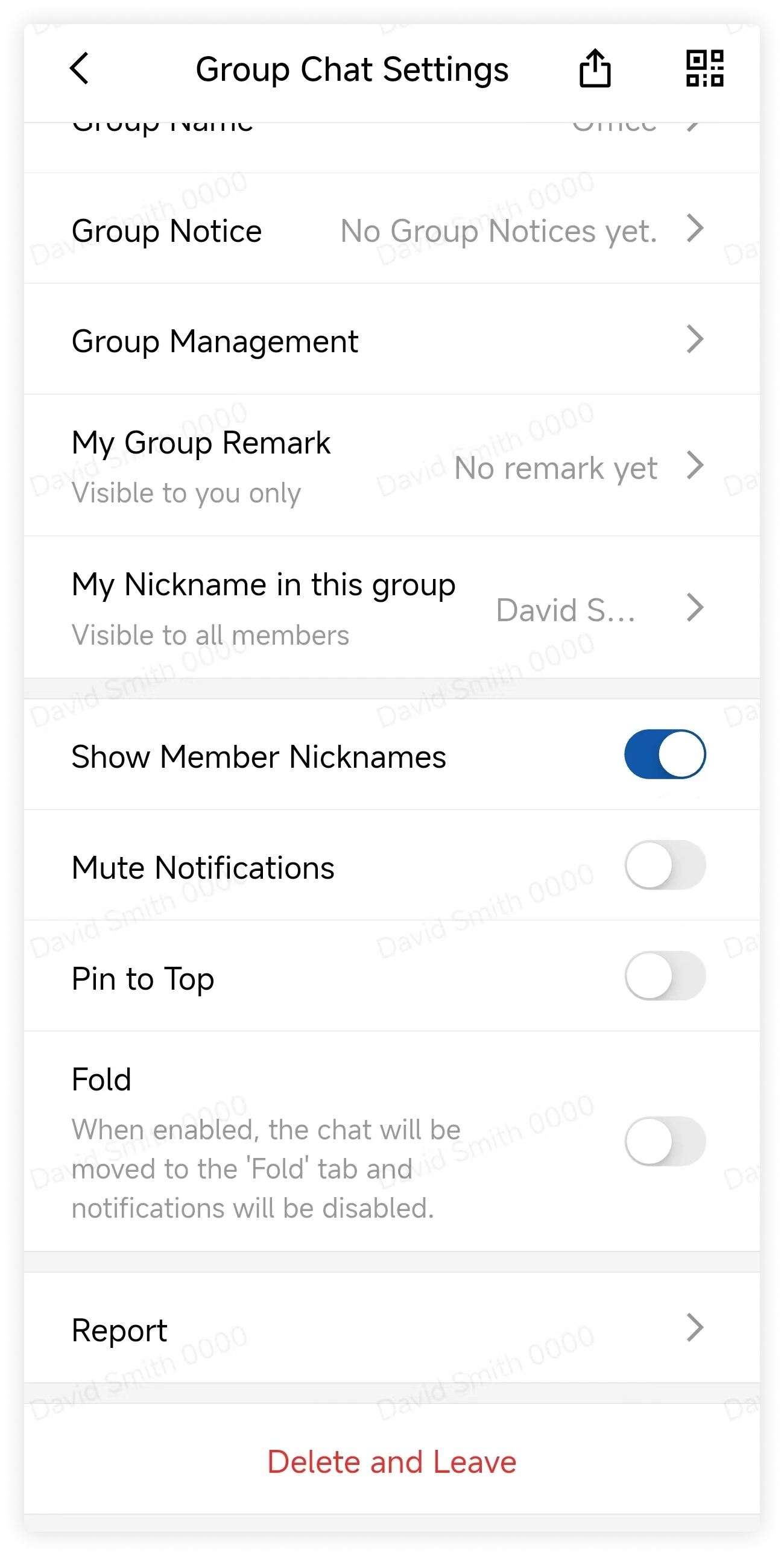
Alternatively, open the conversation, tap More Group Info, and select Fold.
View folded chats
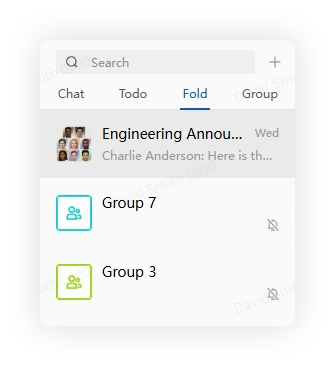
Select Fold above the chat list to view folded conversations.