Mark a Chat as To-do
Overview
Mark a conversation as To-do when it contains something you need to follow up on.
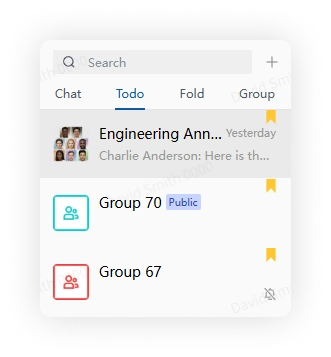
A yellow indicator appears on the conversation, which is also added to the To-do group.
Steps
Desktop
Right-click a conversation in the chat list and select Add to To-do.

Mobile
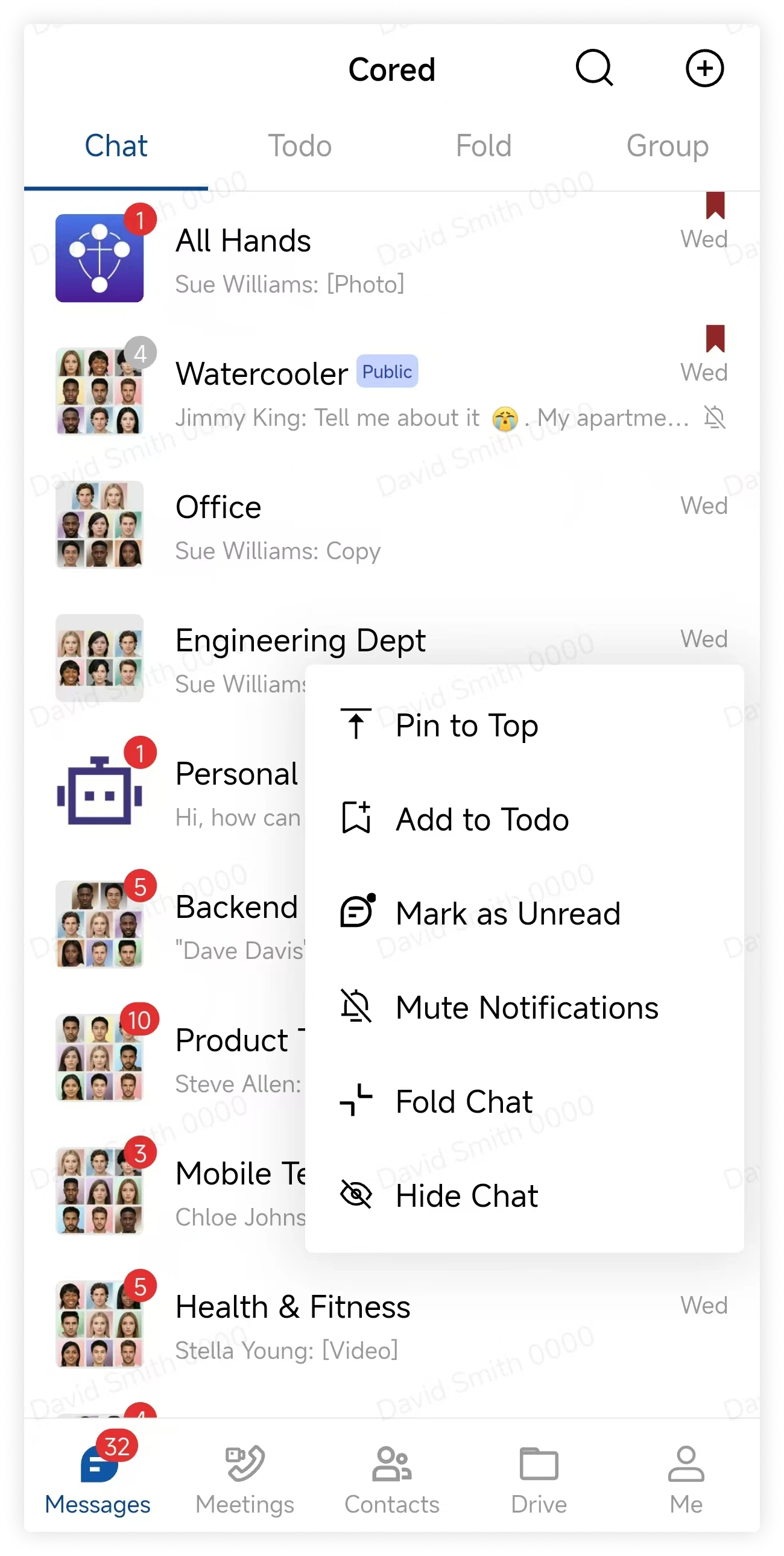
Long-press a conversation in the chat list and select Add to To-do.
View all To-do chats
Select To-do above the chat list to view every conversation marked for follow-up.