
Mark a Chat as Unread
Overview
Mark a conversation as unread when you want to return to it later.
This changes only your chat list. It does not change the read status already shown to the sender.
Steps
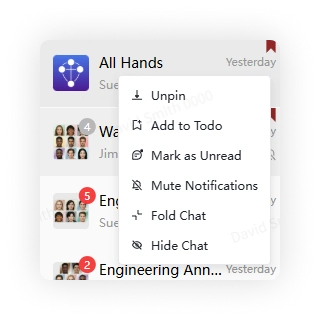
Desktop
Right-click a conversation in the chat list and select Mark as Unread.
Mobile
Long-press a conversation in the chat list and select Mark as Unread.
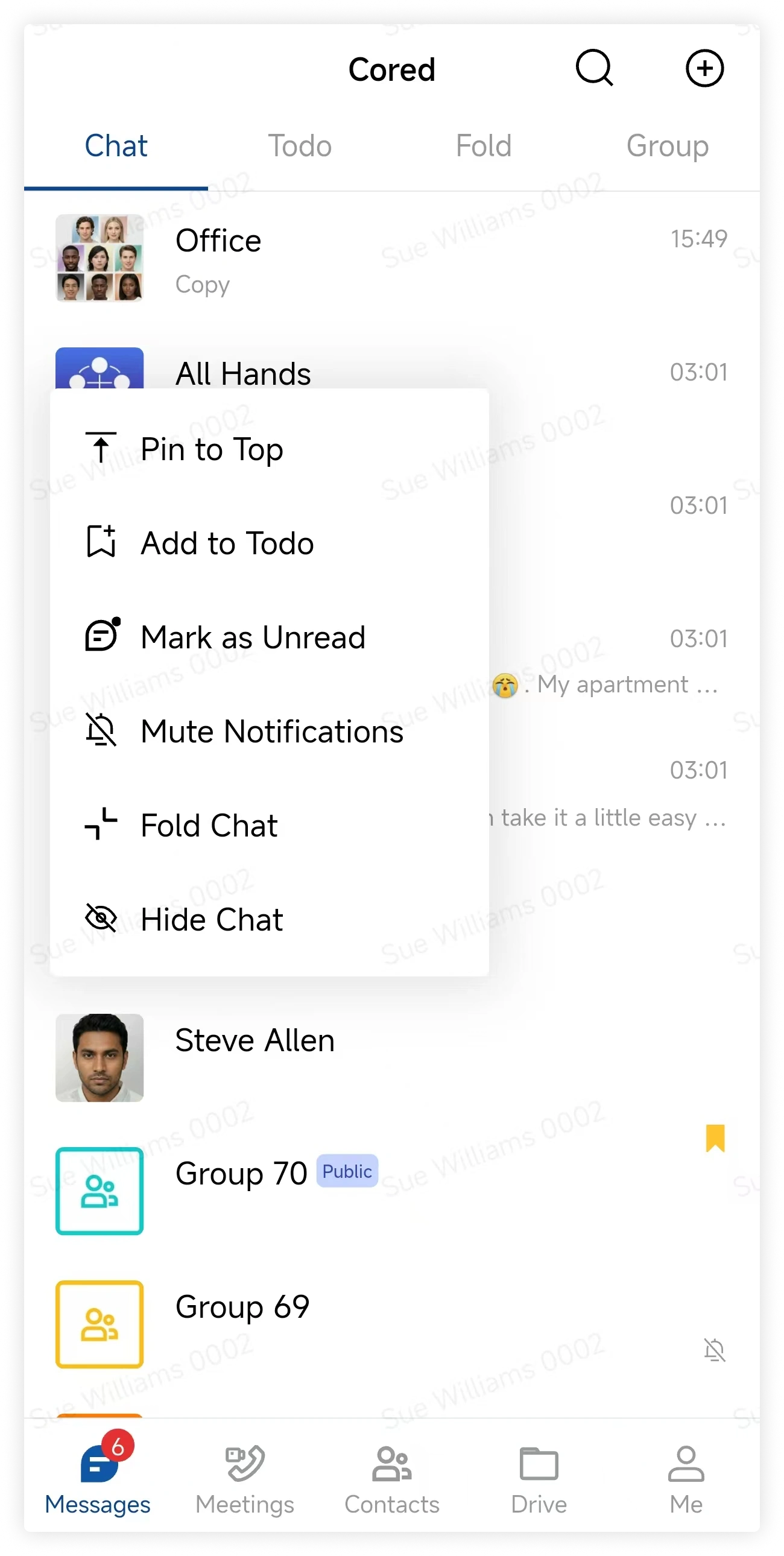
To clear the reminder, open the conversation or select Mark as Read from the same menu.
FAQ
When is a new message considered read?
A message is marked as read after you open the conversation and load it. A notification preview alone does not mark it as read.