
Desktop - Login Guide
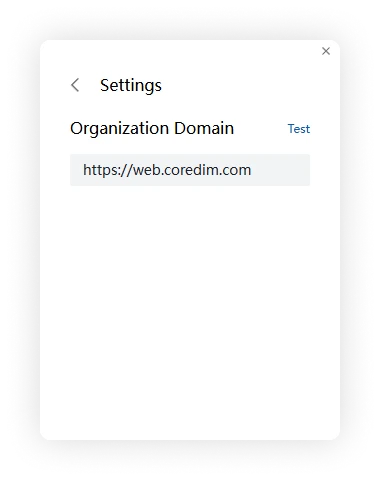
Before signing in, enter the Cored server address provided by your organization.
1. Set the server address
On the sign-in screen, click the settings button in the upper-right corner and enter your organization's server address.
2. Choose a login method
Cored supports three desktop login methods:
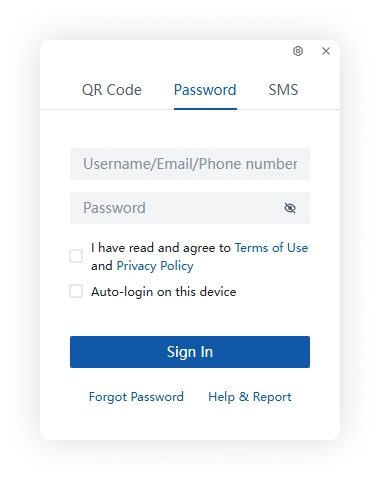
Account and password
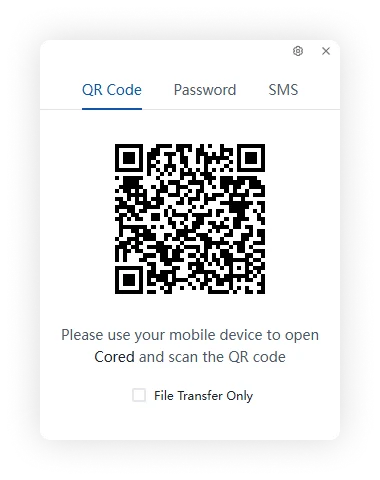
QR code
Use a signed-in Cored mobile client to scan the code, then confirm the sign-in request on your phone.
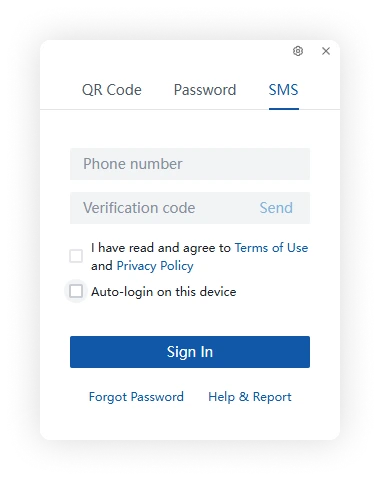
SMS verification code
Enter the phone number linked to your account, request an SMS verification code, and enter the code to sign in.
The available methods depend on your organization's sign-in policy.