Hide a Chat
Overview
Hide a conversation to remove it from the visible chat list without deleting its messages.
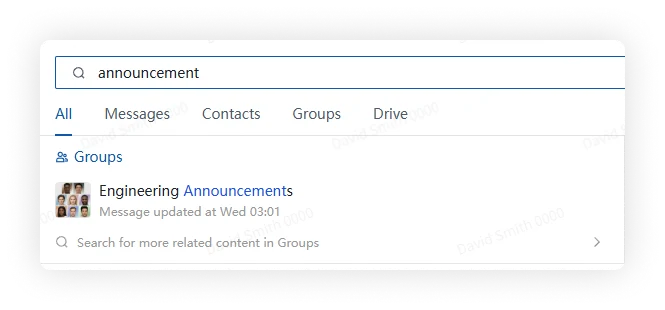
A hidden conversation becomes visible again when it receives a new message or when you open it from search.
Steps
Desktop
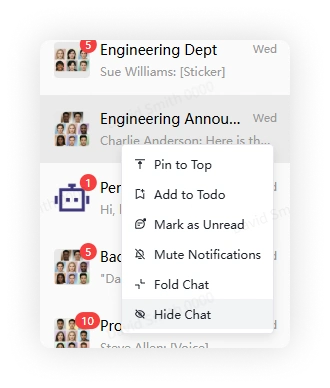
Right-click a conversation in the chat list and select Hide Chat.
Mobile
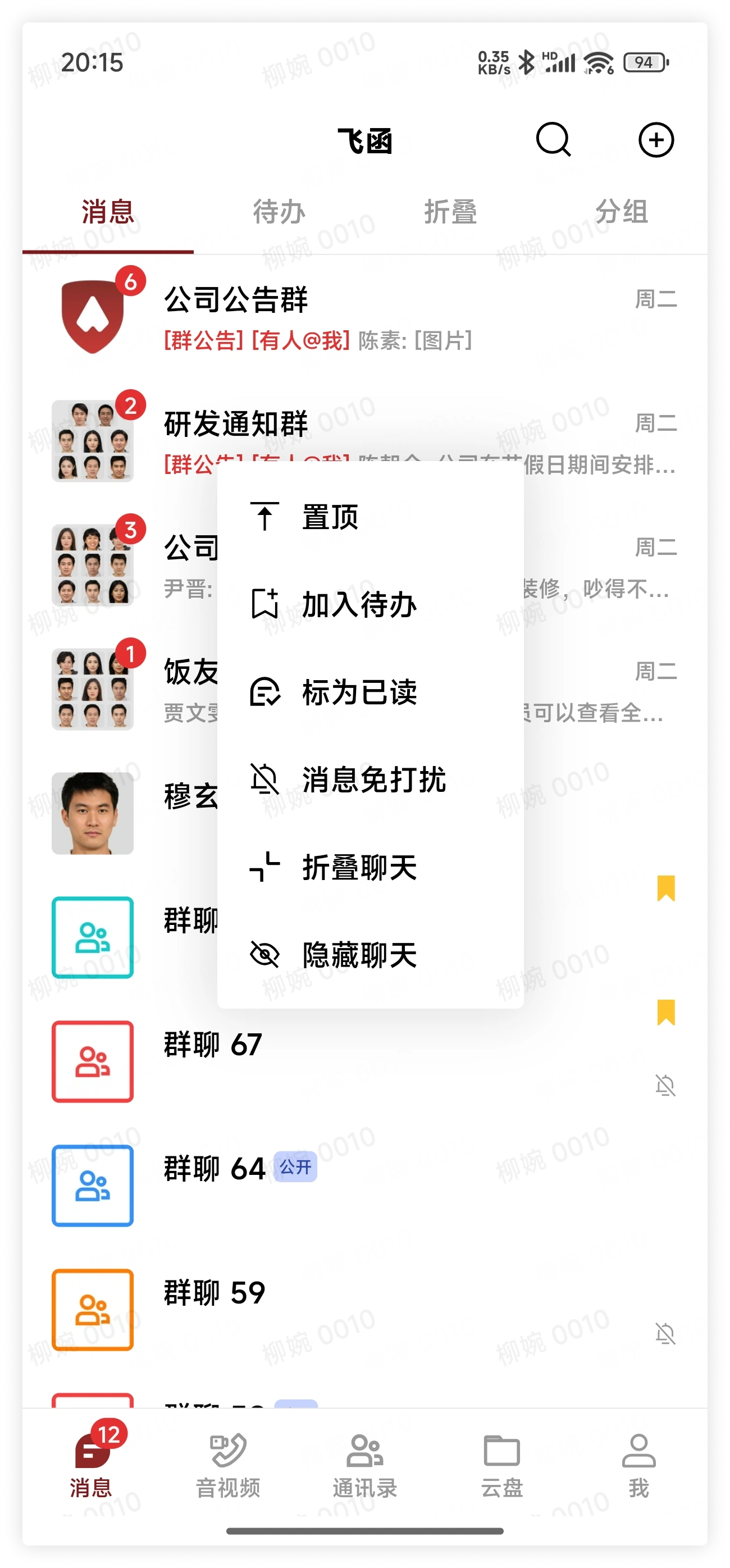
Long-press a conversation in the chat list and select Hide Chat.
Find hidden chats
Search by conversation name, member name, or message content, then open the matching result.