
Join a Group Chat
Overview
You can join a group in several ways:
- A group owner, administrator, or authorized member adds you.
- You open a shared group card or link, or scan a group QR code.
- You search for a public group in your organization.
If the group requires approval, you can join after a group owner or administrator approves the request.
Ways to join
Get added directly
A group owner, administrator, or member with permission can add you directly. You do not need to accept an invitation.
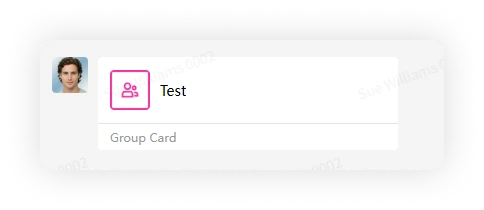
Join by group card
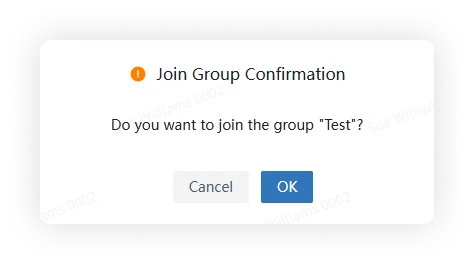
Open the shared group card and confirm that you want to join.
Join by group link
Open the shared group link and confirm that you want to join.

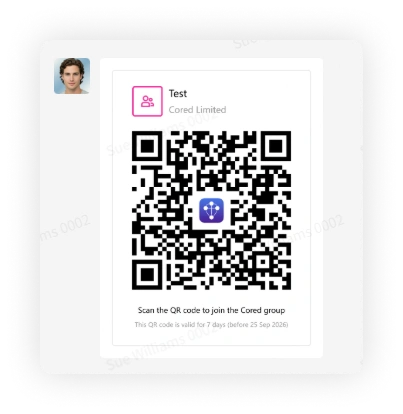
Join by group QR code
In the Cored mobile client, tap the plus button, select Scan, and scan the group QR code.
FAQ
Why can't I join with a shared card/link/QR code?
Possible reasons:
- The link or QR code has expired. Ask the sender for a new one.
- The group card is no longer valid because the sender left the group or no longer has permission to invite members.
- The group requires approval and your request is still pending or was rejected.