
Mark Messages as Important
Overview
Mark a message as important so everyone in the conversation can find it later.
Steps
Desktop
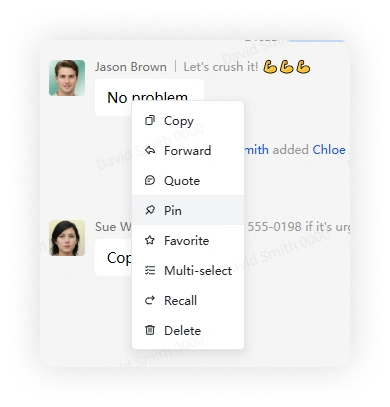
Right-click a message and select Mark as Important.
Mobile
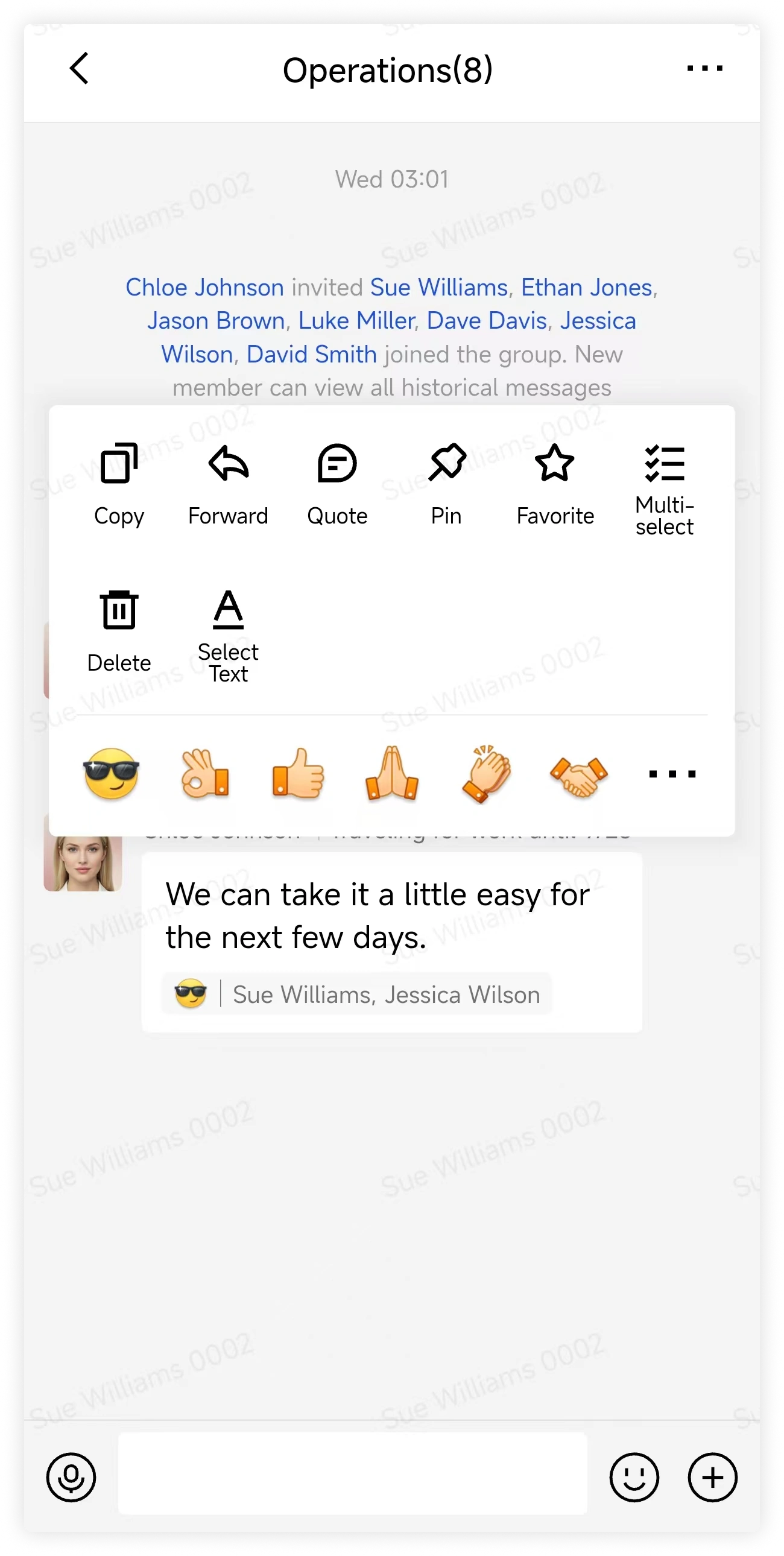
Long-press a message and select Mark as Important.
View all important messages in a chat
Desktop
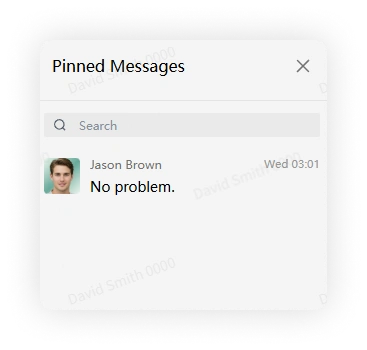
Click View Important Info in the upper-right corner of the conversation.
Mobile
Tap More Group Info > View Important Messages.

FAQ
Why can't I mark important messages in this group?
The group may allow only its owner and administrators to mark messages as important.
Why was an important mark removed?
Another authorized member may have removed the important mark.