
Leave a Group Chat
Overview
After you leave a group, it is removed from your chat list and you no longer receive its messages.
Steps
Desktop
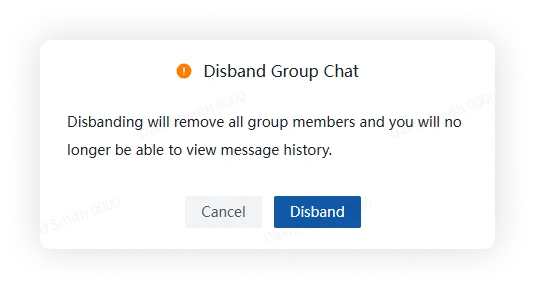
Open More Group Info, click Delete and Leave, and confirm.
Mobile
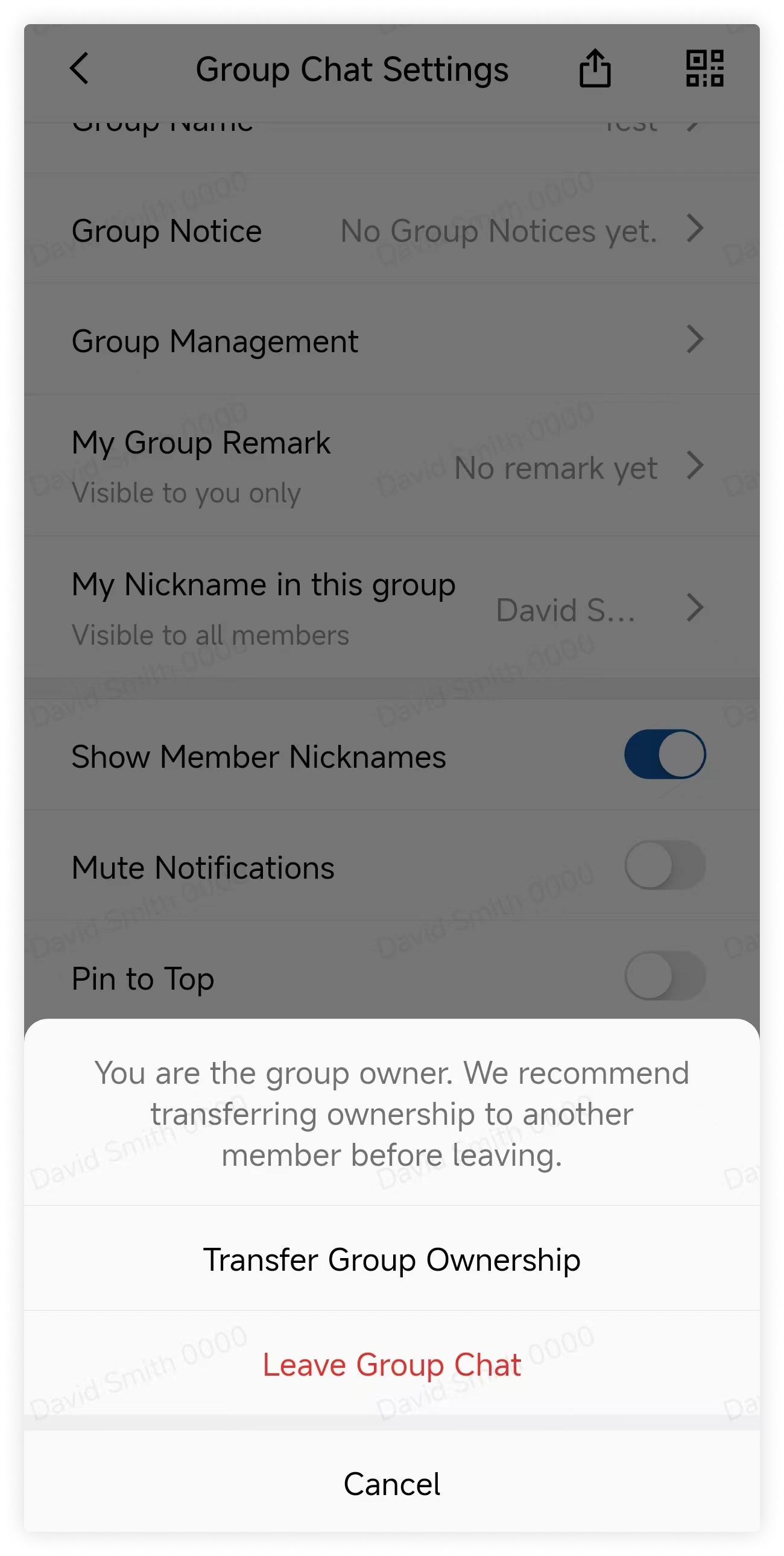
Open More Group Info, tap Delete and Leave, and confirm.
FAQ
If the owner leaves, is the group dissolved?
Not always. If other members remain, ownership transfers according to the group's succession rules. If no other members remain, leaving may dissolve the group.
How do I remove members?
Only group owners and administrators can remove members. Open More Group Info > Group Members, select Remove, choose the members, and confirm.