
Set Group Messaging Permissions
Overview
Group owners and administrators can control who may send messages and can mute individual members.
Steps
Desktop
-
Open More Group Info > Group Management > Member Operation Permissions > Mute Settings.
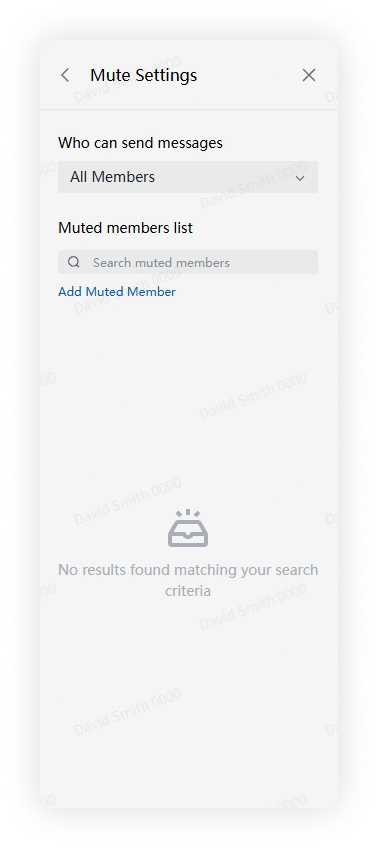
-
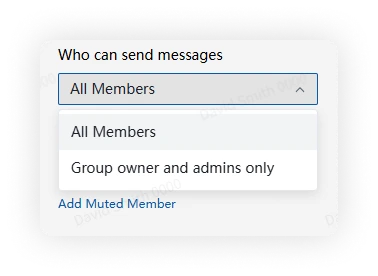
Under Who can send messages, choose:
- All members
- Owner and admins only
Mobile
-
Open More Group Info > Group Management > Member Operation Permissions > Mute Settings.
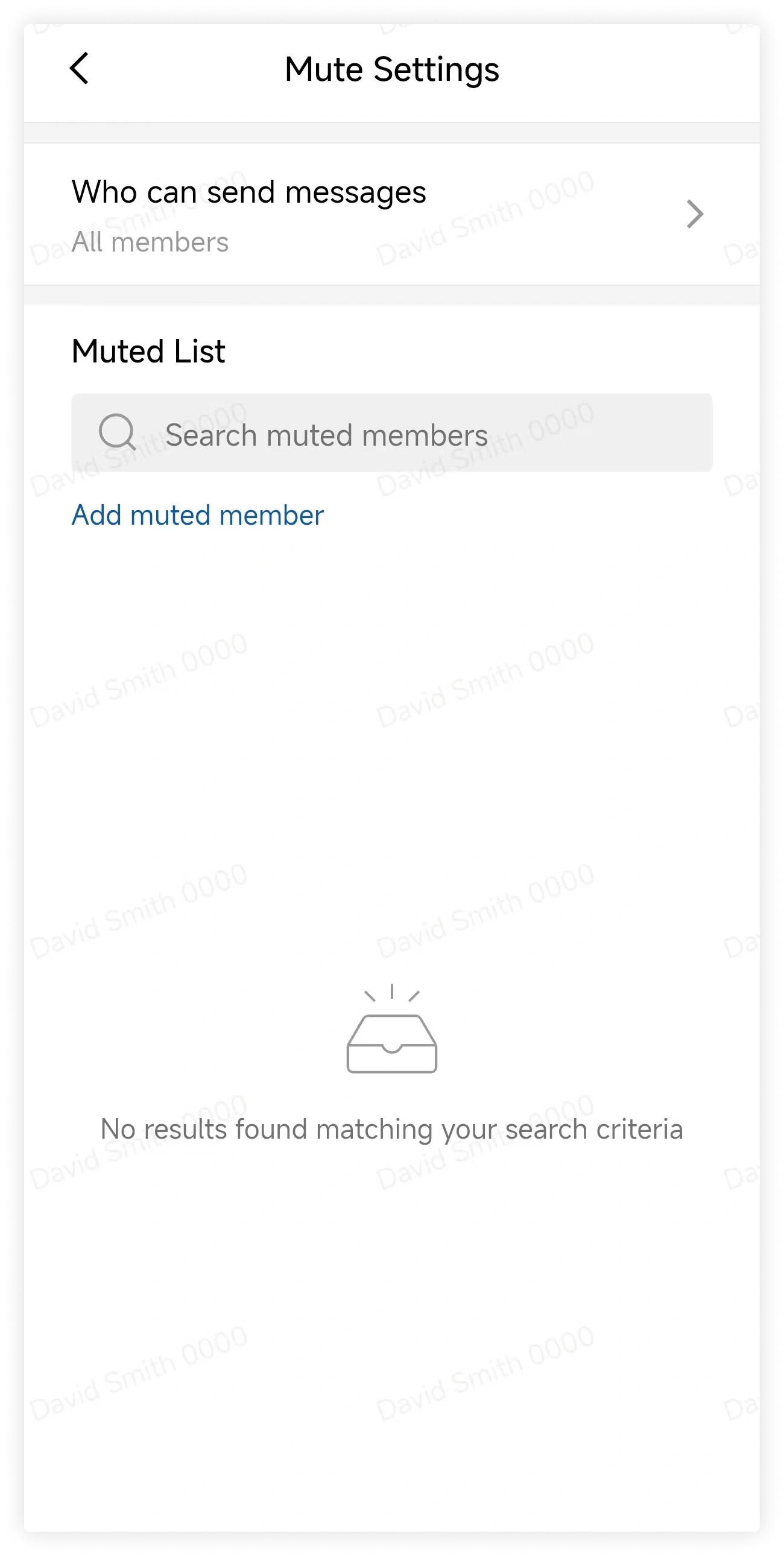
-
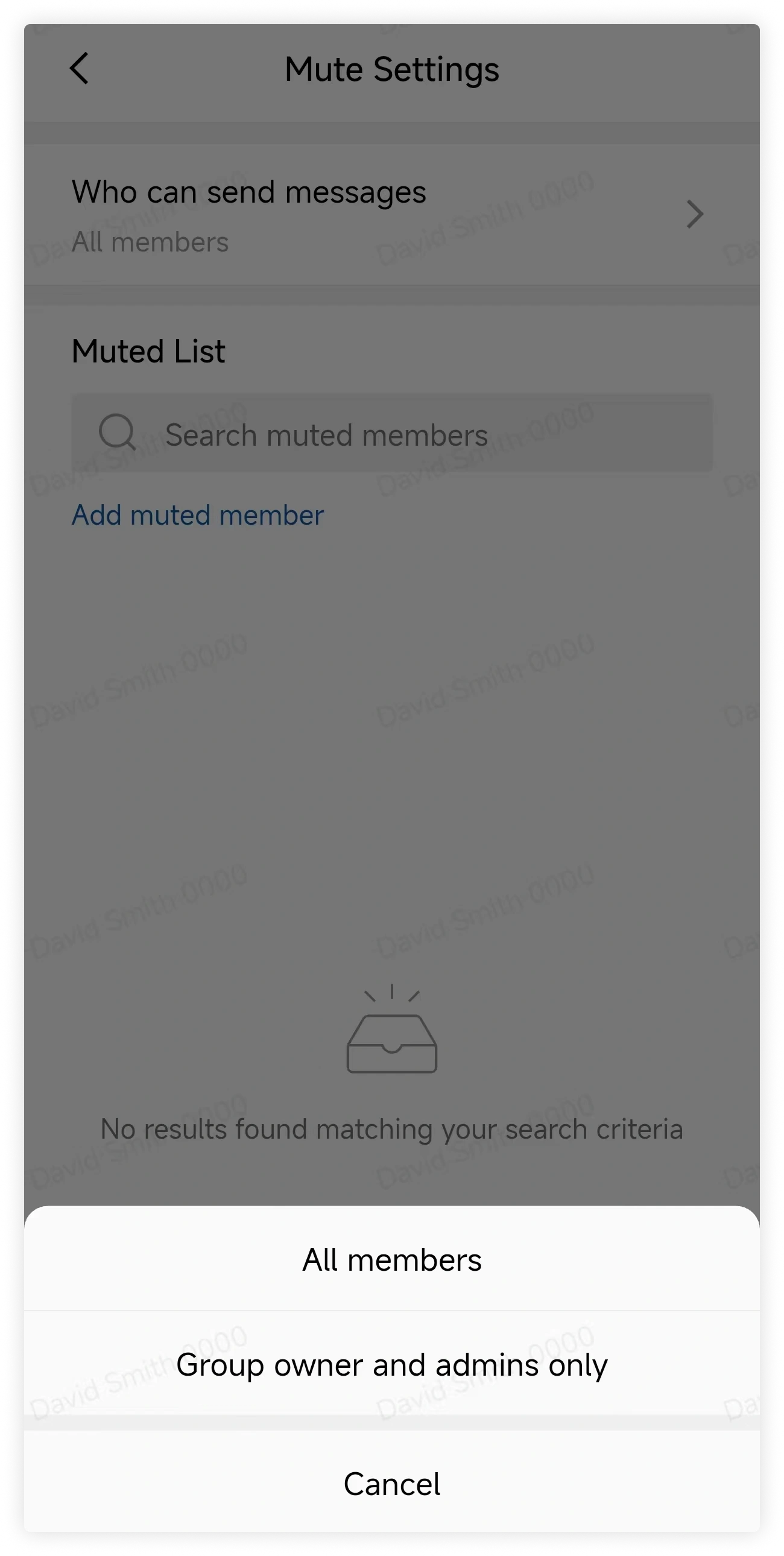
Under Who can send messages, choose:
- All members
- Owner and admins only
FAQ
Can I mute one user instead of limiting the whole group?
Yes. In Mute Settings, add individual members to the mute list.